
What It Does
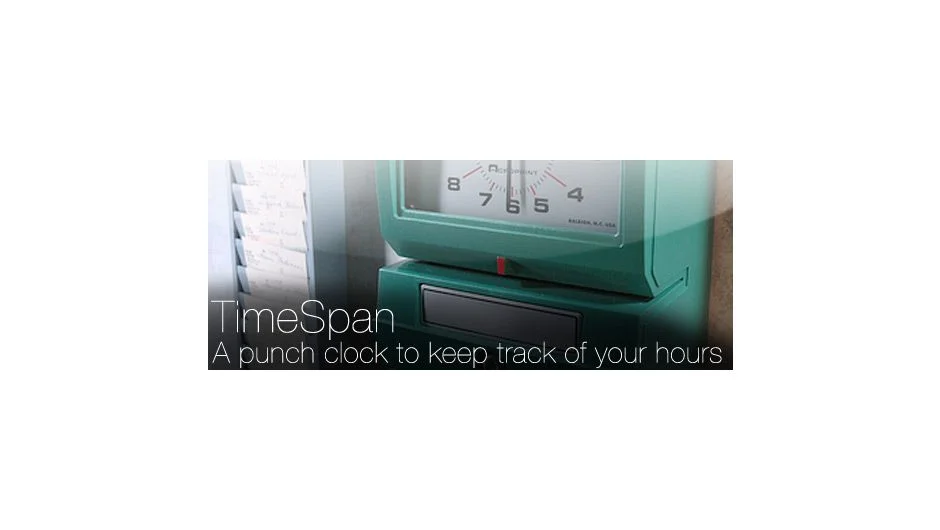
TimeSpan works like a punch clock inside After Effects. Clock in when you start working on a project, clock out when you’re done, and it logs your hours automatically. Built by freelancer David Torno to track his own billable time, it exports a tab-delimited text file with all your time entries, pay rates, and totals.
Key Features
Client and project logging. Track time by client name or project name. Useful when juggling multiple clients or internal projects that need separate billing.
Pay rate calculation. Enter your hourly rate and TimeSpan calculates total pay for each logged session. The exported file includes clock-in time, clock-out time, total hours, hourly rate, and total pay.
Multiple entries per document. Log as many sessions as you need in a single file. Good for tracking a full day or week of work across different projects.
Reset button. Clears an accidental start time without losing your existing log.
Text file export. Outputs a tab-delimited .txt file to any folder you choose. Easy to open in Excel or Google Sheets for invoicing.
Who It’s For
Freelancers billing by the hour. Small studios that need simple time tracking without dedicated software. Anyone who forgets to start a timer and wants it right inside After Effects.
The author notes that computers can crash, so use this alongside your usual time tracking method, not as your only record.
Pricing
TimeSpan uses a pay-what-you-want model. Choose your own price based on what it’s worth to you.
Note: This product has been discontinued and is no longer available for purchase. It worked with After Effects CS3 through CS6.