
What It Does
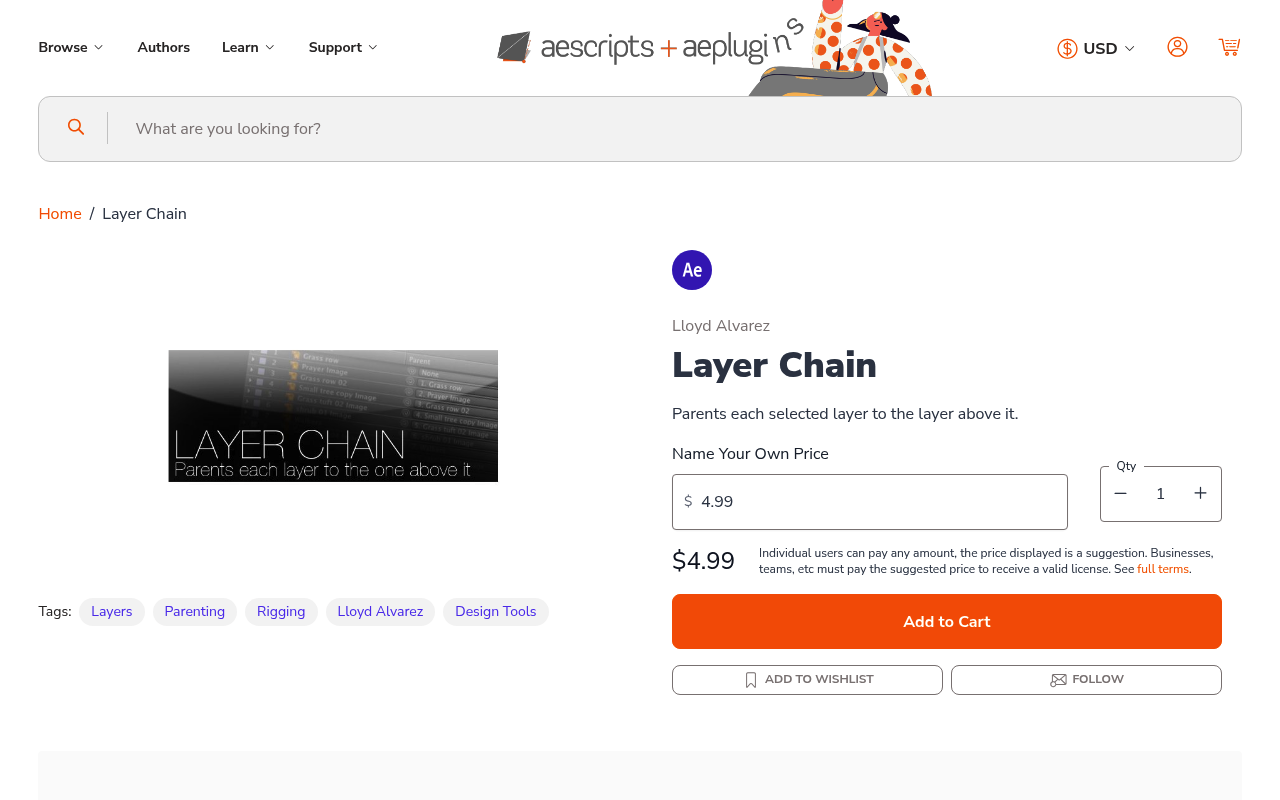
Layer Chain automates sequential layer parenting in After Effects. Select multiple layers, run the script, and it parents each one to the layer above or below it in the timeline stack. What would normally mean alt-clicking through the pickwhip on every layer takes one click instead.
The script also handles layer timing, letting you align in and out points to markers on a designated control layer.
Key Features
Sequential parenting. Choose whether the parent-child chain flows upward or downward through your selected layers. Works with any number of layers and any layer type.
Marker-based timing. Place markers on a control layer, select your target layers, and the script snaps their in/out points to those marker positions. Useful for staggered animations or sequences that need to hit specific moments.
Who It’s For
Motion designers rigging characters, building mechanical animations, or assembling complex layer hierarchies will save the most time here. Parenting a chain of 10 layers by hand takes several minutes; this does it immediately.
The marker timing feature is useful for lower thirds packages, logo builds, or any template where multiple layers need to align to audio hits or editorial timing cues.
Pricing
Pay-what-you-want, suggested minimum $4.99. One-time purchase, no subscription.
