
What It Does
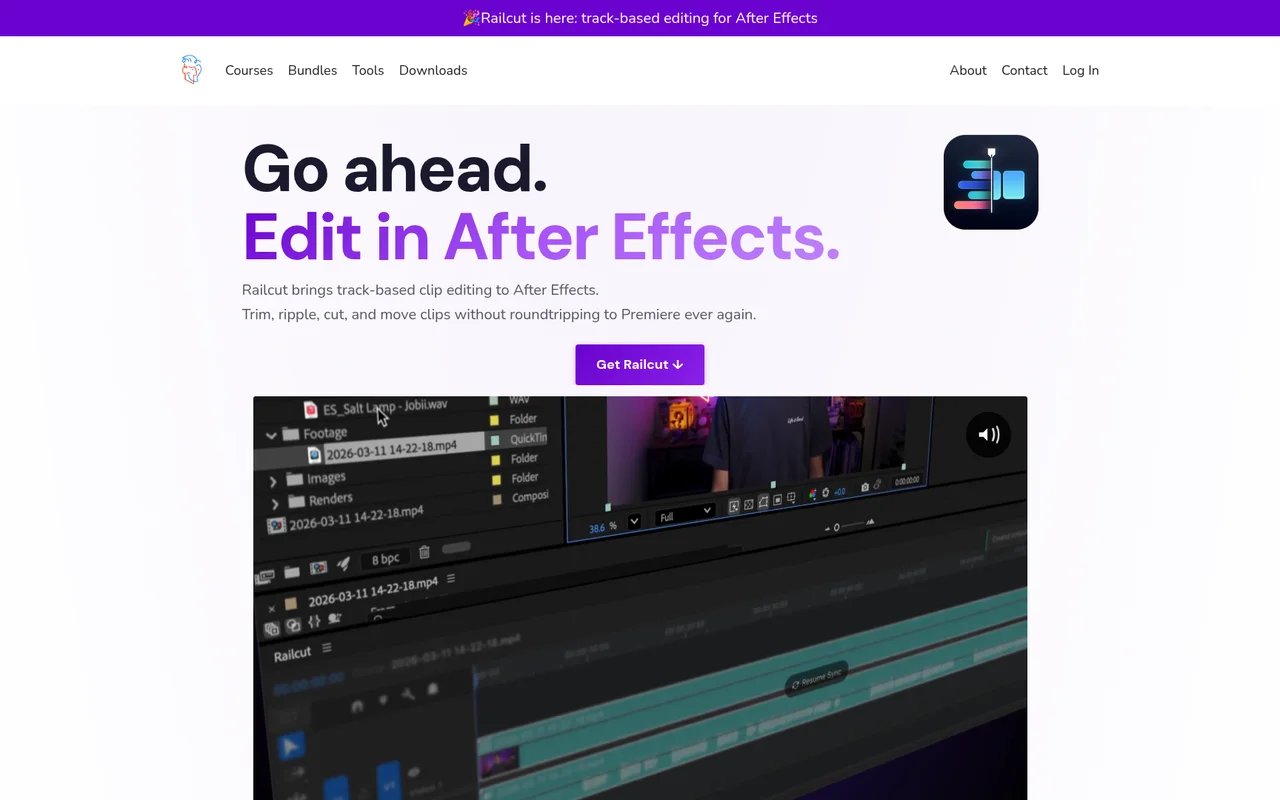
Railcut brings a track-based editing timeline into After Effects, so you can trim, ripple cut, slip, slide, and rate stretch clips without opening Premiere. It reads your AE composition and presents it as a familiar multi-track layout, with video tracks above and audio tracks below. Any edits you make update the actual AE layers in real time.
It exists for a specific situation: you need to do editorial work on footage layers inside a comp before you animate or composite. Instead of wrestling with AE’s native layer bar view, you get the tool palette you already know from an NLE.
Key Features
Full editing tool palette. Select, Blade, Ripple Edit, Rolling Edit, Slip, Slide, Rate Stretch, Track Select, Pen, Zoom, and Pan are all available. These match what you’d find in Premiere or DaVinci Resolve.
Clip thumbnails and audio waveforms. Every clip shows a first-frame preview and an audio waveform automatically. Useful for cutting to music or identifying footage at a glance without scrubbing through the timeline.
Drag from Project Panel. Drop footage directly from AE’s Project Panel onto the Railcut timeline. Layers are created in your comp immediately.
Keyboard shortcut presets. Built-in presets map to Premiere, DaVinci Resolve, Final Cut, and After Effects conventions. All shortcuts are fully customizable.
Live layer sync. Selecting a layer in AE highlights it in Railcut and vice versa. The two stay in step as you work.
Snapping. Clips, playhead, and markers snap to edit points. Toggle with Shift+S.
Who It’s For
Motion designers who regularly edit footage, animatics, or video layers inside After Effects before adding animation or compositing work. Also useful for anyone who bounces between Premiere and AE just to make simple cuts, and would rather stay in one application.
A few limitations to know before buying: J/L cuts are not supported because AE links audio and video on the same layer. Audio scrubbing is not available through AE’s scripting API. The playhead position during playback is an estimate, not frame-accurate. And Railcut is not a standalone editor, so AE is always the source of truth. If you modify layers directly in AE, Railcut re-reads the comp and may not preserve your track layout exactly.
Requires After Effects CC 2021 or later on Mac or Windows.
Pricing
Railcut is a one-time purchase at $48. The license covers two machines and includes free updates. A 7-day refund policy applies if it does not fit your workflow.
