
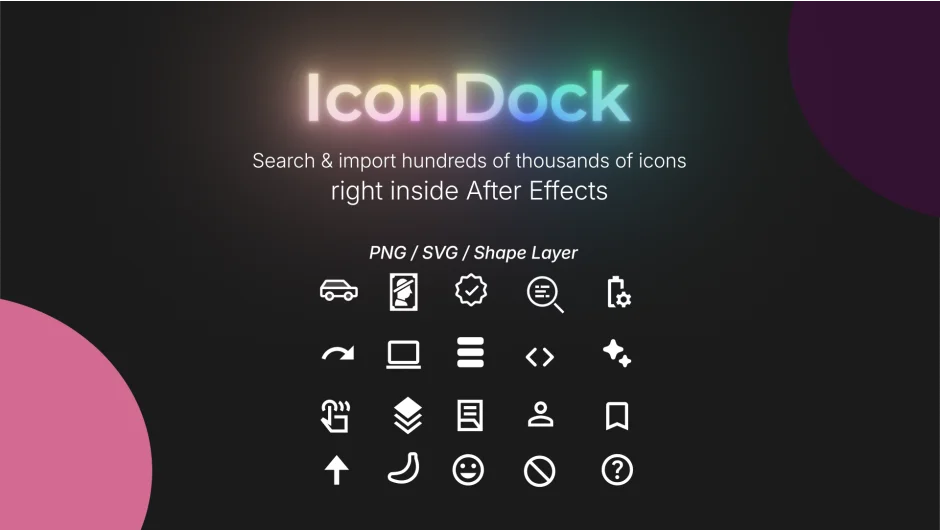
What It Does
IconDock is a panel for After Effects that puts a searchable icon library directly inside the application. Instead of hunting for icons in a browser, downloading files, and importing them manually, you search from within After Effects and drop icons into your project in seconds.
It supports three import formats: PNG, SVG, and Shape Layer. The Shape Layer option is particularly useful for motion graphics work, since it gives you fully editable vector paths you can animate or style without relying on external files.
Key Features
Large icon library. Search hundreds of thousands of icons without leaving After Effects.
Flexible import formats. Choose between PNG for quick static use, SVG for vector quality, or Shape Layer for fully editable, animation-ready geometry.
Color customization before import. Set the icon color before it lands in your comp, skipping the step of adjusting fill effects or solid colors after the fact.
Lightweight panel. The script is built to stay out of the way, with no heavy background processes.
Who It’s For
Anyone who regularly reaches for icons in their work will find this useful. That includes motion designers building explainer videos or infographics, UI animators prototyping app flows, and social media content creators who need quick visual shorthand. The Shape Layer import makes it especially practical for animators who want to drive path or fill properties with expressions or keyframes.
Pricing
IconDock is pay-what-you-want, distributed through aescripts + aeplugins. You set the price at checkout. Compatible with After Effects 2020 through 2026.