
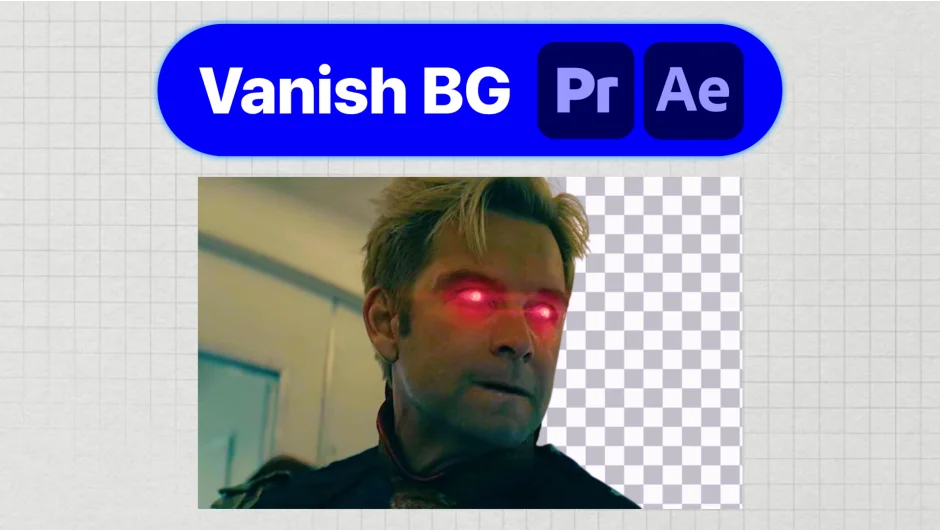
What It Does
Vanish BG removes backgrounds from image clips without leaving your editor. Right-click an image on your After Effects or Premiere Pro timeline, and the background is gone. No round-trip to Photoshop, no browser upload, no quality loss from downsampling.
The AI processing runs locally on your machine, so client footage never touches a third-party server. Useful for title cards, product shots, lower-third graphics, or any situation where you need a cut-out image mid-edit.
Key Features
Replace in place. Swaps the original timeline clip with the cut-out version automatically, so your edit stays intact.
Export to bin. Drops the processed image into your project panel for reuse across sequences, rather than replacing the source clip.
Batch processing. Handle multiple image clips at once instead of going one by one.
Lossless output. Keeps the original file resolution. No surprise downsampling compared to web-based alternatives.
Local processing. No uploads, no account credits, no quotas. Works offline after initial license activation.
Supports .jpg, .jpeg, .png, and .webp formats. Compatible with After Effects and Premiere Pro CC 2022 and newer on Mac and Windows.
Who It’s For
Editors who regularly drop product images, headshots, or graphics onto a timeline and need the background removed without breaking their editing rhythm. It replaces the Photoshop detour for cut-out work and avoids the per-image cost of services like remove.bg.
Pricing
Vanish BG is a one-time purchase of $39 with no subscription and no per-image fees. Unlimited cut-outs after purchase. Includes a 30-day money-back guarantee.