
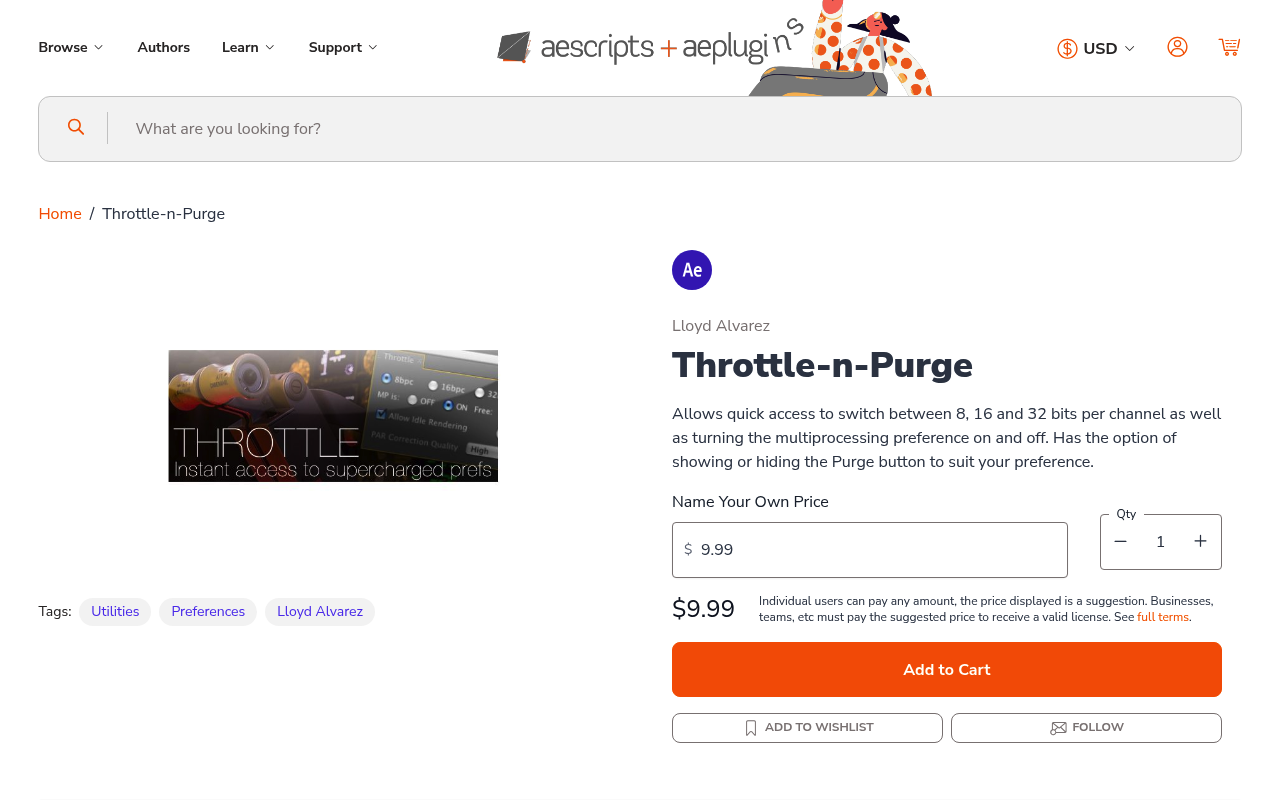
What It Does
Throttle-n-Purge puts After Effects performance controls into a single dockable panel. Instead of navigating through nested preference menus, you can adjust multiprocessing settings, purge image caches, and toggle project bit-depth from one interface.
Key Features
Multiprocessing throttle. Reserve CPU cores for other applications while After Effects renders. Useful when running multiple Adobe apps or processor-heavy tasks simultaneously.
Cache purging. Clear image caches without opening the preferences window. Helpful when working with large comps that fill RAM quickly.
Project bit-depth switching. Toggle between 8-bit, 16-bit, and 32-bit color depth directly from the panel. Saves time when testing different color workflows.
Idle rendering control. Enable or disable background rendering when After Effects isn’t actively being used.
Pixel aspect correction toggle. Access a hidden preference that adjusts preview quality for non-square pixels. Requires an After Effects restart to take effect.
Customizable interface. Option to show or hide the purge button based on your workflow needs.
Who It’s For
Motion designers working with resource-intensive projects who need frequent access to performance settings. Particularly useful for editors switching between multiple Adobe applications or managing RAM on systems with limited resources.
Pricing
Pay-what-you-want model with a suggested minimum of $9.99. You choose the price that fits your budget. Compatible with After Effects CS6 through CC 2022.