
What It Does
qp Grade Assistant 2 brings professional color grading tools to After Effects. Applied as an adjustment layer, it provides real-time monitoring of RGB, Luma, Alpha, and YCbCr channels. The plugin automatically switches to Guide Layer mode when applied to an adjustment layer, preventing accidental rendering while giving you the same scopes you’d find in dedicated grading software.
Key Features
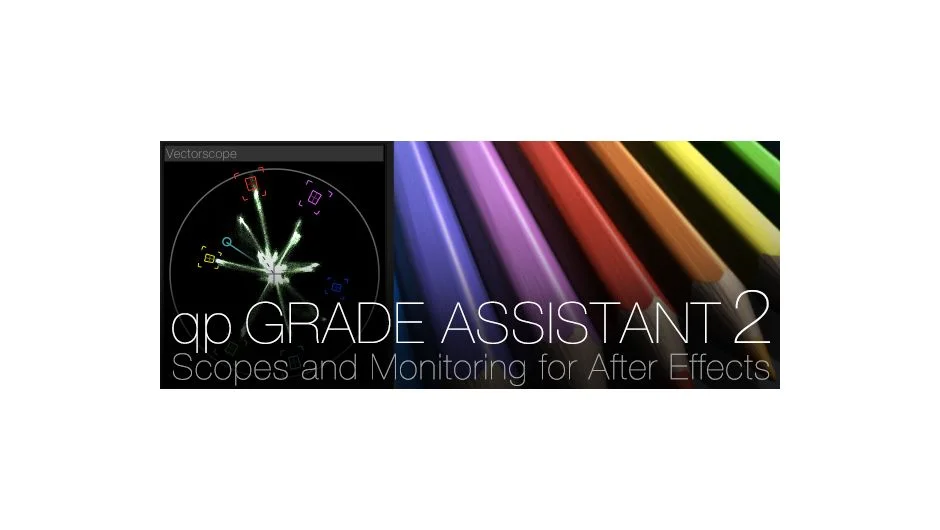
Five scope types. The plugin includes Waveform Monitor (Luma and RGB views), Vectorscope with Alexis Van Hurkman’s Hue Vectors graticule, Channel Parade (RGB and YCbCr), Slice Waveform (Luma and RGB), and Histogram (Luma and RGB). Each scope can be toggled on or off, with unused controls hidden from the interface.
Flexible monitor layouts. Choose from full-screen single view, four-way split, four-way classic, windowed mode (resizable and movable), or scopes-only with monitor off. The default shows a four-way split with RGB channels below the primary monitor and Waveform, Vectorscope, and Channel Parade stacked on the left.
Customizable interface. Scopes can be resized and repositioned anywhere on screen by dragging directly in the comp viewer. You can arrange only the scopes you need for each project.
Three sampling levels. High (1:1), Medium (1:2), and Low (1:4) sampling options let you balance accuracy against performance based on your hardware.
Before/after comparison. Select an original source layer and use the Compare slider or drag the comparison handle directly in the comp viewer to see before and after states. The Compare Opacity slider lets you mix between the two views.
Gamma and Gain controls. These sliders let you “slam” your comp to check black and white levels, especially useful for finding holes in keyed mattes when checking alpha channels.
Who It’s For
Designed for colorists working in After Effects rather than dedicated grading software, and compositors who need to match CG elements to practical footage. The RGB channel views in four-way modes are particularly useful for color matching composited elements. The Slice Waveform helps check individual RGB and luma levels for specific rows of pixels.
In 32-bit float mode, the plugin displays a red exclamation mark when superbright values exist, with a Max Waveform Scale slider to reveal values above 100%.
Pricing
The plugin uses pay-what-you-want pricing. The standard suggested price is $99, with an upgrade from version 1 available at $79 (requires logging into your original purchase account). This is a one-time purchase with no subscription. A trial version is available.