
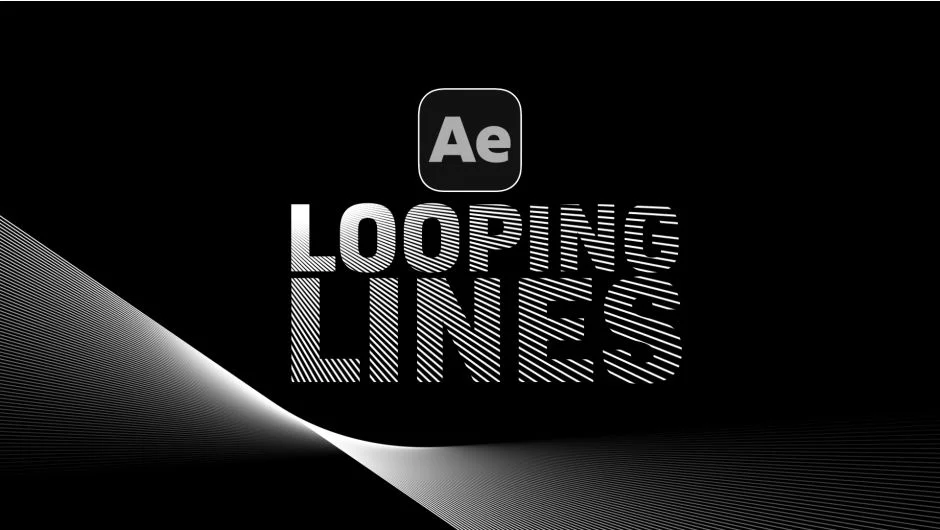
What It Does
Looping Lines is a script for After Effects that generates procedural line animations that loop perfectly. Apply it to any comp, adjust a handful of sliders, and you get a ready-to-render looping animation built entirely from shape layers and expressions. No manual keyframing involved.
The output is a standard shape layer with expression controls, so the file is fully portable. Anyone can open the project without needing the script installed.
Key Features
Five presets. A solid starting point if you want to jump straight into tweaking rather than building from scratch.
Loop Length control. Set the loop duration independently from the comp length, shorter or longer as needed.
Line count and spacing. Adjust how many lines appear and the distance between them.
Stroke Width. Control line thickness directly from the panel.
Global Position and Rotation Offset. Reposition or rotate the entire animation as a unit.
Per-line opacity. Separate start and end opacity controls let you fade lines in or out across their length.
Lines Rotation. Each successive line copy can be rotated by a set number of degrees, creating radial or spiral arrangements.
Wiggle controls. Rotation Wiggle Amount and Position Wiggle Amount add organic randomness to the movement without manual expression writing.
Random Seed. Changing the seed number generates a completely different animation pattern instantly, which makes iterating through variations fast.
Animation Speed. Scale the playback speed of the entire loop from one control.
All expression controls are editable, and the underlying shape layer path can be modified. The script also includes a downloadable bonus After Effects file demonstrating more advanced usage.
Who It’s For
Motion designers who regularly need looping background elements, lower-third accents, or abstract line animations will get the most out of this. It is particularly useful for social media content, broadcast graphics, and title sequences where you need quick variations on a consistent look.
Pricing
Looping Lines is available on a pay-what-you-want basis through aescripts.com. You set the price at checkout. A free trial download is also available to test it before purchasing.
