
What It Does
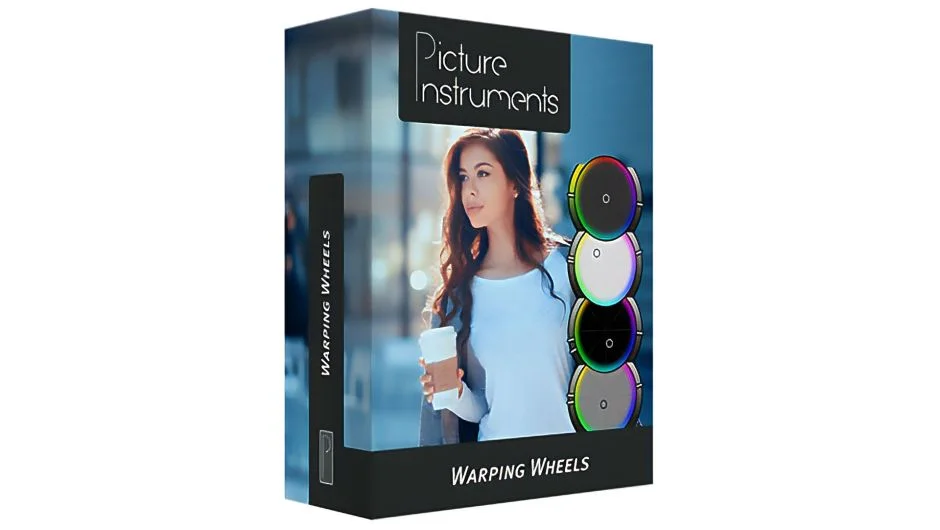
Warping Wheels 3 provides specialized color wheels designed around how editors actually work with footage. Instead of generic RGB controls, you get dedicated wheels for skin tones, sky blue, plant green, and film contrast. The skin tone wheel eliminates the need for complicated secondary masking. The sky and greenery wheels target the dominant colors in outdoor scenes. The film contrast wheel creates harmonious contrast adjustment, avoiding the harsh or dull results of standard contrast tools.
The Look Generator generates starting looks at the press of a button. Once you land on something close, the wheel controls let you refine it. Cross-host preset support means a look saved in After Effects works in Premiere Pro, Final Cut Pro, or Photoshop.
Key Features
Skin Tone Protection. The dedicated skin tone wheel lets you protect and adjust skin tones without masking via secondaries. Adjust tone, spectrum, and saturation independently, with separate brightness control.
Dedicated Sky and Greenery Wheels. Target sky blue and plant green independently. These colors dominate outdoor footage and often determine the mood of a scene. Direct control over them speeds up outdoor color work.
Film Contrast Wheel. Unlike standard contrast controls that make images harsh or dull, this wheel creates harmonious contrast reminiscent of analog film through modern high-end production looks.
Range Control. Fine-tune each wheel’s influence by tone and spectrum. Control saturation separately for different brightness ranges, giving precise control over where each adjustment applies.
Look Generator. Generate random starting looks instantly. Useful for finding a direction when you’re not sure where to start or want to explore options quickly.
Cross-Host Presets and LUT Export. Save presets that work across After Effects, Premiere Pro, Final Cut Pro, and Photoshop. Export your final look as a LUT for use in other applications or on set.
Color-Warp Technology. Picture Instruments’ proprietary algorithm bends colors harmoniously in the color space, reducing compression artifacts like blocking or banding. Particularly useful for highly compressed smartphone footage or drone video.
One-Button Controls. Undo/redo, before/after comparison, and one-button reset. Close without applying changes if needed.
Who It’s For
Useful for editors and colorists working with footage containing prominent skin tones, outdoor scenes, or heavily compressed source material. The specialized wheels target common grading tasks directly rather than forcing you to build them from scratch with generic controls. Works directly inside your editing app, no round-tripping required.
Pricing
Priced at $99 per platform (After Effects/Premiere Pro, Final Cut Pro X, or Photoshop). A bundle covering all three platforms costs $179 (40% discount applied at checkout). Existing users can upgrade for free on their current platform. Upgrading to all platforms from a single license qualifies for a 50% discount (contact support for code). One-time purchase, no subscription.