
What It Does
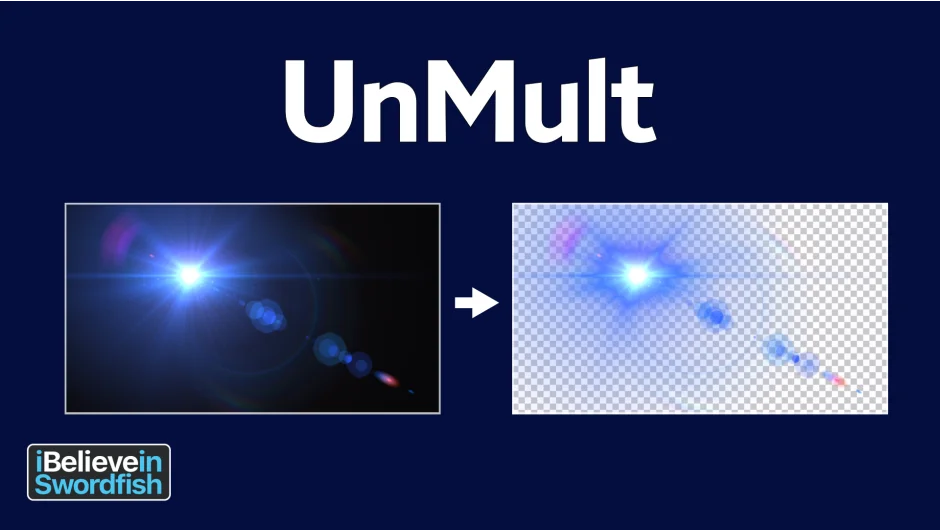
UnMult removes black backgrounds from lighting effects like lens flares by un-premultiplying RGB values and generating an alpha channel. After applying the plugin, you can composite lighting effects over footage using Normal blend mode instead of Add or Screen.
How It Works
Apply your lighting effect to a black solid with full opacity. UnMult then un-premultiplies the RGB channels to reach full saturation and attenuates the alpha by the same amount. The visual appearance stays largely the same, but the underlying pixel values shift from opaque black to semi-transparent alpha. This lets you layer the effect naturally over other footage.
Who It’s For
Useful for compositors working with lens flares or other lighting elements who want more blending control. If you’ve ever struggled to composite a lens flare without it looking baked in, this solves that.
Pricing
Completely free. No trial period, no premium tier.