
What It Does
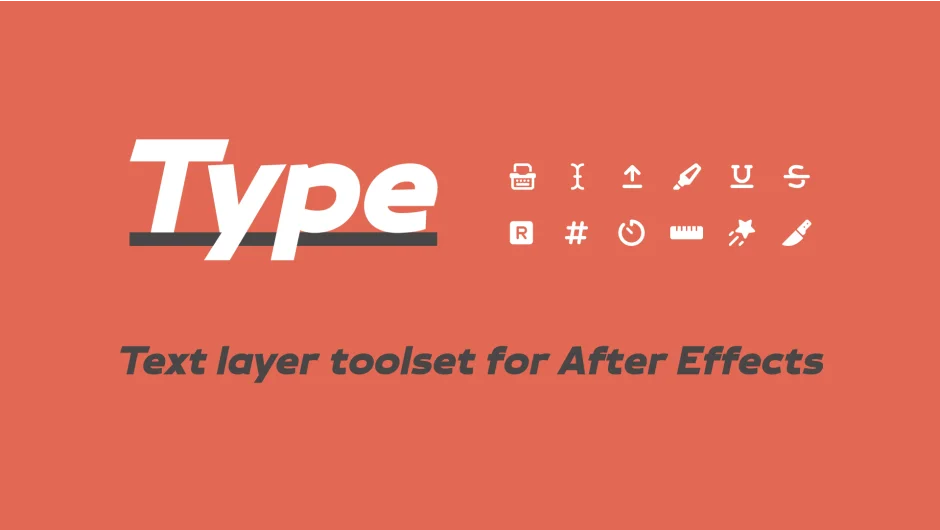
Type handles common text animation tasks in After Effects that often take much longer than they should. Split text layers by word, line, or character while keeping everything editable. Create typewriter effects with a blinking cursor. Format numbers with locale-specific separators, add symbols, or abbreviate large values. Make any text monospaced regardless of font. Add highlight, underline, or strikethrough styling to specific text ranges.
All functions preserve fully editable text layers. No need to pre-compose or convert to shapes.
Key Features
Number rigs. Add a number counter that formats to any locale (commas, periods, apostrophes as separators), abbreviates large numbers (1.2M instead of 1,200,000), or adds custom symbols. Time counters track the layer’s actual timeline position. Optional leading zeros for consistent formatting.
Typewriter effects. Animate text being typed out by character, word, or line. Flow text from top, bottom, or middle. Add a customizable blinking cursor that tracks automatically. Recent updates preserve character styling through typewriter animation, so colored or styled text stays intact.
Typing tags. Automatically add markers every frame the text changes. Useful for triggering effects or sound design based on typed characters.
Text splitting. Break any text layer into separate layers by word, line, or character. Maintains pixel-perfect positioning and applied effects. Advanced parenting options control how split layers relate to the original.
Highlight, underline, strikethrough. Select a text range and press a button to add styling. Hold shift to animate in automatically. Generates a shape layer you can customize however needed.
Text boxes. Create a rectangle around text that adapts as content changes. Or make a perfectly sized track matte. Either option is fully customizable.
Monospacing. Convert any font to monospaced formatting. Adjust spacing globally or use variable spacers to target specific characters. Based on a technique by Thor Sarup.
Shapes from text. Generate a shape layer for each frame of text animation. Converts animated text into shape layers you can modify with shape tools.
All features work with KBar for faster access.
Who It’s For
Designers doing lower thirds, title sequences, or kinetic typography. Anyone making data visualizations or scoreboard graphics. Editors who need quick typewriter effects for documentary or interview work. The tool is built for recurring tasks that don’t justify complex rigging every time.
Pricing
Type uses a pay-what-you-want model, with a suggested price of $49 for individual users. Businesses and teams must pay the suggested price. If you own Blinky or Monotize, you can upgrade for $34 (discount applies automatically when logged in). Single-user license allows installation on two computers if not used simultaneously.