
What It Does
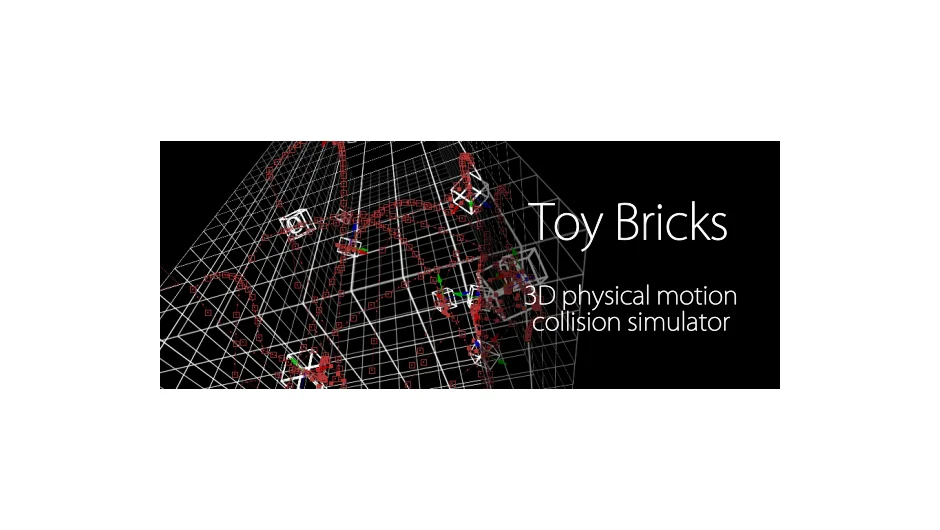
Toy Bricks simulates physical motion and collision of rigid bodies and constraints in 3D space inside After Effects. The plugin bakes these physics simulations into standard After Effects keyframes, letting you create realistic physical interactions without leaving the application.
This plugin has been discontinued and is no longer available for purchase.
Key Features
The plugin operates through three main modes:
Create generates rigid bodies or constraints as 3D null layers. You define their initial position, rotation, and parameters before simulation begins.
Set establishes the initial state of objects and determines when the physics simulation starts. You can preview the simulated motion by scrubbing through the timeline.
Bake converts the simulation into position and orientation keyframes applied to null layers. Once baked, the physical motion becomes standard After Effects animation data.
Version 1.10 added collision shapes including cone, tetrahedron, path convex, and Wavefront .obj format. The update also introduced the ability to generate collision shapes directly from Shape or Text layers, expanding the types of objects that can participate in simulations.
Who It’s For
This plugin served motion designers who needed realistic physics-based animation without external 3D software. Projects involving falling objects, stacking elements, or mechanical assemblies benefited from the rigid body simulation. The ability to work with text and shape layers made it useful for kinetic typography with physical interactions.
Pricing
No longer available. The plugin was discontinued in June 2013 and removed from sale. Pricing information is not available for discontinued products.