
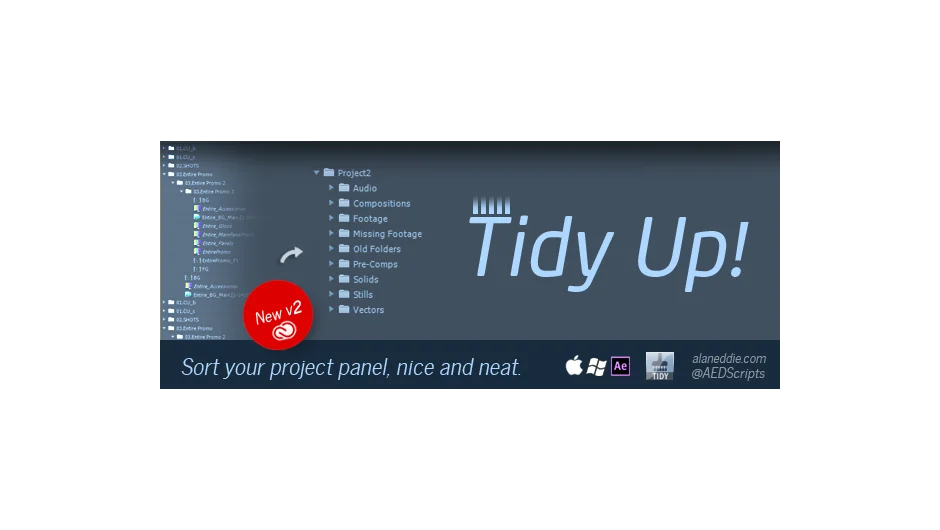
What It Does
TidyUp sorted After Effects project items by type, automatically organizing footage, comps, and assets into named folders. Created by Alan Eddie, this script has been discontinued, with Declutter recommended as its replacement.
Key Features
Type-based sorting. The core function organized project items by file type, creating folders for footage, solids, comps, and other asset categories with custom naming.
Selective tidying. You could isolate specific file types, such as missing footage or vector files, without reorganizing the entire project panel.
Focus modes. Tidy within selected folders only, or ignore selected folders and organize everything else. Useful for maintaining existing organizational structures while cleaning up new imports.
Pre-comp organization. Sort pre-compositions based on naming conventions, like grouping all comps starting with “Pre-” into a dedicated folder.
Cleanup tools. Remove unused footage, reduce project file size, or delete missing footage references. You could also remove or organize items containing specific text strings.
Folder templates. Create a set of standard folders (comma-separated list) that match your typical project structure. Old folders moved to an “Old Folders” container for recovery if needed.
Who It’s For
This was for editors dealing with messy project panels, especially those importing large amounts of footage or working with templates that dump assets into the root level.
Pricing
TidyUp used a pay-what-you-want model before discontinuation. The suggested price was around $70. Since the plugin is no longer available, users looking for similar functionality should check out Declutter on aescripts.
Compatibility: Supported After Effects CC through CS3.
