
What It Does
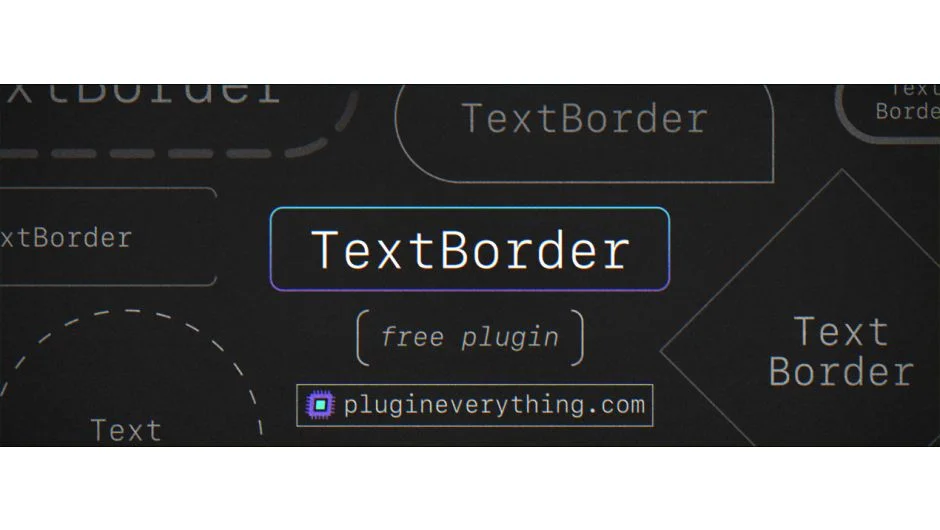
TextBorder generates a border around any text layer that automatically adjusts as you edit the text. The border applies directly to the text layer without parenting, mattes, or expressions. It’s GPU-accelerated and compatible with After Effects CS6 through 2024.
Key Features
Expansion controls let you adjust border width globally or control each edge individually (top, left, bottom, right, width, height). This works well for creating asymmetric frames or adjusting spacing for specific layouts.
Rounded edges can be applied selectively. You can round specific corners while leaving others sharp, useful for UI-style text boxes or custom title cards.
Fill options include solid colors and gradients with opacity control. Version 1.1 added radial gradient mode and gradient opacity, expanding the visual range beyond flat fills.
Transform controls animate the border independently from the text itself. You can keyframe the border’s position, rotation, or scale without affecting the text layer’s transforms.
Dash options create dashed or dotted border styles. Combined with gradient fills, this opens up more graphic design possibilities for motion graphics.
Polygon mode (added in v1.1) offers an alternative shape generation method, though the documentation doesn’t detail the specific difference from the standard mode.
Who It’s For
Useful for title animations where you need responsive borders, particularly in corporate or UI-focused motion graphics. Works with paragraph text, vertical text, and the built-in text animator. Motion blur is supported.
Compatible with 3D text layers, but does not account for 3D transformations, only 2D position and rotation.
Pricing
TextBorder uses pay-what-you-want pricing. You can download it for free or support the developer with an optional payment. The aescripts listing shows $0.00 as the default price.