
What It Does
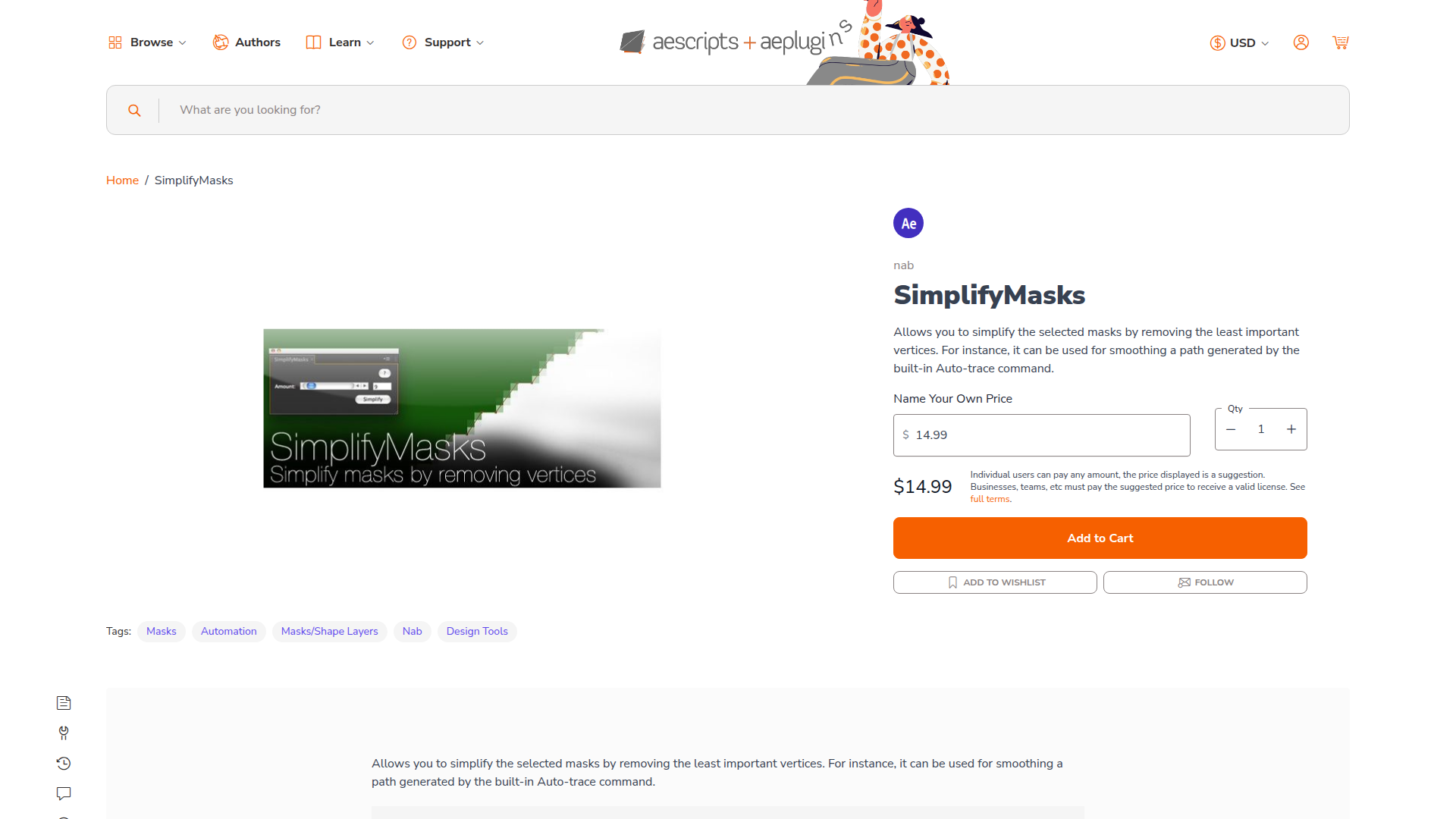
SimplifyMasks removes unnecessary vertices from mask paths in After Effects. When you use the built-in Auto-trace command, you often end up with masks that have hundreds of anchor points. This script analyzes your mask and removes the least important vertices, leaving you with a cleaner, more manageable path that maintains the original shape.
The script works with expression-driven masks, letting you control the simplification amount and animate it over time. Select any mask in your comp, run the script, and watch it reduce complexity while preserving the overall contour.
Key Features
Intelligent vertex removal. The script evaluates each anchor point’s contribution to the mask shape and removes only those that have minimal impact. You don’t lose the mask’s defining features, just the clutter.
Auto-trace cleanup. After Effects’ Auto-trace creates overly complex paths with thousands of points. SimplifyMasks turns these into workable shapes you can actually keyframe and modify.
Expression-driven control. Unlike one-click reduction tools, SimplifyMasks uses expressions so you can adjust the simplification amount after the fact. Animate the reduction value to gradually smooth a mask over time, or link it to other properties.
Who It’s For
Useful for rotoscoping cleanup, motion graphics work where you need clean mask shapes, or any workflow involving traced or imported paths. If you work with masks from Auto-trace, Illustrator imports, or motion tracking, this script cuts down on cleanup time.
Compatible with After Effects CS6 through 2025.
Pricing
SimplifyMasks uses a pay-what-you-want model with a suggested price of $14.99. Individual users can pay any amount. Businesses and teams are expected to pay the suggested price to receive a valid license.