
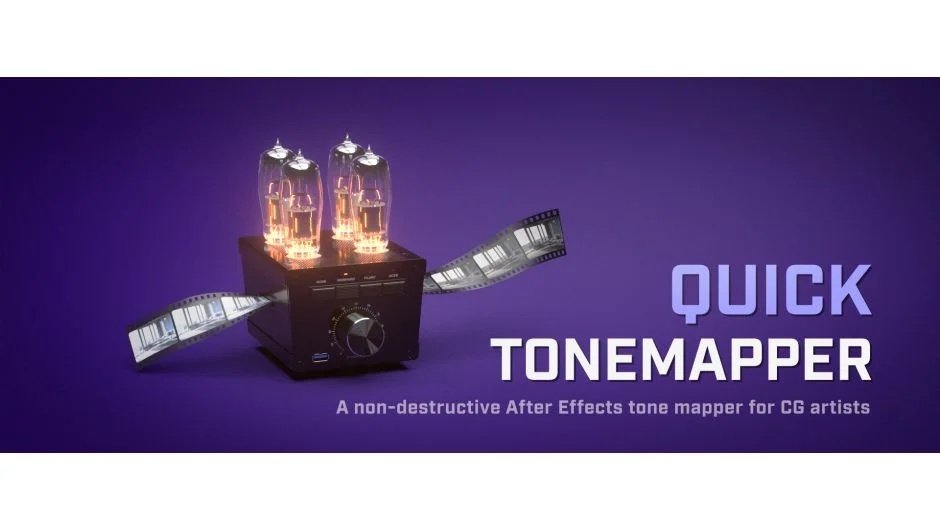
What It Does
Quick ToneMapper lets you apply tone mapping curves to 3D renders after they’re already rendered. Instead of baking tone mapping into your 3D output, you can keep your renders as unclamped 32-bit or 16-bit float EXR files and make adjustments in After Effects. Recover blown-out highlights, add contrast, and tweak exposure without re-rendering.
Key Features
Three tone mapping modes. Choose between Reinhard, Filmic, and ACES curves. A strength slider lets you fine-tune how aggressively the curve is applied.
Camera-style exposure controls. Adjust aperture, shutter speed, and ISO the way you would on a real camera. Useful for dialing in the final look after the render is done.
White balance adjustment. Pick a color or use a Kelvin temperature slider to shift the color temperature of your render.
Works in linear space. The plugin operates internally in linear color space, and you can toggle linearization on or off depending on how your project is set up. This avoids double-linearization if you already have “Linearize working space” enabled in After Effects.
Who It’s For
Useful if you’re compositing 3D renders and want to preserve unclamped float data instead of committing to a tone mapping curve at render time. Works best with 32-bit or 16-bit float EXR files. It also works with lower bit depths, but you lose the ability to recover highlights since that data has already been clamped.
Pricing
$14.99 for a single-user license.