
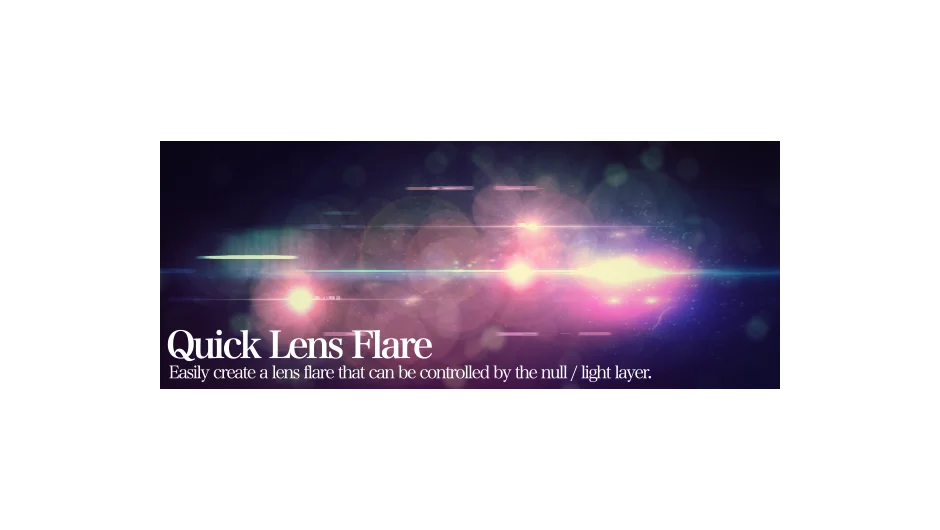
What It Does
Quick Lens Flare automates lens flare creation in After Effects. Instead of manually building flare setups, you select a control layer (null or light), choose your flare type, optionally set an occlusion layer, and click Create. The script instantly generates a lens flare that follows your control layer in 3D space.
This makes positioning flares more intuitive. You animate the null or light layer, and the flare follows. The occlusion option lets you create realistic effects where foreground elements block the flare.
Key Features
Dual flare compatibility. Works with both Video Copilot’s Optical Flares and After Effects’ built-in lens flare effect. Choose whichever you have installed.
3D space control. The flare links to a null or light layer, making it easier to position and animate in compositions with camera movement or 3D elements.
Foreground occlusion. Select a layer to act as an occlusion source. When that layer moves in front of the light source, the flare reacts accordingly, adding realism to composites.
One-click creation. The script handles the setup work. No manual expression writing or layer parenting required.
Who It’s For
Useful for motion graphics artists adding light effects to 3D scenes, or compositors integrating practical lighting into VFX shots. If you regularly add lens flares and want faster setup with better 3D integration, this script saves repetitive work.
Pricing
Quick Lens Flare uses a pay-what-you-want model with a suggested price of $9.99. Individual users can pay any amount they choose. Businesses and teams are expected to pay the suggested price for a valid license.