
What It Does
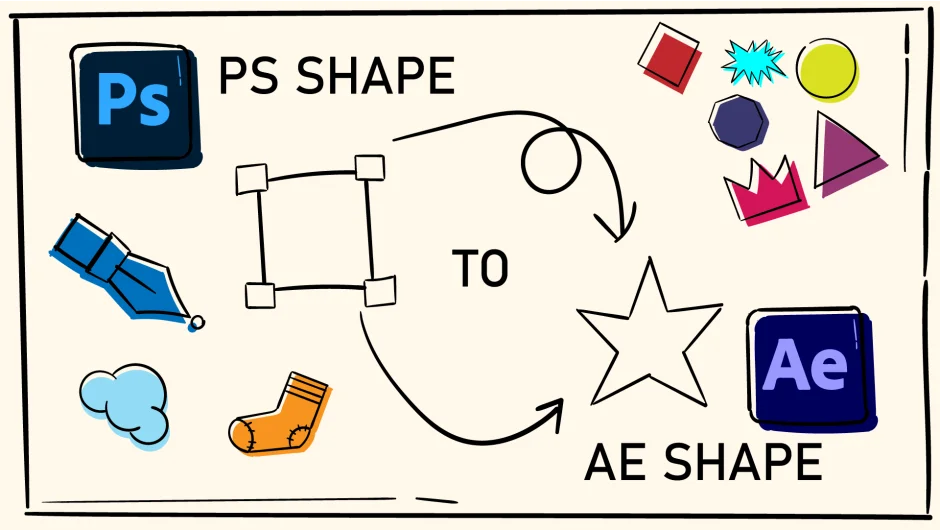
PS Shape to AE Shape converts Photoshop shape layers from imported PSD files into native After Effects vector shapes. When you bring a layered Photoshop file into After Effects, shape layers typically import as flattened, rasterized elements. This plugin rebuilds them as editable vector shapes, letting you modify paths, strokes, and fills without quality loss.
The conversion happens with a single click. Select your imported Photoshop layer, run the script, and the plugin generates a new After Effects shape layer with the same paths and properties.
Key Features
PS to AE conversion. Analyzes Photoshop masks and shape data, then reconstructs them as After Effects shape layers with preserved geometry.
Delete original layer. Removes the source Photoshop layer after conversion, keeping your timeline clean.
Hide original layer. Keeps the original layer in your comp but turns off visibility, useful when you want a reference or backup.
Who It’s For
Useful for motion designers working with Photoshop mockups or illustrations that need animation. Common in title design, lower thirds, or any workflow where a designer hands off layered PSDs that need path animation or style adjustments inside After Effects. Saves the manual work of recreating vector shapes from scratch.
Pricing
Pay what you want. You set the price when purchasing. The developer suggests $20 as a reference point, but you can choose to pay more or less based on what the tool is worth to your workflow.
