
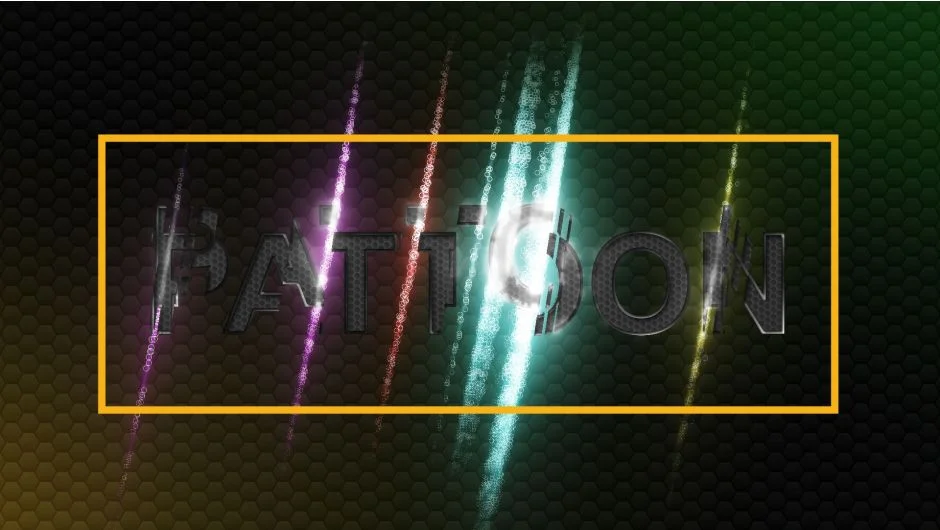
What It Does
Pattoon 2 maps textures onto layers, text, shapes, and masks in After Effects. Pull patterns from Creative Cloud Libraries, Photoshop files, or the included library of 200+ textures. Customize them with scaling, tinting, blending, and offset controls. Beyond basic texturing, it includes a displacement engine, glitch generator, dissolve transitions, and turbulence distortions.
Key Features
Texture Sources. Access textures from Creative Cloud Libraries, Adobe Capture patterns, or Photoshop .PAT files. The included library holds ground elements, grunge maps, grids, lines, HUD graphics, and wooden textures. Build your own library as you work.
Displacement Engine. Drive layer displacement with texture luminance values. Control displacement distance, direction, and speed. The pixel emission system can generate particles from displaced pixels, creating effects like waterfalls, fog, or dust trails. Use custom shapes (hearts, circles, crosses) for displaced pixels.
Glitch Effect. A texture-driven glitch that adjusts color, distance, and speed based on the input pattern. Runs as an effect or applied to the full layer.
Dissolve and Reveal. Transition layers in or out using texture-based dissolves. Start with built-in presets or build custom dissolve patterns.
Turbulence and Distortion. Apply four distortion modes that respect alpha channels. Adjust turbulence intensity, speed, and randomness.
Swap. Cycle through textures from the library to create animated texture changes. Control speed and randomness.
Flicker. Add flickering to effects or entire layers, adjustable for speed and irregularity.
Multi-Masking. Apply different textures to individual masks within a single layer. Mix textures on one element without duplicating layers.
Presets. Six effect presets included: Freezing Screen, Transition, Neon Light, Virtual HUD, Camera Tracking Symbols, Smokey Text.
Who It’s For
Useful for motion designers working with stylized text, HUD graphics, title sequences, or transitions. The displacement and glitch tools work for distressed or corrupted visual styles. Multi-masking helps when you need varied textures on complex shapes without layer bloat.
Pricing
Pattoon 2 uses a pay-what-you-want model. The developer lists a standard price of $29, but you can name your own amount. Users who bought Pattoon 1 get an automatic $15 upgrade discount when logged in. This is a one-time purchase, no subscription. A trial version is available but excludes the 200+ texture library.