
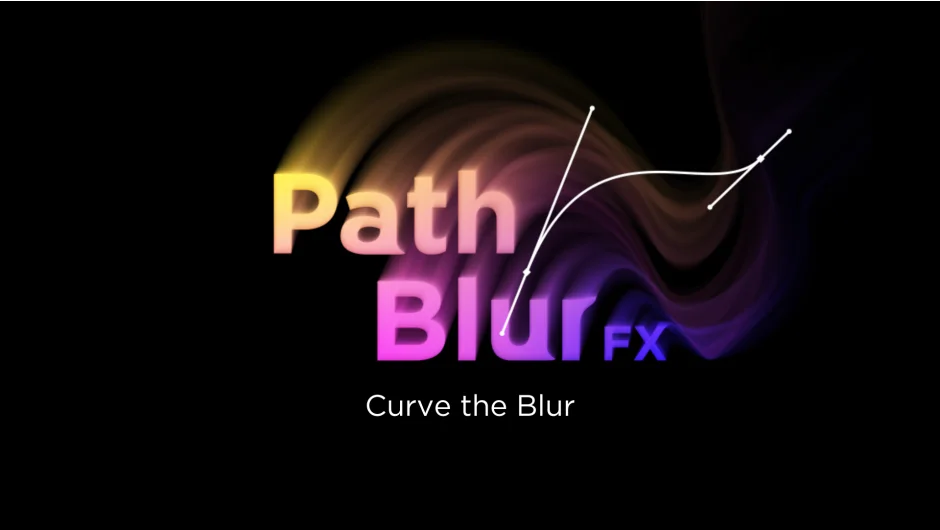
What It Does
PathBlurFX generates a vector field from a mask path and applies blur along that direction. Instead of blurring outward from a point or in a fixed direction, the blur follows the curve of your mask. This creates motion blur and smear effects using only the subject layer, no extra keyframe animation required.
Key Features
Vector field calculation. The plugin analyzes your mask path and creates a directional field that guides the blur. This lets you blur along curves, spirals, or any shape you can draw with a mask.
Start and end falloff. Control how much blur appears at the beginning and end of the path. You can fade the blur out gradually or keep it consistent along the entire length.
Position offset. Shift where the blur starts and stops along the path without redrawing the mask. Useful for animating the blur region or matching specific parts of your composition.
Dynamic sampling. The plugin adjusts sample density automatically to maintain quality regardless of path length or complexity. Shorter segments get denser sampling, longer ones get optimized distribution.
Smoothing. When the path has sharp angles, the blur direction can change abruptly. The smoothing parameter blends these transitions so the effect looks natural.
Who It’s For
Motion designers working with type animations will find the smear and melt effects useful for kinetic text. The motion blur application works well for characters or objects that need directional blur without frame-by-frame animation. VFX artists can use it for stretched, liquified looks or to create optical effects that ignore layer opacity.
Pricing
PathBlurFX costs $28.80 (on sale from the regular $37.40 through March 2026). One-time purchase with a free trial available. Developed by grape design.