
What It Does
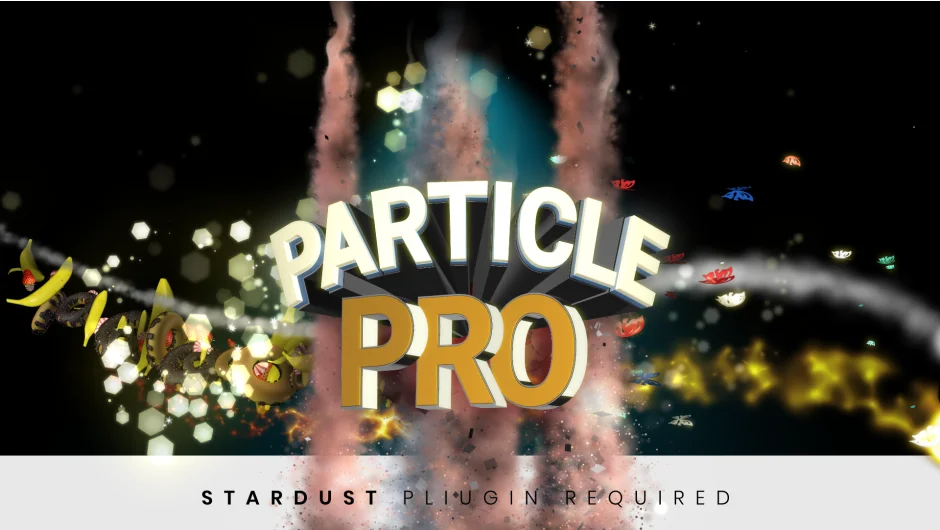
Particle Pro acts as a preset library for Superluminal Stardust, letting you generate particle effects without building them from scratch. It provides three application modes: paint particles with a brush, animate them along a path, or spawn them from text and shape layers with transparency.
Requires Stardust (sold separately). Particle Pro doesn’t generate particles on its own, it wraps Stardust functionality into one-click presets.
Key Features
Brush mode. Paint directly on your comp to define where particles spawn. Useful for organic placement or creating custom shapes through manual strokes.
Point mode. Attach particles to an animated path. The particles follow the motion, good for trails or directional effects.
Text & Shape Alpha mode. Apply particles to any layer with transparency. Type or logo reveals, disintegration effects, or animated fills.
12 preset categories. Awards, Butterfly, Chocolate, Fire, Fruit, Music, Rose Love, Sands, Sandstorm, Shimmer, Smoke, Water. Each contains multiple variations. Version 1.5 added 40 icon elements and 10 shockwave presets.
Adjustable parameters. Control particle size, color (sampled from footage or custom), amount, speed, and direction. Markers set start/end points for particle emission.
Who It’s For
Designers who already own Stardust and want faster access to common particle setups. If you frequently build text reveals, logo animations, or stylized effects, the presets save time over manual Stardust configuration. Not a replacement for learning Stardust, more of a shortcut layer on top.
If you don’t own Stardust, factor that cost in. Particle Pro is the presets, Stardust is the engine.
Pricing
Pay what you want. The developer lists a suggested price of $39.99, but you can name your own amount. Includes all current presets and categories. The LetsMotion Bundle ($90, normally $120) includes Particle Pro, Subtitle Pro, and Stock Search Pro if you need multiple tools from this developer.