
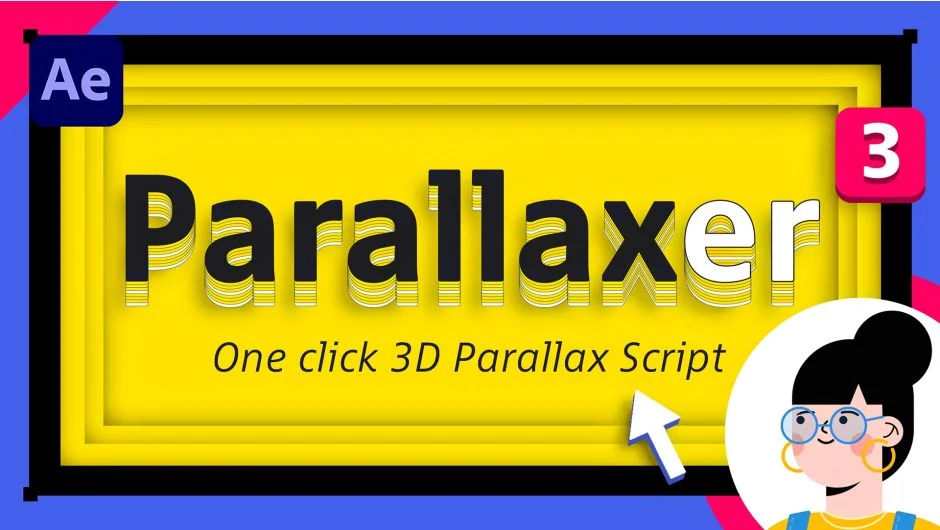
What It Does
Parallaxer 3 converts layered Illustrator or Photoshop files into 3D parallax animations in After Effects. Import your flat artwork, click once, and the script arranges layers in 3D space with a camera setup ready to animate. Works with both vector illustrations and photo compositions.
Key Features
Autoscale is the standout feature. When you push a layer deeper into 3D space, After Effects normally makes it appear smaller in the frame. Autoscale compensates automatically, maintaining the original layer size in the image while adjusting its depth. This makes positioning layers intuitive without constant manual scale adjustments.
Scene presets give you starting points for different project types. Small Room works for close compositions like product shots. Big Room suits medium-depth scenes like character illustrations. Exterior handles wide landscapes or cityscapes. Pick one, and Parallaxer sets appropriate Z-space distances between layers.
Layer reorganization tools let you regroup, flatten, or expand layer groups after the 3D setup. Useful when you need to adjust the structure without rebuilding the scene from scratch. The interface is dockable, so you can keep it accessible while working.
Who It’s For
Motion designers who work with illustrators or create multi-layered artwork will get the most use. Common applications include logo reveals, explainer video backgrounds, and social media animations where you need depth but don’t want to model everything in Cinema 4D. Also useful for photographers adding parallax motion to composite images.
Pricing
This script uses a pay-what-you-want model. The suggested price is $39, but you can name your own price when purchasing. Upgrades are available at discounted pricing for owners of previous versions. Compatible with After Effects CC 2014 and later.