
What It Does
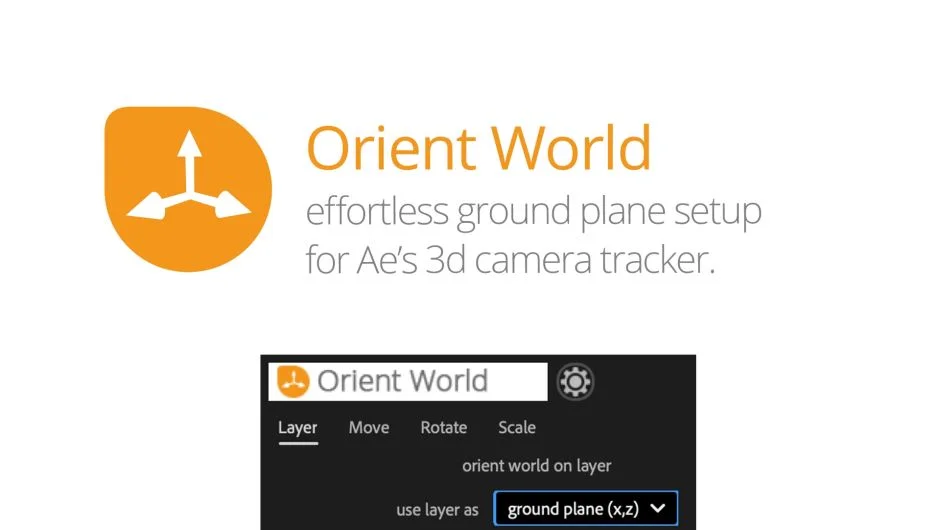
When you track a scene with After Effects’ 3D Camera Tracker, the ground plane often ends up at an awkward angle in 3D space. Orient World corrects this orientation with a single click. Select a tracked layer and turn it into the ground plane, rotating everything else accordingly. Instead of a ground plane, you can align your scene to walls. For precise adjustments, manually move, rotate, and scale the coordinate system in 3D space.
The plugin includes a visual indicator showing the center of your world, which you can toggle on or off.
Key Features
Ground plane alignment. One click sets any tracked layer as the ground plane, reorienting the entire scene.
Wall alignment. Align to vertical surfaces instead of horizontal ground planes.
Manual coordinate system control. Move, rotate, and scale your coordinate system in 3D space for precise positioning.
World center visualization. A visual marker shows where your world center is located, toggle it on or off as needed.
Who It’s For
Useful for anyone working with 3D camera tracking in After Effects, particularly when integrating 3D elements or compositing onto tracked footage. If you’re tired of manually rotating entire scenes after tracking, this solves it.
Foundry Camera Tracker users: Delete the parent null object before applying Orient World, since Foundry’s tracker creates a different layer structure than After Effects’ built-in tracker.
Pricing
Orient World uses a pay-what-you-want model with a suggested price of $4.99. Individual users can pay any amount. Businesses and teams must pay the suggested price for a valid license.
Compatible with After Effects CS4 through 2026.