
What It Does
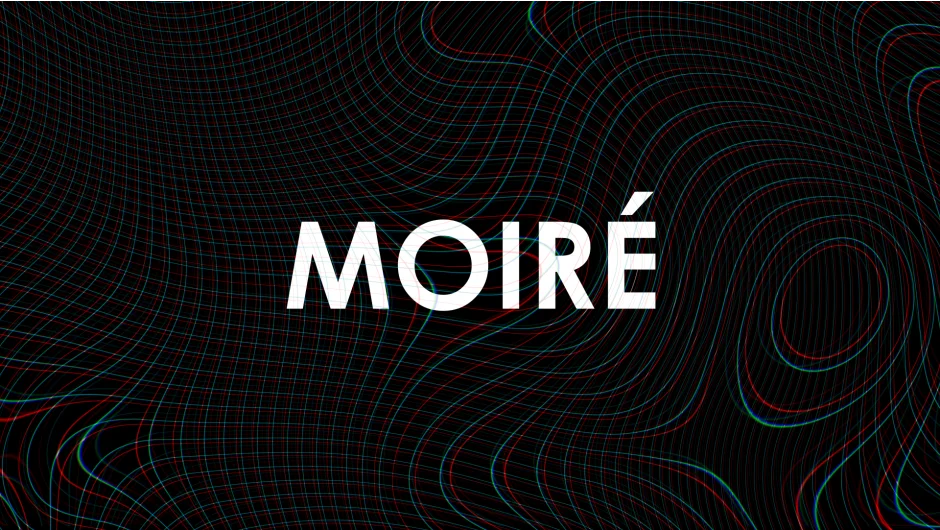
Moiré generates the interference patterns that appear when filming digital screens or striped surfaces. The plugin creates these patterns with a single click, auto-parents them to tracked footage, and animates them in sync with camera movement. Built on native After Effects tools with simple slider controls.
The name refers to the visual artifact seen when fine patterns overlap. What some see as a technical flaw, this plugin treats as a creative tool for adding realism to screen recordings or building abstract textures.
Key Features
One-click pattern creation. Generate moiré patterns instantly without manual setup. The plugin handles the pattern generation and layer parenting automatically.
Auto-tracking integration. The pattern automatically parents to tracked footage and animates with your camera movement. Corner pinning works directly with your tracking data.
Adjustable pattern controls. Sliders control the pattern density, orientation, and appearance. Settings let you go realistic for screen recordings or abstract for stylized work.
32-bit support. Version 1.5 added 32-bit color depth for high-quality composites. The plugin also includes matte/track-to-layer features and a re-link expression button for pre-comping.
kBar integration. Comes with toolbar and icons for kBar if you use that workflow tool.
The plugin runs on native After Effects architecture, so performance matches standard effects.
Who It’s For
Useful for compositors filming screen replacements in live-action footage. The pattern adds the subtle interference that makes inserted screens look like they were actually captured on camera.
Motion designers can use it for abstract pattern work or to add texture to modern/retro designs. It pairs with VHS or CRT plugins for vintage looks, or stands alone for contemporary screen aesthetics.
Pricing
$24.95 for a single-user license. Floating server licenses available. Upgrade pricing offered to previous buyers. Trial version available for testing.