
What It Does
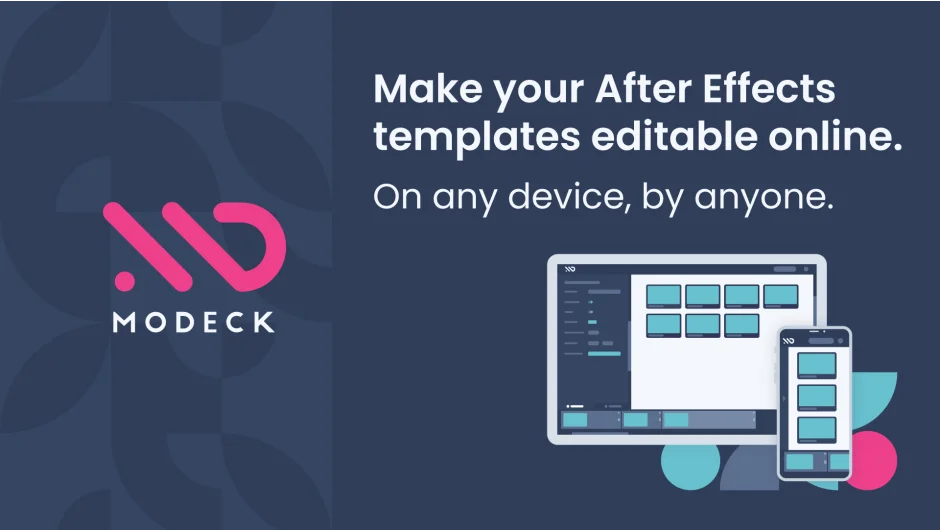
MoDeck bridges After Effects with web-based editing by converting MOGRTs (Motion Graphics Templates) into online editors that anyone can use without opening After Effects. Install the desktop app, drop your MOGRTs into a sync folder, and they become editable through a drag-and-drop interface accessible via browser. Users can update text, swap media, adjust properties, and trigger renders without touching After Effects.
The tool also automates batch video generation. Connect your template properties to spreadsheet data or JSON to render hundreds of versions at once. Useful for localization projects (same video, multiple languages), data visualization sets, or any workflow where you need variations of the same template with different content.
Key Features
Online MOGRT editor. Non-technical users access a web interface to customize template properties like text, images, dropdowns, and position values. The editor is mobile-ready and updates in real time as users make changes.
Data-driven rendering. Upload spreadsheets or connect JSON sources to generate batches of videos. Each row in your data becomes a separate render with its properties mapped to template controls. Enterprise tier includes unlimited batch rendering and API access.
Template logic and conditions. Define global options that control multiple properties across MOGRTs. Set up conditional logic to show/hide elements or entire MOGRTs based on user selections. Build predefined sequences where items appear or disappear based on rules you define.
Collaboration features. Invite users to specific templates, share via magic links, or embed the editor on your own site (Enterprise). Users see only their own edits unless you configure shared access. Multi-machine support allows rendering on multiple computers (Pro: 2 machines, Enterprise: 3).
Media tools. Built-in video trimmer for adjusting clips before they go into templates. Text-to-speech generator with multiple voice options including TikTok voices. Speech transcription (modk-transcribe command) creates timeline markers showing where each word appears in audio, helpful for timing edits to voiceover.
Rendering options. Direct integration with Adobe Media Encoder. Output to MP4, MOV, JPG, PNG, GIF, or custom encoder presets. Define file naming conventions with conditional logic to organize batches into subfolders. Set webhooks to trigger actions when renders complete.
API and automation. Enterprise tier provides unlimited API access. Trigger renders programmatically, fetch template data, manage users, and integrate with other systems. Zapier integration available for connecting to 5000+ apps without coding.
The desktop app runs in the system tray, monitors for render requests from the web editor, and handles the After Effects rendering process automatically. Renders complete in the background and upload download links to users when finished.
Who It’s For
Studio teams distributing templates to producers or marketing staff who need to generate videos without After Effects knowledge. Agencies handling localization work (versioning the same spot across languages). Anyone automating repetitive template-based rendering, especially when output needs to be driven by spreadsheet data or external systems.
Pricing
MoDeck uses a pay-what-you-want model with monthly subscription tiers:
- Free tier: Create up to 2 templates, invite 1 user per template, up to 3 MOGRTs per template. Editors can use templates forever at no cost. Template creators get a 14-day trial of creation features.
- Pro ($19/month): Up to 5 templates, 3 users per template, 8 MOGRTs per template, generate up to 30 videos from data, render on 2 machines.
- Enterprise ($79/month): Unlimited templates, users, MOGRTs, and batch renders. Custom branding (logo and color scheme), embed editor on your site, custom notification emails, unlimited API access, render on 3 machines.
A free desktop app is available for macOS and Windows. Subscriptions activate via serial key in the app.