
What It Does
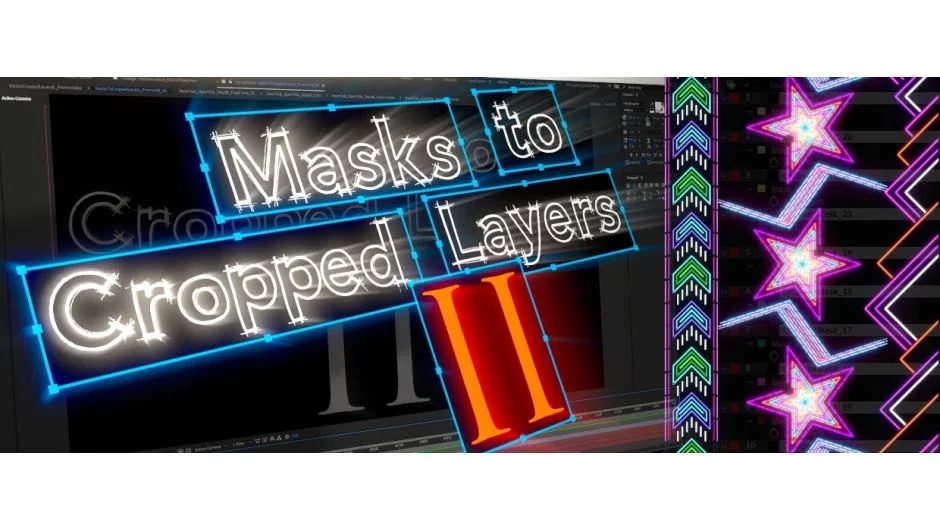
Masks to Cropped Layers II processes After Effects layers that contain multiple masks by creating individual new layers, each cropped to a single mask’s boundaries. This script targets two specific workflows: animating vector artwork (especially Illustrator imports) and optimizing VFX compositing work by eliminating unused pixel areas.
When you paste artwork from Illustrator or track regions in Mocha, you often end up with one layer containing many masks. This script separates each mask onto its own solid or pre-comp, automatically calculating and cropping to the exact mask dimensions. Smaller layer sizes mean After Effects processes fewer pixels, resulting in faster previews and renders.
Key Features
Two calculation modes. Choose basic rectangle calculations for speed, or bezier path analysis for pixel-accurate results. The first works well for most cases; the second handles complex curved masks precisely.
Flexible time range processing. Calculate mask sizes from a single frame, the comp’s work area, or the full layer duration. Useful when masks animate over time and you need to account for their maximum extents.
Selective mask processing. Process all masks on a layer automatically, or manually select specific ones. The panel includes quick-select buttons for all open masks or all closed masks, saving time when dealing with artwork that mixes both types.
Padding and position options. Add extra pixels around cropped layers if you need breathing room, and round position values to integers for sharper rendering.
Label color application. Version 2.4 (released February 2026) automatically applies different label colors to distinguish open and closed masks.
Who It’s For
Vector animators working with Illustrator imports benefit from this workflow. Instead of applying stroke and fill effects to a single multi-mask layer, you get separate layers ready for individual animation controls.
VFX artists doing localized compositing, rotoscoping, or tracking work can isolate problem areas into smaller pre-comps. When you’re fixing a small corner of a 4K plate, working in a 500x500 pre-comp instead of the full frame dramatically improves RAM preview length.
Anyone dealing with Mocha tracking data will find this useful. Mocha tracks often export as multiple masks on one layer, and this script separates them cleanly.
Pricing
Priced at $14.99 as a one-time purchase. The script uses a pay-what-you-want model, meaning you can set your own price if you prefer.
Upgrade pricing exists for users who purchased the original “Name Your Own Price” version. You’ll receive a 50% discount based on what you originally paid. For example, if you paid $10 for version 1, you get $5 off this version. Log in to see upgrade discounts automatically applied.
Compatible with After Effects CS6 through 2026.