
What It Does
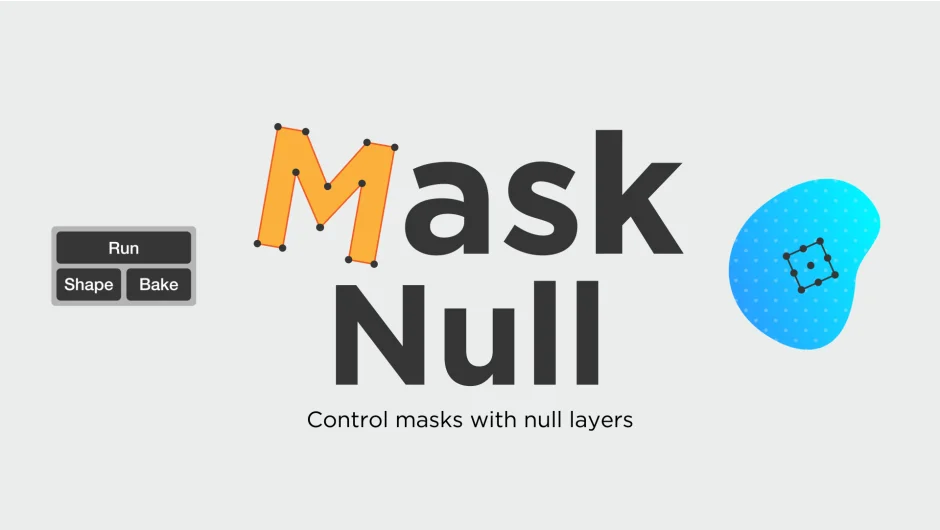
Mask Null generates a control null at the center of any selected mask with a single click. Once created, the null becomes a live controller for the mask’s position, scale, rotation, and opacity. Keyframe the null to animate the mask, then bake the connection to remove the null or convert the mask to a matching shape layer.
Key Features
One-click null creation. Automatically calculates the mask’s center point and places a control null there. No manual setup required.
Live mask control. The null controls four mask properties: position, scale, rotation, and opacity. Any changes to the null update the mask in real time.
Keyframe animation. Set keyframes on the null’s transform properties to animate the mask. This workflow feels more natural than keyframing mask path data directly.
Bake and unlink. The Bake button removes the connection and deletes the null, leaving your mask with whatever animation was applied.
Convert to shape layer. The Shape button creates a shape layer that matches the mask’s form and position. Useful when you need shape layer tools or effects.
Who It’s For
Useful for motion designers animating masks in tracked footage, compositors needing more flexible mask control, or anyone who finds mask path keyframing awkward. Particularly helpful when working with roto or track mattes that need precise animation timing.
Pricing
$12.40 (current upgrade price for eligible users). Regular price is $20.00, reduced from $24.80. One-time purchase for a single license.