
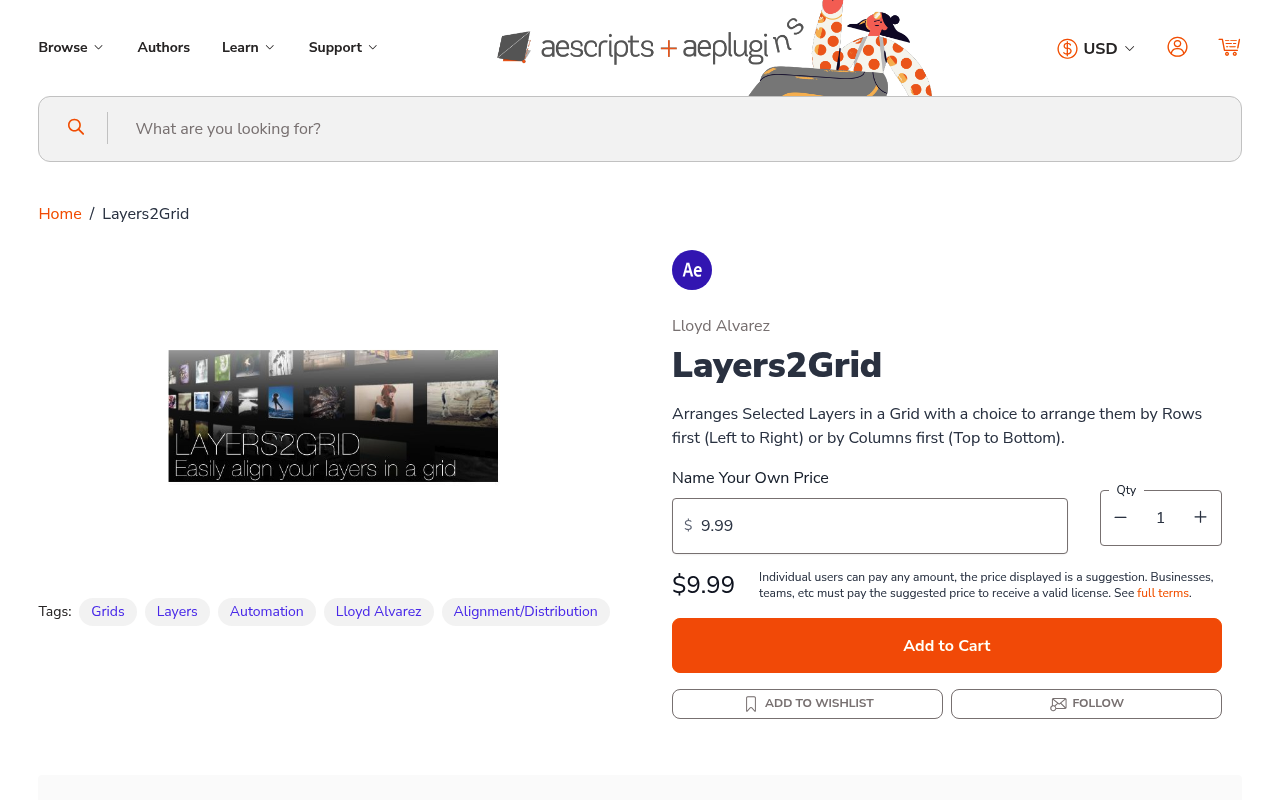
What It Does
Layers2Grid positions selected layers into a grid pattern in your After Effects composition. Pick row-first or column-first ordering, and the script calculates the spacing and places every selected layer automatically. No manual dragging or aligning needed.
It works with any layer type: solids, text, shapes, footage. Layer properties like opacity and effects stay untouched.
Key Features
Row-first mode. Fills the grid left to right, then moves to the next row. Good for layouts where horizontal reading order matters.
Column-first mode. Fills top to bottom, then moves to the next column. Better for vertical sequences or numbered stacks.
Both modes calculate grid dimensions based on how many layers you’ve selected and space them consistently.
Who It’s For
Useful for anyone building grid-based compositions: photo collages, pattern backgrounds, storyboard layouts, UI mockups, or typography grids. If you regularly duplicate a layer and need to distribute copies across the canvas, this removes the manual alignment step.
Compatible with After Effects CS6 through 2026.
Pricing
Pay-what-you-want, suggested minimum $9.99. One-time purchase, no subscription.
