
What It Does
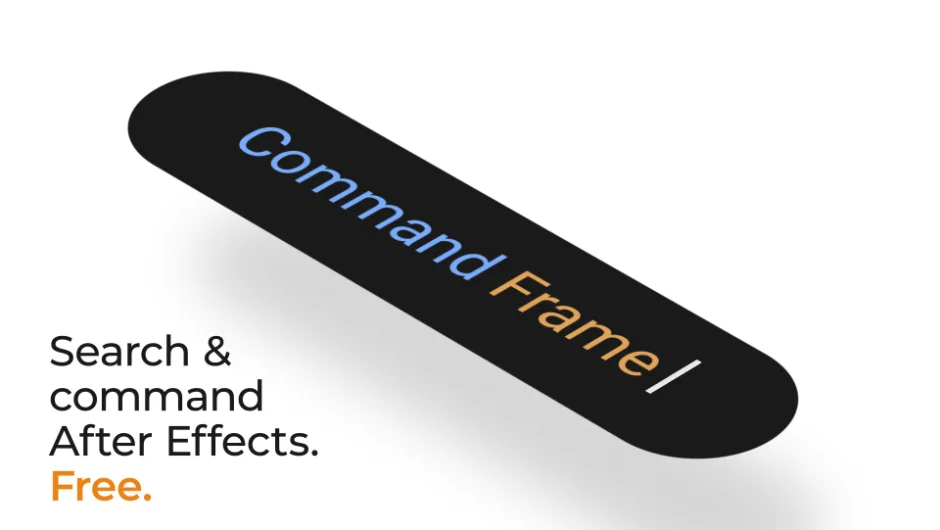
Command Frame is a floating search-and-command interface for After Effects. Summon it with a keyboard shortcut, type what you want to do, and execute it immediately. No menus, no panel hunting, no stopping mid-flow.
At its core, the interaction is simple: open, type, run. But the depth goes well beyond a basic launcher. Command Frame can chain multiple actions into a single query, assign those chains to shortcuts, and execute them without the panel ever opening.
Key Features
True layer search. Adobe’s built-in layer search collapses every expanded property in your comp when you use it. Command Frame presents layers as actions. Running one selects the layer and navigates the timeline to it, without collapsing anything. You can also select multiple layers additively from a single query.
Effect and preset application. Apply any effect or preset with fast fuzzy search, abbreviation support, and autocomplete hints. If no layer is selected, Command Frame creates an appropriate layer first. The default layer type is configurable per action.
Multi-step command chains. Rather than launching a single action, you can build chains: duplicate & shift 12f & rename suffix _echo & opacity /2 runs as a single saved command. Bind that chain to a shortcut and it fires with no panel required. This sidesteps After Effects’ well-known script shortcut limitations entirely.
Layer property commands. Set opacity, scale, rotation, position, anchor point, and orientation by typing directly. Commands support absolute values, relative operations (*2, /5), and keyframe creation. scale kf 120 creates a keyframe at 120% scale. What previously took several clicks becomes one typed command.
Layer operations. Rename, duplicate, delete, shift, parent, unparent, create nulls, solids, text layers, adjustment layers, and set track matte variants, all from search.
AE menu commands. A broad set of After Effects menu commands are searchable and assignable to shortcuts, including commands normally buried in menus or inaccessible to other plugins.
User scripts. Installed scripts surface alongside built-in commands with the same fast access.
Importable actions from plugins. First-party integrations via a Hook API expose actions from other plugins directly into Command Frame. Current integrations include Control Groups, Compstronaut, and Select Every Other Layer. Existing KBar and other toolbar buttons are also importable.
Persistent history and saved actions. Every executed query is stored. You can recall recent queries with Shift+Up/Down, promote any query to a saved action, assign it an alias, pin it, and give it a shortcut.
Context-awareness. Commands that require a layer selection only surface when layers are selected. Composition-dependent commands are only available when a comp is open. Layer and composition names update in real time as the project changes.
Who It’s For
Command Frame suits anyone who spends significant time in After Effects and finds themselves slowed down by menu navigation. It is especially useful for motion designers who work across complex compositions with many layers, editors who frequently apply effects and presets, and animators who want to bind multi-step rig operations to single shortcuts.
The ecosystem integrations make it more useful if you already use Control Groups, Compstronaut, or Select Every Other Layer, but it works as a standalone tool without any of them.
Requires After Effects 2024 or later on macOS 13 Ventura or later, or Windows 10 64-bit or later.
Pricing
Command Frame is completely free. Download and use it immediately with no trial period, no subscription, and no paid tiers.