
What It Does
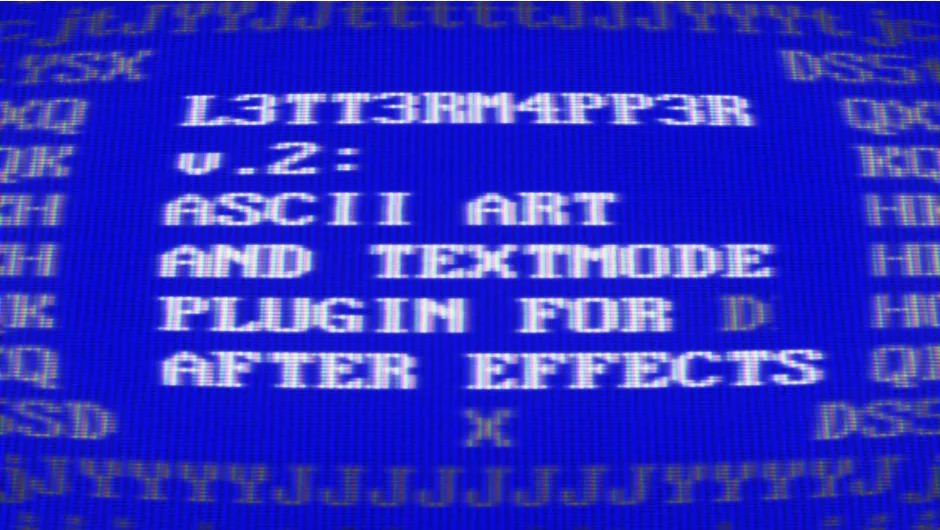
L3tt3rM4pp3r2 renders video frames as textmode and ASCII art. The plugin maps footage onto character sets, from classic CGA and VGA symbols to custom glyphs you design. It’s GPU-accelerated and includes presets for instant retro terminal looks, but you can build your own symbol sets using any font or drawn characters.
Key Features
Built-in textmode presets. Ships with classic symbol sets like VGA and CGA BIOS fonts. Apply them directly without creating textures from scratch.
Custom texture support. Use any set of symbols by creating a custom texture. The plugin includes Photoshop scripts that simplify building symbol maps. Feed it Katakana, Klingon, or hand-drawn glyphs.
Cl34rTyp3 letter interpolation. A new interpolation mode that changes how characters blend and transition, giving you finer control over the mapping style.
Color and brightness controls. Adjust output brightness independently from source footage. Pick from simple color modes to get mono, tinted ASCII, or full multi-color looks. Custom textures can affect the result’s color based on your settings.
Supersampling and texture interpolation. Added in version 2.2, these options refine how the plugin samples and blends textures, improving visual quality.
Scale and filter parameters. Extra controls for scale and filtering let you tweak the mapping behavior to match your footage and aesthetic.
Who It’s For
Useful for anyone recreating retro computer graphics, terminal aesthetics, or stylized video treatments. Works for title animations, glitch sequences, or full video conversions into ASCII art. The preset library makes it quick to start, while custom texture support lets you build unique styles.
Pricing
L3tt3rM4pp3r2 is pay-what-you-want, meaning you set your own price. If you bought version 1 (L4tt3rM4pp3r) after September 1, 2022, the upgrade is free. Otherwise, a $20 upgrade option appears when you log in with the same account.