
What It Does
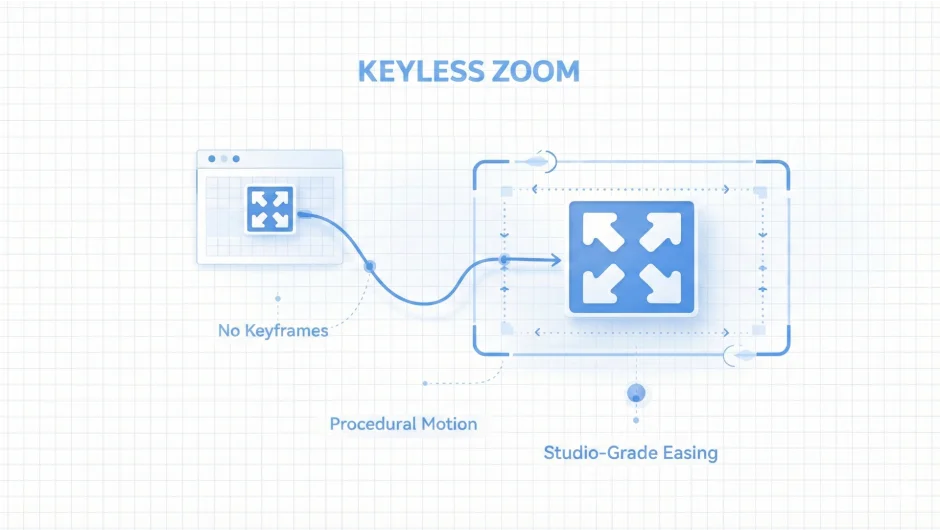
Keyless Zoom automates camera zoom shots in After Effects using a single hold keyframe. Instead of scrubbing the timeline to position start and end frames, then manually crafting easing curves, you set two camera positions and execute. The plugin handles the math, spacing, and motion curves.
The standout feature is Zoom to Fit, which calculates the exact camera placement to frame a 3D layer perfectly. It accounts for rotation, orientation, scale, and parent relationships through nulls. An Overscan slider refines the framing live: at 1.0, the layer fills its bounding box exactly. Lower values bring the camera closer, useful for circular shapes that leave gaps at the edges.
Key Features
Four hand-tuned easing styles. Smooth provides soft, controlled motion for explainer videos. Snappy delivers fast, energetic punches for social content. Cinematic creates sweeping, dramatic arcs for high-end work. BounceBack adds refined overshoot with a dedicated slider controlling rebound intensity. These aren’t modified Easy Ease presets, they’re asymmetric curves built specifically for camera work.
Live interactive controls. Adjust the Start position or rotation and the camera jumps there immediately. Change the End values and it does the same. You see both ends of the move before executing anything. The Overscan slider updates framing in real time as you drag.
Context-aware camera roll. Use Rotation to align the camera cleanly to a graphic’s angle. Use Orientation to preserve your artistic tilt. The system adapts automatically.
Smart UI. Controls unlock only when valid. The status bar confirms what’s ready and highlights what’s missing. If a camera isn’t detected, it tells you. If a target layer is needed for Zoom to Fit, it prompts you. Once everything is set, it confirms the shot is ready.
Bake to keyframes. Convert expression-driven animation into standard keyframes, but only where motion exists. A zoom from frames 0 to 20, then another from 30 to 40, gets baked with keys only in those ranges. The rest stays clean. The easing control null is removed automatically.
Who It’s For
Motion designers building camera moves for client work, explainer videos, or title sequences. Particularly useful if you’re framing 3D layers at awkward angles or need consistent zoom timing across multiple shots. Also valuable if you build zooms frequently and want to skip the Graph Editor entirely.
Pricing
Keyless Zoom operates on a pay-what-you-want model. The suggested price is $29, currently discounted to $23.20. You can pay more or less depending on your budget. Eligible users may qualify for an upgrade price of $19.99 (requires login to check). A trial version is available. This is a one-time purchase, not a subscription.