
What It Does
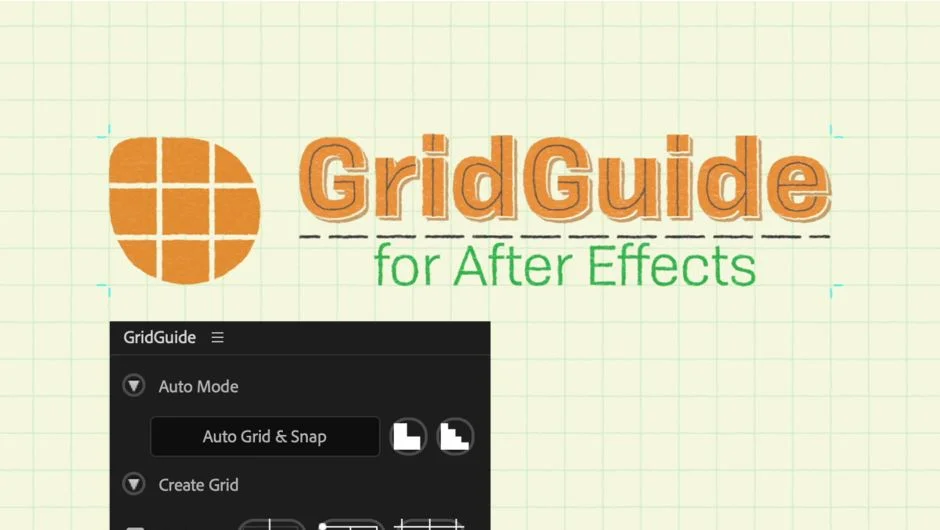
GridGuide builds grid systems in After Effects that actually snap. Most grid tools in After Effects are visual overlays, you can see them but can’t interact with them. GridGuide converts shape layer grids into native After Effects guides that respond when you drag layers near them. The plugin also includes auto-layout features that analyze your rough layer placements and apply design grid principles to clean them up.
Key Features
Auto Grid & Snap. Select layers you’ve placed roughly where they belong, click Auto Grid & Snap, and GridGuide generates a grid that fits your content while repositioning layers to align with it. Useful when you need quick layout refinement without manual grid setup.
Modifiable Shape Layer Guides. Grids are built as shape layers, so you can parent them to other layers, keyframe their position and rotation, or scale them over time. If you’re animating a UI that needs to follow camera movement or perspective shifts, the guides move with it.
Convert Grids to Guides. Turns shape layer grids into native After Effects guides that snap interactively while you work. On After Effects 16.1 and newer, this conversion is instant. Older versions (16.0 and below) require Photoshop to be installed, which GridGuide uses in the background to create the guides.
Alignment tools. Click alignment buttons to snap layers to the nearest grid line. Works on rotated grids and with individual guide lines or crosshairs, not just full grids.
Customizable grid controls. Set gutter spacing, margins, stroke color, and stroke width. Choose between bounded grids (confined to a specific area) or infinite grids. Create horizontal-only or vertical-only line sets when you need partial grids.
Who It’s For
Motion designers working on UI animations, title cards, or anything requiring consistent spacing. Also useful for isometric layouts (the plugin supports rotated grids) and for animators who need guides that follow moving layers rather than staying locked to the composition.
Pricing
GridGuide uses a pay-what-you-want model. You choose the price when purchasing. The suggested price is $39.99, though you can pay more or less depending on your budget. A trial version is available to test compatibility before purchase.
