
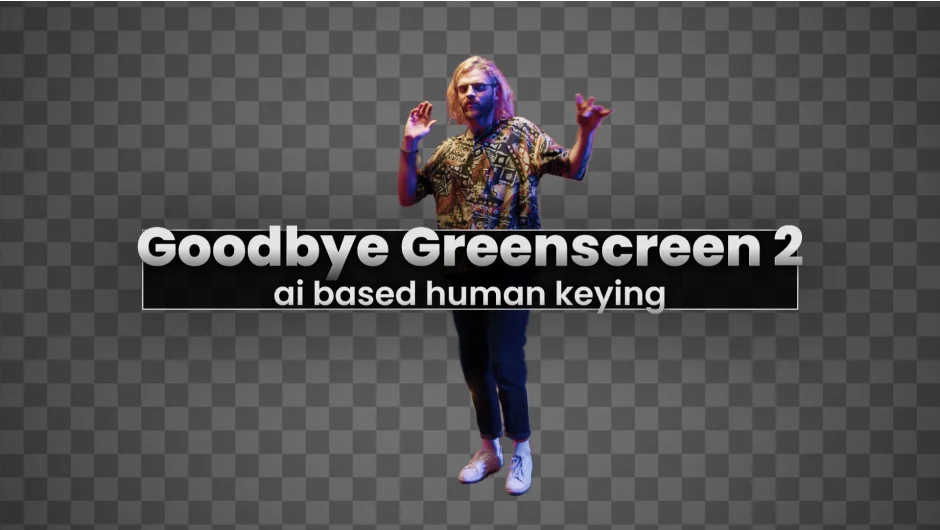
What It Does
Goodbye Greenscreen applies machine learning to matting, letting you isolate people from footage without drawing masks or adjusting keyer settings frame by frame. You can extract subjects from video using one of three approaches: automasking (where the plugin detects and isolates people automatically), clean-plate matting (where you provide a reference frame of the empty scene), or AI-based color keying for traditional greenscreen work.
The plugin ships with seven different AI models, including BiRefNet, a recent addition focused on precise segmentation. Each model handles different shot types, lighting conditions, and subject framing. You pick the one that works best for your footage.
Key Features
Automasking. Point the plugin at a shot containing one or more people and it generates a matte. Works with portrait framing, full-body shots, and handles details like long hair and complex backgrounds. You get a choice of models optimized for different scenarios: portrait shots, webcam footage, or general use.
Clean-Plate Matting. If you shoot in a controlled environment, you can capture one frame with no talent in it. The plugin compares that clean plate to your footage and creates a difference matte, similar to a traditional difference key but processed through neural networks for better edge handling. Useful for setups where you want the benefits of a keyed studio without installing a greenscreen.
Multiple Models. Seven AI models are included. BiRefNet handles detailed segmentation. Other models target specific shot types: Human 2024 for general human matting, Portrait 2022 for tighter framing, Webcam for lower-resolution capture, Generic 2022 for non-human subjects. You can switch between them to find the cleanest result.
Color Keying. Still have a greenscreen? The plugin includes an AI-based color keyer as an alternative to Keylight or similar tools.
Hardware Acceleration. On Windows machines with NVIDIA GPUs (8GB VRAM or higher), processing runs on CUDA. On Apple Silicon Macs (16GB RAM minimum, macOS Sequoia or newer), the plugin uses hardware acceleration. Other configurations fall back to CPU processing, which the developer notes is significantly slower.
Who It’s For
Useful for compositors working with interview footage, talking-head videos, or any scenario where traditional rotoscoping would be time-prohibitive. If you’re delivering localized versions of the same piece with different talent, the automation saves repeat work. The clean-plate workflow suits product shoots or controlled studio environments. Not a replacement for manual roto on hero shots where you need every pixel perfect, but effective for volume work or rough comps.
Pricing
Single-user license is $79.99. Floating server licenses and render-only licenses are available at different price points. Compatible with After Effects 2023-2026 and Premiere Pro 2022-2024. Trial versions are available for both macOS and Windows.