
What It Does
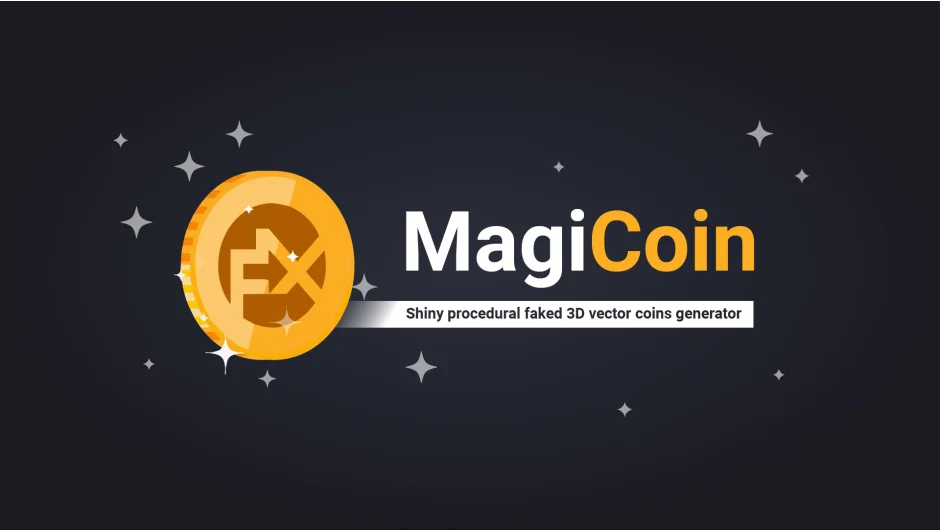
FX MagiCoin generates animated coin graphics as native After Effects shape layers. Select from 20 preset combinations covering major currencies (dollar, euro, yen, bitcoin) and three materials (gold, silver, copper), then adjust the coin’s appearance with built-in controls. The tool creates vector-based coins that spin horizontally or vertically without requiring external plugins.
Key Features
Preset library. Choose from 20 combinations pairing currency symbols with material finishes. Apply them to new coins or update existing ones with a dropdown menu.
Pseudo-effect controls. Customize coin radius, front and back symbols, ring elements, extrusion thickness, stripe count, reflectivity, and color schemes directly in the effect panel. All adjustments work through native After Effects shape layer properties.
Spin animation. Rotate coins using Spinning Angle (amount of rotation) and Spinning Orientation (horizontal or vertical axis). The faked 3D perspective adjusts automatically based on the angle.
Layer attachment. Stick custom designs to either face of a coin. Select your artwork layer first, then the coin layer, and click the attachment button. Useful for adding custom logos or symbols not included in the preset library.
Optional sparkle layer. Toggle on to generate an animated sparkle effect that follows the coin’s rotation, with adjustable star shape, spread, and speed.
Since coins use many vector shape elements, hide layer controls (Ctrl+Shift+H) to keep the timeline readable. Created coins appear with yellow labels for easy identification.
Who It’s For
Motion designers working on financial videos, infographics, or game UI mockups. Useful when you need quick coin graphics without modeling in 3D software or searching stock libraries.
Pricing
Pay what you want, with a suggested minimum of $19. Individual users set their own price. Businesses and teams must pay the suggested amount for a valid license.