
What It Does
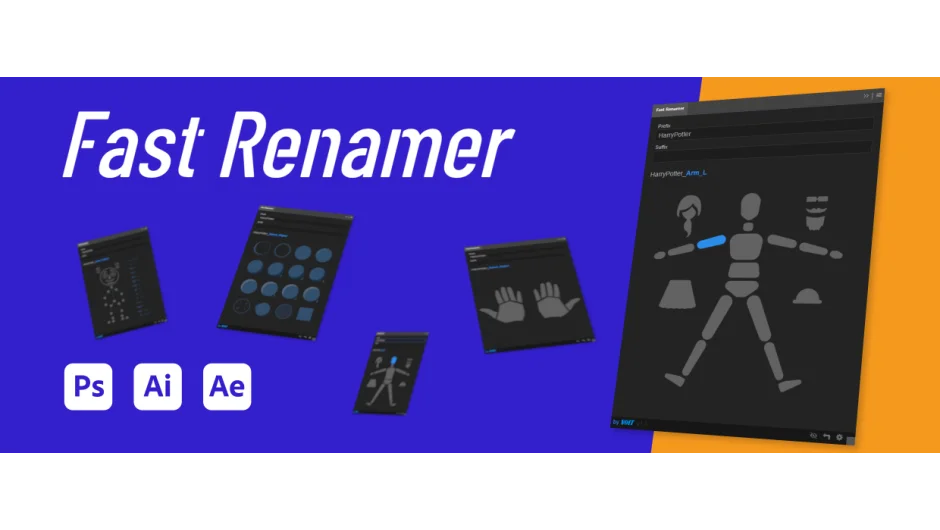
Fast Renamer handles batch layer renaming across After Effects, Photoshop, and Illustrator from a single extension. Select a layer, click a name from the panel’s buttons, and the layer updates instantly. The tool works with custom naming lists, supports auto-incrementing, and lets you add prefixes or suffixes while keeping existing layer names intact.
One license covers all three applications, and the interface is available in five languages: English, Spanish, French, Italian, and Chinese.
Key Features
Custom naming lists. The extension includes five default lists (Simple Body, Body, Hands, Character Animator, Draw), but you can create your own and share them with your team. Lists can display as either picture buttons or text lists. List files save to your Documents folder, making them easy to distribute.
Auto-increment. Layers can be renamed with automatic numbering, and you can customize the increment pattern. Useful when naming sequences like “shot_01”, “shot_02”, “shot_03”.
Prefix and suffix options. Add text before or after layer names without replacing the existing content. You can combine this with the increment feature for structured naming across multiple layers.
Multi-app compatibility. The same interface works in After Effects, Photoshop, and Illustrator. Your custom lists and settings work across all three.
Note: On Apple Silicon Macs (M1/M2/M3), Photoshop must run under Rosetta for the extension to function.
Who It’s For
Useful for anyone managing large layer counts in production work. Character animators can quickly label body parts using the built-in anatomy lists. Teams working across multiple Adobe apps benefit from shared naming conventions and portable list files.
Pricing
$19.99 for a single user license. A trial version is available on the product page.
