
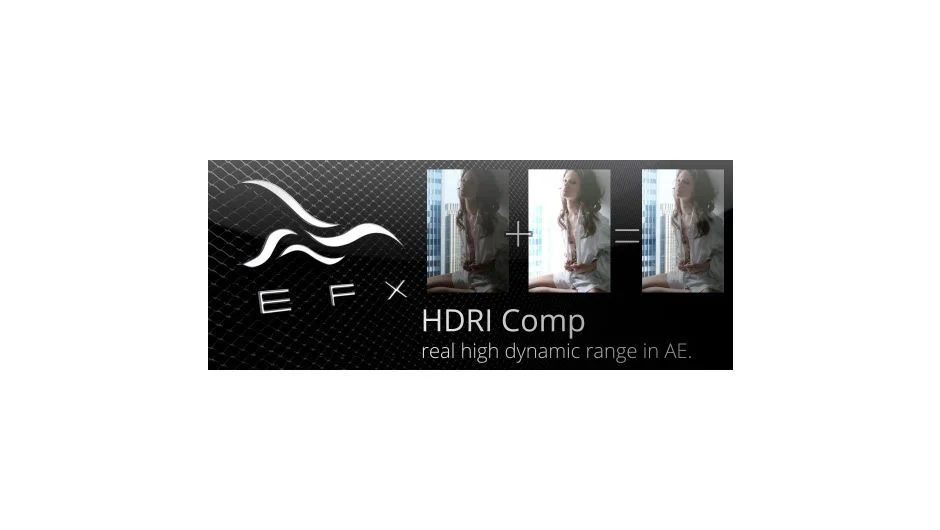
What It Does
EFX HDRI Comp merges two separate clips shot at different exposures into a single composite that retains detail from both the bright and dark areas. This process, sometimes called bracketing or exposure blending, lets you recover information that would normally be clipped in highlights or crushed in shadows.
You load two source clips (one exposed for shadows, one for highlights), and the plugin outputs a combined result. Useful for high-contrast scenes where a single exposure can’t capture the full dynamic range.
Key Features
Compressed mode. Scales the dynamic range down to fit the standard 0.0–1.0 visible range. This produces a viewable result that works with typical 8-bit or 16-bit workflows.
Raw 32-bit mode. Preserves the full unscaled HDR data, resulting in a true 32-bit float image with pixel values that exceed pure white. You can then apply tone mapping or further adjustments in After Effects’ 32-bit color space.
The plugin includes a PDF manual with setup instructions and sample workflows.
Who It’s For
Motion designers and compositors working with footage that has extreme lighting, such as windows against dark interiors or bright skies with foreground subjects. Also useful for VFX artists who need HDR source material for realistic lighting and compositing.
Note that this plugin only supports After Effects CS4, CS5, and CS5.5. It is not compatible with CS6 or any later versions.
Pricing
EFX HDRI Comp uses a pay-what-you-want model with a suggested minimum of $4.99. Individual users can pay any amount they choose. Businesses and teams must pay at least the suggested price to receive a valid license.