
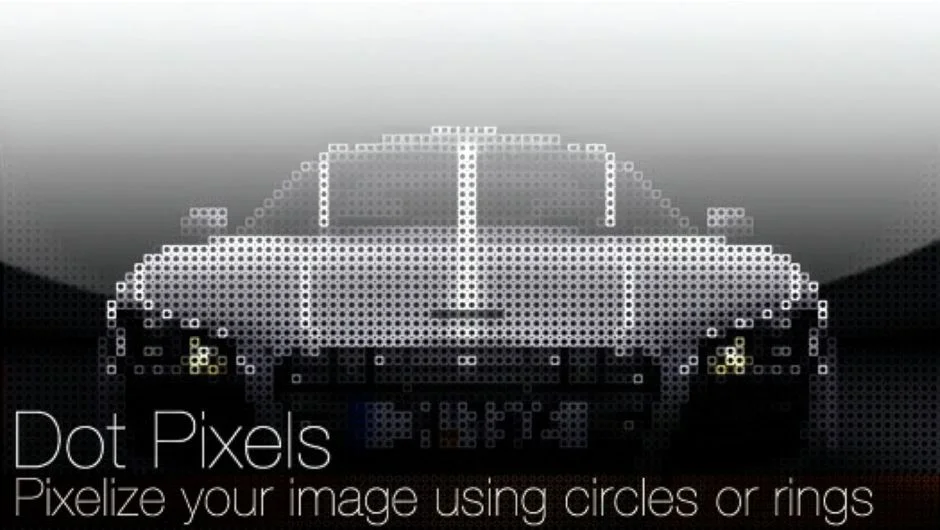
What It Does
Dot Pixels converts standard rectangular pixels into circles and rings. Instead of the square blocks you’d get from a normal mosaic effect, each pixel becomes a dot or ring shape. Optional shading simulates spherical and torus surfaces, giving the circles depth. The result works for stylized LED display effects, porous textures, or turning footage into abstract patterns.
Key Features
Dimension Factor sets the size of each pixel block. Larger values create bigger circles spread further apart.
Outer Roundness shrinks the circle within each pixel block. At 100%, the circle fills the block. Lower values leave gaps between shapes.
Inner Radius carves out the center of each circle to create a ring. Increase it to make thinner rings. At zero, you get solid circles.
Shading Type offers spherical shading (for circles that look like lit balls) or ring shading (for torus shapes). The Shading parameter controls intensity, from flat color to full 3D-style gradient. By default, shading is off.
Fill Background lets you replace transparent areas with a solid color, useful when you don’t want the original image showing through.
The plugin supports 32-bit float in After Effects and works in both After Effects and Premiere Pro.
Who It’s For
Motion designers creating retro LED screen effects or simulated digital displays. VFX artists adding stylized textures or degraded looks to footage. Anyone wanting a quick way to turn images into circular pixel patterns without manual masking.
Pricing
Single-user license costs $39.99. Floating licenses are available separately for network setups. Render-only licenses cost $9.99 each but require owning at least one full license. A free trial is available.
Dot Pixels is also included in the TV Distortion Bundle alongside four other plugins (Data Glitch, Bad TV, TVPixel, Separate RGB) for $99.