
What It Does
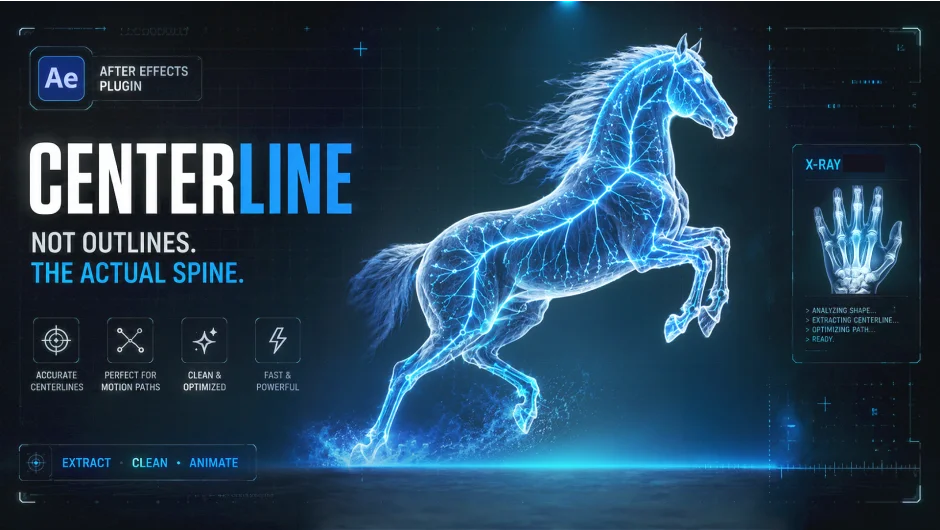
CenterLine extracts the medial skeleton from any raster image and converts it into native After Effects Shape Layers. Feed it a scanned sketch, a logo, calligraphy, or even a text layer, and it returns clean, single-pixel vector paths that are ready to animate with Trim Paths.
The distinction from standard autotracing tools is important: most tracers produce outlines around a shape. CenterLine finds the center spine, which is what you actually need for a write-on reveal that mimics how a stroke was drawn.
Key Features
Zhang-Suen Thinning. A C++ optimized morphological algorithm strips outer stroke walls down to a single-pixel skeleton using a precomputed 8-bit lookup table, delivering real-time feedback in the comp view.
Schneider Bezier Fitting. Raw pixel chains are converted into continuous third-order Bezier curves with minimal anchor nodes, making the resulting shape paths easy to edit and lightweight in the comp.
Ramer-Douglas-Peucker Optimization. Redundant nodes are removed within a user-defined tolerance, keeping vertex counts low without sacrificing path accuracy.
Variable Width Mapping. A Euclidean distance transform reads the original stroke thickness from the source image and maps that profile back onto the generated vector path, preserving organic calligraphic weight variations.
Threshold and Channel Controls. A luma/alpha threshold slider separates background from foreground before thinning. You can isolate luminance, red, green, blue, or alpha channels, and invert the input for dark lines on light paper.
Gap Close. Bridges broken pixel chains across small gaps dynamically, useful for architectural blueprints or scanned drawings with ink discontinuities.
Stroke Roughness and Dashes. Optional noise displacement recreates pencil or ink textures on the vector stroke. A dashing system with animatable offset allows marching-line effects.
Shape Layer and SVG Export. One click pushes the processed skeleton into a native AE Shape Layer. Raw SVG paths can also be copied to the clipboard for use in other applications.
Who It’s For
Motion designers who frequently build write-on animations from hand-drawn assets or existing logos will get the most out of CenterLine. Manually tracing paths point-by-point through a complex sketch is tedious; this plugin handles that extraction step automatically.
It is also useful for map route animations (tracing road or path geometry), revealing text layers with an authentic drawing effect, and converting double-walled outline logos into single animating centerlines.
Compatible with After Effects CC 2020 through 2026 on Windows 10/11 (x64) and macOS (Apple Silicon and Intel).
Pricing
CenterLine is sold as a one-time purchase on aescripts.com using their pay-what-you-want model. Individual users can choose their own price, while studio or team licenses require the suggested price. A free trial is available for download before purchasing.
