
What It Does
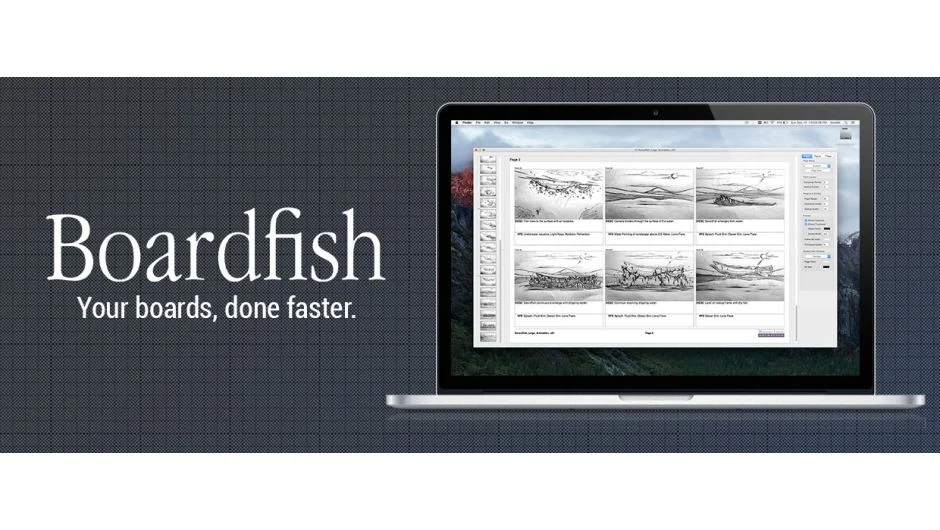
Boardfish was a stand-alone Mac application built for storyboarding. It assembled panels (from drawings, photos, 3D models, or UX wireframes) into professional page layouts using drag-and-drop. The app handled simple or complex storyboard grids and let you move, delete, or hide panels for quick editing.
Developed as an in-house tool at Swordfish-SF, the software was battle-tested on real productions before its public release. Unlike browser-based storyboarding services, Boardfish ran natively on Mac, making it fast and independent of internet speed when working with large image sets.
Key Features
Drag and drop panels. Import images directly into storyboard grids. The app handled various panel sources, from hand-drawn sketches to 3D renders.
Move, delete, hide panels. Rearrange boards quickly without rebuilding layouts. Hide panels to test different shot sequences without deleting assets.
Native Mac performance. Ran as a local application, avoiding the lag common with online storyboarding platforms when moving multiple images.
Page, Panel, and Titles inspector panels. Control layout details through dedicated interface panels. The guided tour video breaks down each inspector’s function across five chapters.
Pricing
Boardfish is no longer available for purchase. The product has been discontinued.
Originally sold as a perpetual license (one-time payment, no subscription fees). The pricing page on aescripts.com confirms the app is unavailable.
System Requirements
Mac OS X 10.7 or later. No Windows version was released.