
What It Does
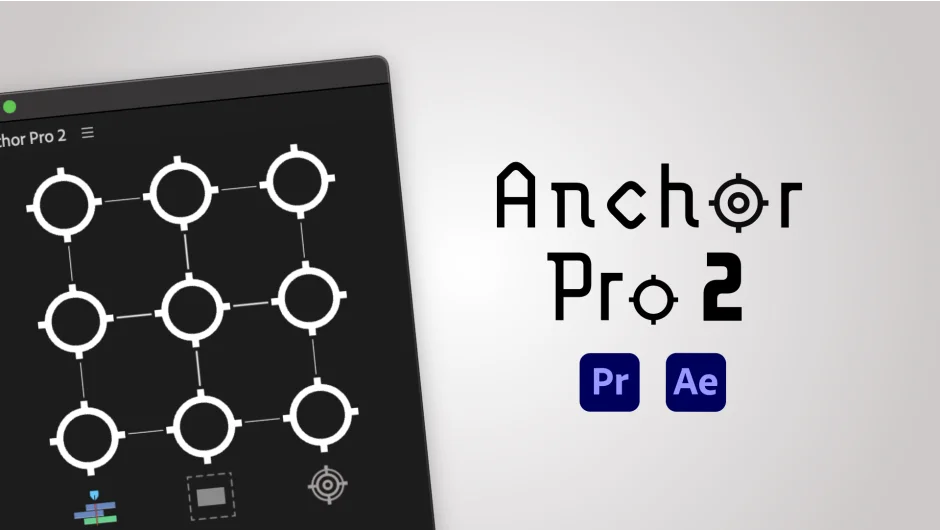
Anchor Pro handles anchor point positioning in After Effects and Premiere Pro. The plugin lets you move anchor points relative to the clip itself, the sequence, or a selection of clips. It preserves existing animations when you adjust anchor points, which solves the common problem of breaking keyframes when repositioning.
Key Features
Alpha Mode. Works with transparent backgrounds to position anchor points based on visible pixels rather than the bounding box. Version 2 adds an option to ignore drop shadows, giving you more control over what the plugin considers when calculating positions.
Transform Effect support. Handles both standard transform properties and the Transform effect in After Effects. Also supports Separated Dimensions and improves 3D layer handling.
Save and apply positions. Save an anchor point position from one layer and apply it to others, useful for aligning multiple elements to the same reference point.
Spell Book integration. Connects with Spell Book for creating custom keyboard shortcuts. The plugin includes click shortcuts for faster access to common positioning tasks.
Anchor point dragging. Drag anchor points for precise manual control when the automated positioning options need fine-tuning.
Who It’s For
Useful for motion designers working with frequent anchor point adjustments, especially when dealing with transparent assets, 3D layers, or maintaining complex animation rigs. The relative positioning modes help when aligning elements across clips or sequences.
Pricing
$29.99 for a single-user license. Includes a 10-day free trial with no feature restrictions. If you purchased Anchor Pro 1 after September 22, 2025, the upgrade to version 2 is free. Otherwise, the upgrade costs $9.99 (requires login to see the discounted price).