
What It Does
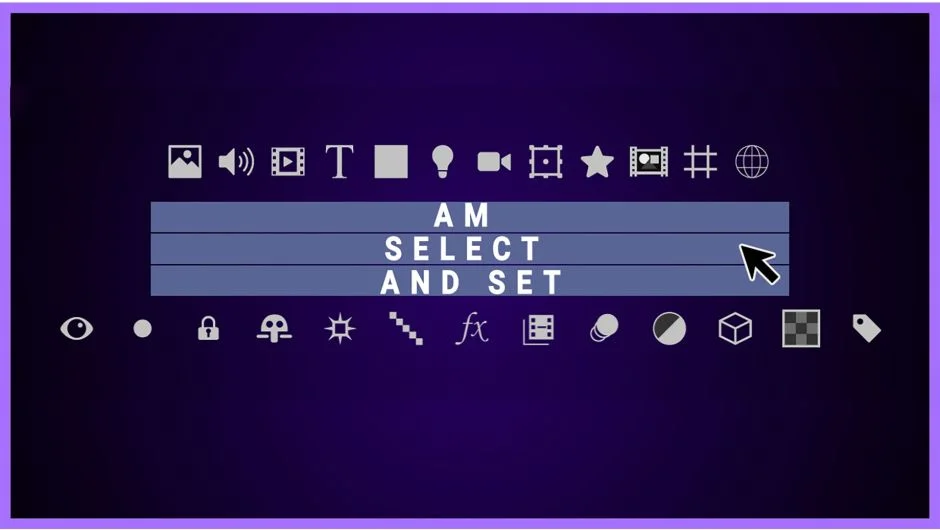
AM Select And Set finds layers in your After Effects timeline based on specific criteria, then lets you change their properties all at once. Instead of manually clicking through dozens of layers to find every 3D layer with a red label, you set the filters and click select.
The tool works by filtering layers based on type (text, shape, solid, etc.) and 19 different attributes including label color, blend mode, visibility, 3D status, guide layer status, and more. You can combine multiple conditions or search for layers matching any single criterion.
Key Features
Multi-condition filtering. Select layers that meet all specified conditions or any one of them. For example, find all image layers that are both 3D-enabled and have red labels, or find any layer that’s either locked or invisible.
Layer type targeting. Limit searches to specific layer types like text, shapes, solids, or cameras. Useful when you need to isolate, say, all null objects or all adjustment layers in a complex composition.
Batch attribute editing. After selecting filtered layers, switch to Set mode to change their properties simultaneously. Apply the same label color, blend mode, or visibility setting across all selected layers without touching them individually.
Selection modifiers. Hold Shift while selecting to add filtered results to your current selection instead of replacing it. Hold Alt/Option to invert the selection in the active comp, ignoring filters entirely.
Label color sync. If you’re using After Effects 17.6 or later, the script reflects your custom label color names from preferences, matching your existing workflow.
The interface divides into four sections: Select/Set toggle, layer type choosers, attribute filters, and the condition logic (all/any) with the selection button.
Who It’s For
Useful for editors working with large, multi-layered compositions where manually selecting related elements wastes time. Common scenarios include finding all invisible layers before rendering, selecting every 3D camera for adjustment, or batch-changing blend modes on specific layer types.
Particularly helpful when cleaning up inherited projects or preparing templates where consistent layer organization matters.
Pricing
Pay-what-you-want with a $30 suggested minimum for individual users. Businesses and teams are expected to pay the suggested price for a valid license.
