
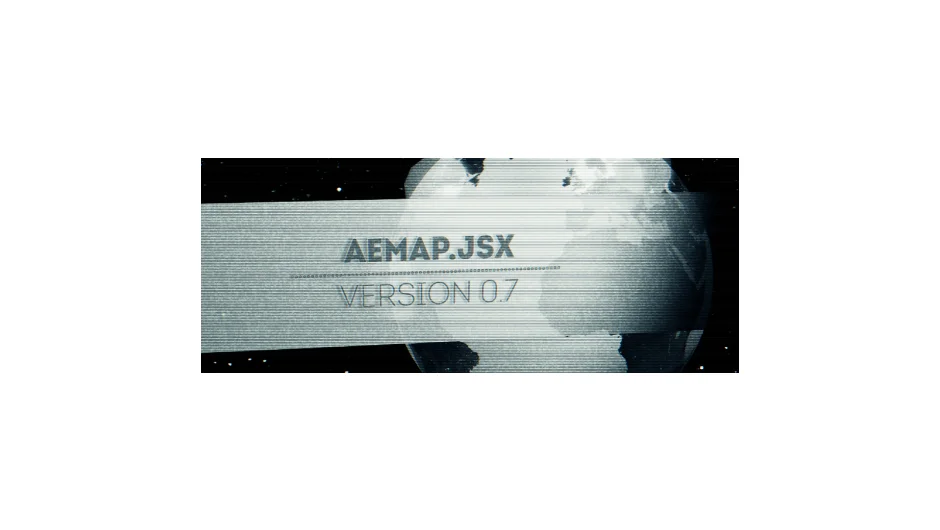
What It Does
AEMap builds geographic maps directly inside After Effects. Import built-in boundaries or your own jurisdictions, apply data-driven colors to regions, and choose from projection types including mercator, equirectangular, aitoff, hammer, and sinusoidal. Maps generate as native After Effects shapes or masks, so they integrate with your existing layer workflow.
Key Features
Data-driven colorization. Link color values to regions based on imported data. Useful for election maps, demographic visualizations, or any project where geographic areas need distinct treatments.
Multiple projection types. Switch between mercator (the standard web map projection), equirectangular (suitable for spherical mapping), aitoff, hammer, and sinusoidal. Each projection reshapes continents and borders differently, giving you options for stylistic or scientific accuracy.
Precompose by jurisdiction. Split your map into individual pre-comps by country, state, or other region. Animating individual territories becomes straightforward when each one lives in its own composition.
AEMap Utilities. A companion toolset for managing the many layers and nested comps that map projects create. Handles bulk operations that would otherwise require manual sorting.
Who It’s For
Designers working on news graphics, documentary overlays, or data journalism pieces. If you’re animating election results, migration patterns, or regional statistics, this script handles the tedious setup. Also relevant for educational videos that need labeled, animated geography.
Pricing
AEMap uses a pay-what-you-want model. Individual users can choose their own price (suggested $42.23). Businesses and teams must pay the suggested amount for a valid license. This makes it accessible for freelancers while funding continued development.