Free After Effects templates have a reputation problem. Half the sites that rank for them are ad-riddled link farms where every download button is a trap. This list cuts through that by focusing on sources that actually deliver working templates you can open, edit, and use without a credit card or a 10-step download process. The criteria: genuinely free access (not just a free trial), real editable templates, and assets that work without hunting for missing fonts or plugins.
Quick Picks
| Template Source | Best For | Pricing |
|---|---|---|
| Spotlight FX | Professional templates inside your timeline, no file management | Freemium |
| Motion Array | Large variety with premium upgrade path | Free tier available |
| SonduckFilm | Motion designers who want a big pack fast | Free |
| Velosofy | Intros and visual effects packs | Free |
| MotionElements | Global contributor marketplace | Free tier available |
| Storyblocks | Royalty-free templates for commercial use | Free tier available |
| EasyEdit Viewer | Browsing and importing templates inside AE | Freemium |
1. Spotlight FX Free Templates
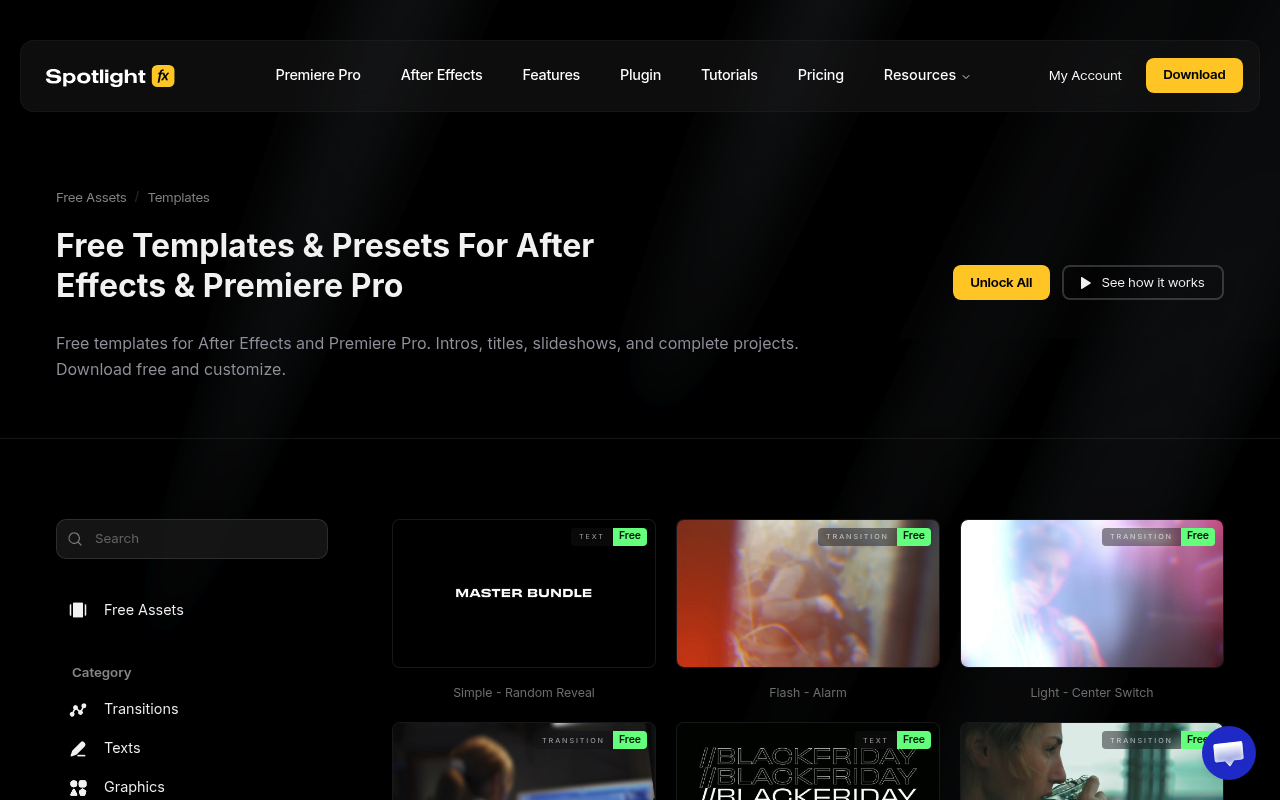
Spotlight FX’s free tier gives you 39 professionally built templates across transitions, texts, elements, and overlays, all accessible from a panel inside Premiere Pro or After Effects. There is no .aep file to download, no unzipping, and no import step. Double-click any item and it lands directly in your timeline, pre-configured and ready to customize through the built-in effects panel. Because Spotlight FX is cloud-based, every template updates automatically with no re-importing when improvements ship. The building-block approach means you layer transitions, titles, and overlays independently rather than editing one monolithic project file. Spotlight FX also includes all workflow tools free for every user: Anchor Point Mover, Renamer, Looper, Keyframe Easing, and more.
Best for: Editors who want professional templates that drop directly into their timeline without any file management
Pricing: Freemium. Free tier includes 39 templates with no time limit. Paid plans from $14/month unlock the full library of 2,300+ assets.
2. Motion Array Free Templates
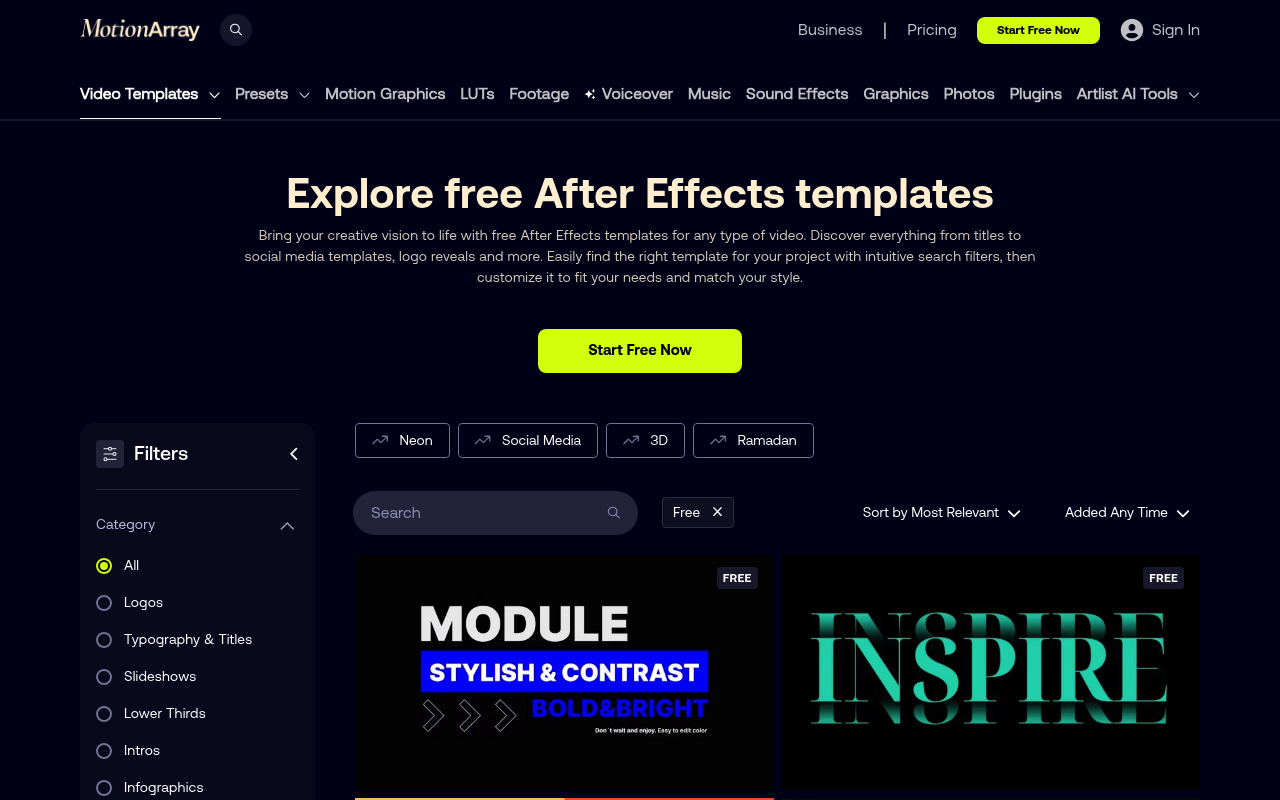
Motion Array’s free section is real, not a demo wall. You need a free account (about 30 seconds) to download, and quality varies by contributor, but the top-rated templates are solid and easy to filter. If you’re building a personal library of reusable project files, the free tier gives you enough to work with before ever considering their subscription.
Best for: Motion designers building a personal asset library over time
Pricing: Free tier with account; paid plans unlock the full catalog
3. SonduckFilm
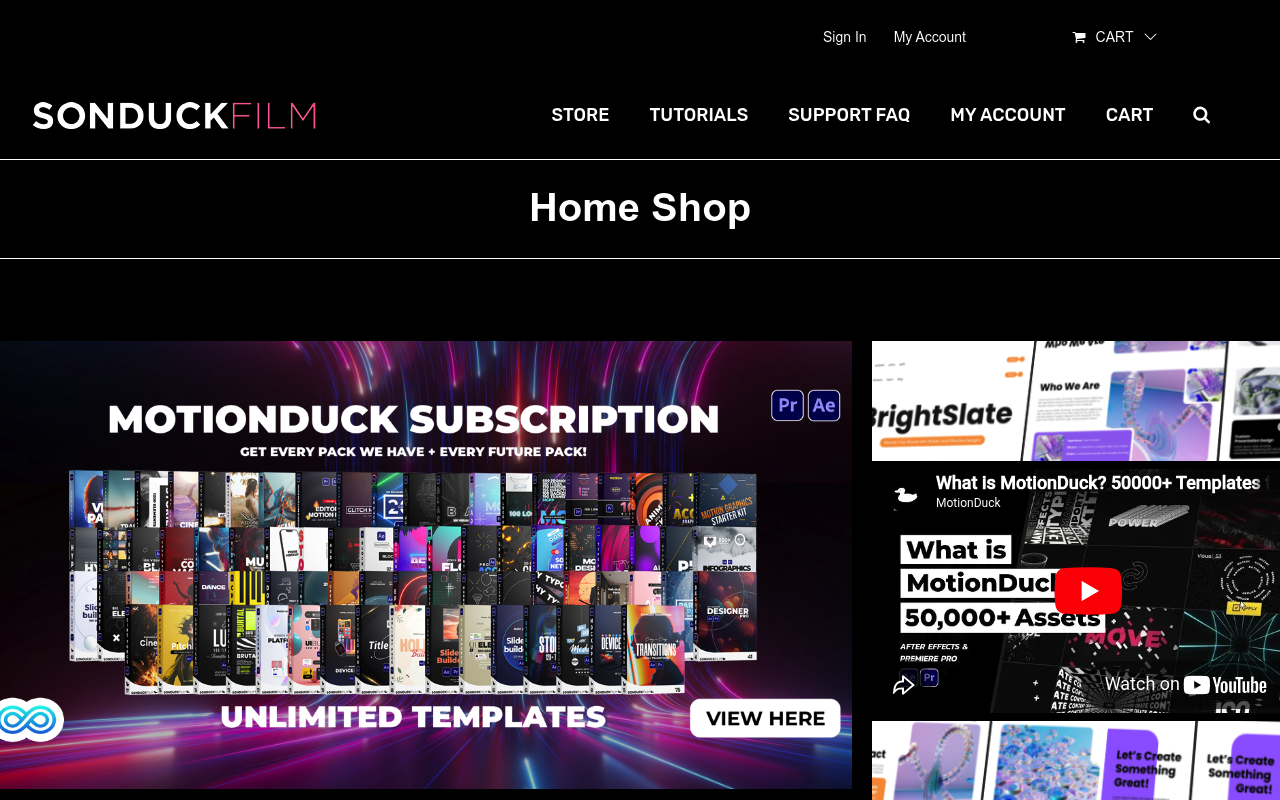
SonduckFilm offers a free 100-template pack covering titles, lower thirds, transitions, and story-style graphics. The files are lightweight and built for working editors, not showreels, so they prioritize usability over complexity. Good if you need a batch of reliable assets in one download without hunting through individual template pages.
Best for: Content creators and YouTubers who need a batch of usable assets fast
Pricing: Free download, no subscription required
4. Velosofy
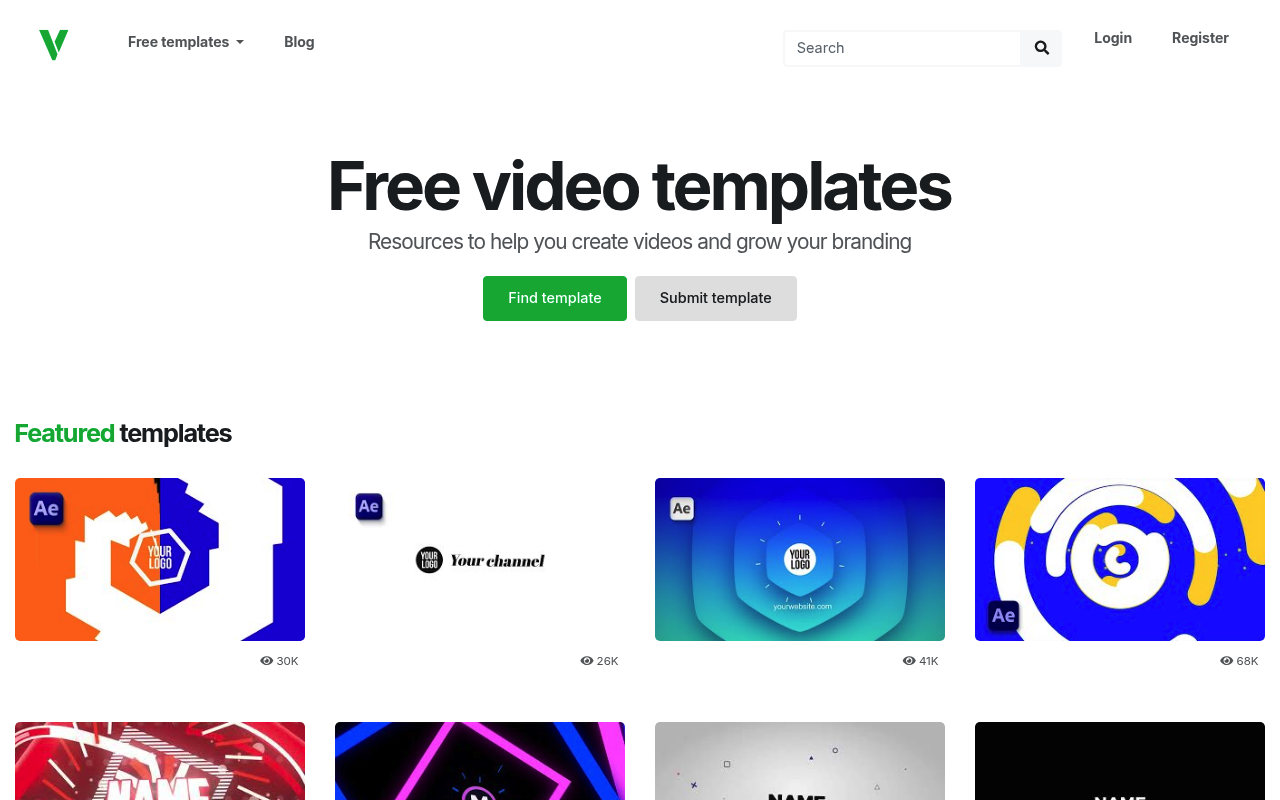
Velosofy hosts 900+ free templates focused on intros and effects packs. Quality varies since it’s community-driven, but the category filtering is good enough to find useful files without too much digging. Check the version notes before downloading, as some templates were built in older AE versions and may behave differently in current releases.
Best for: Designers looking for intro templates and effects packs outside the mainstream platforms
Pricing: Free
5. MotionElements Free Templates
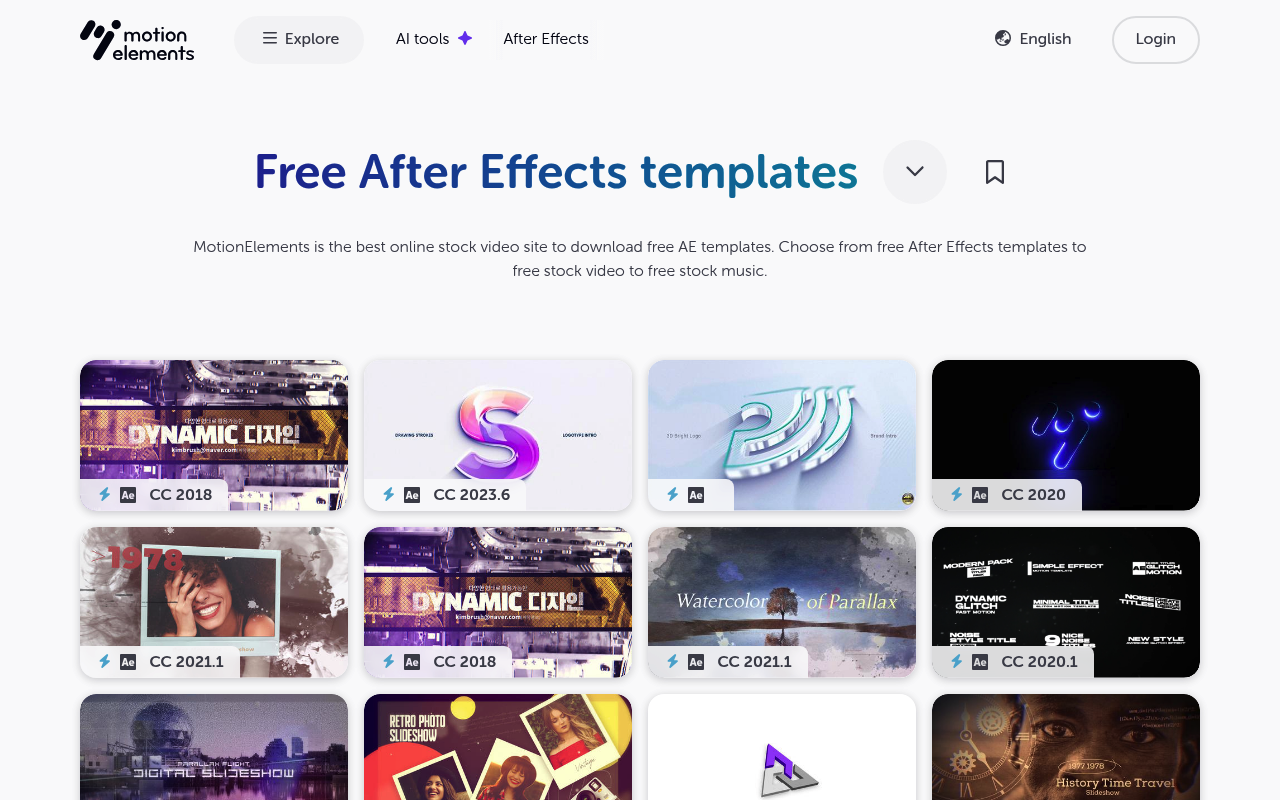
MotionElements is a global marketplace with contributors from Asia and beyond, giving the free section a noticeably different aesthetic range than Western-centric platforms. Free account required to download. Worth bookmarking specifically for when you need something that doesn’t look like it came from the same template everyone else is using.
Best for: Designers who want templates with a wider aesthetic range
Pricing: Free tier with account; premium assets require purchase or subscription
6. Storyblocks After Effects Templates
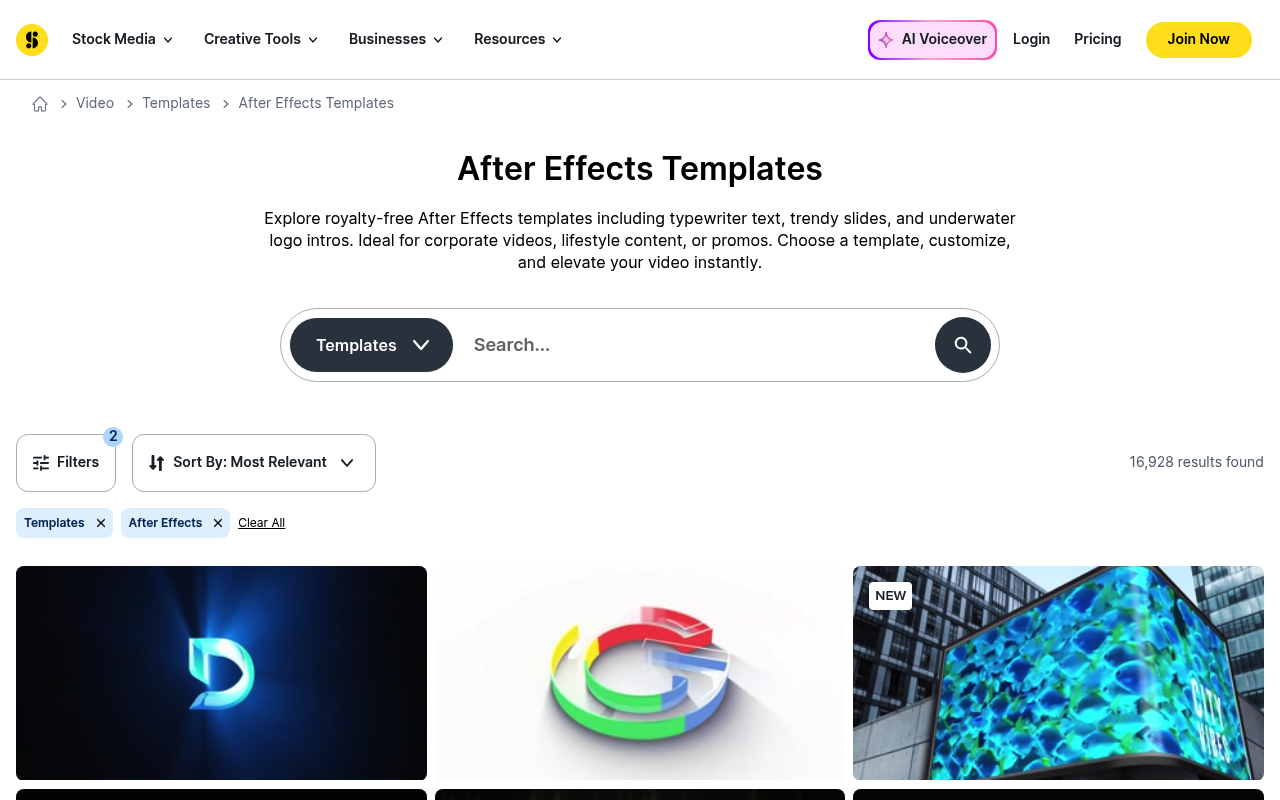
Storyblocks has a small but usable set of free AE templates without a subscription. They skew toward text animations and simple openers, with clear commercial license terms on each file. If you’re already using Storyblocks for stock footage, checking the free template section before going elsewhere costs you nothing.
Best for: Video producers already in the Storyblocks ecosystem
Pricing: Free tier available; full access requires subscription
7. EasyEdit Viewer
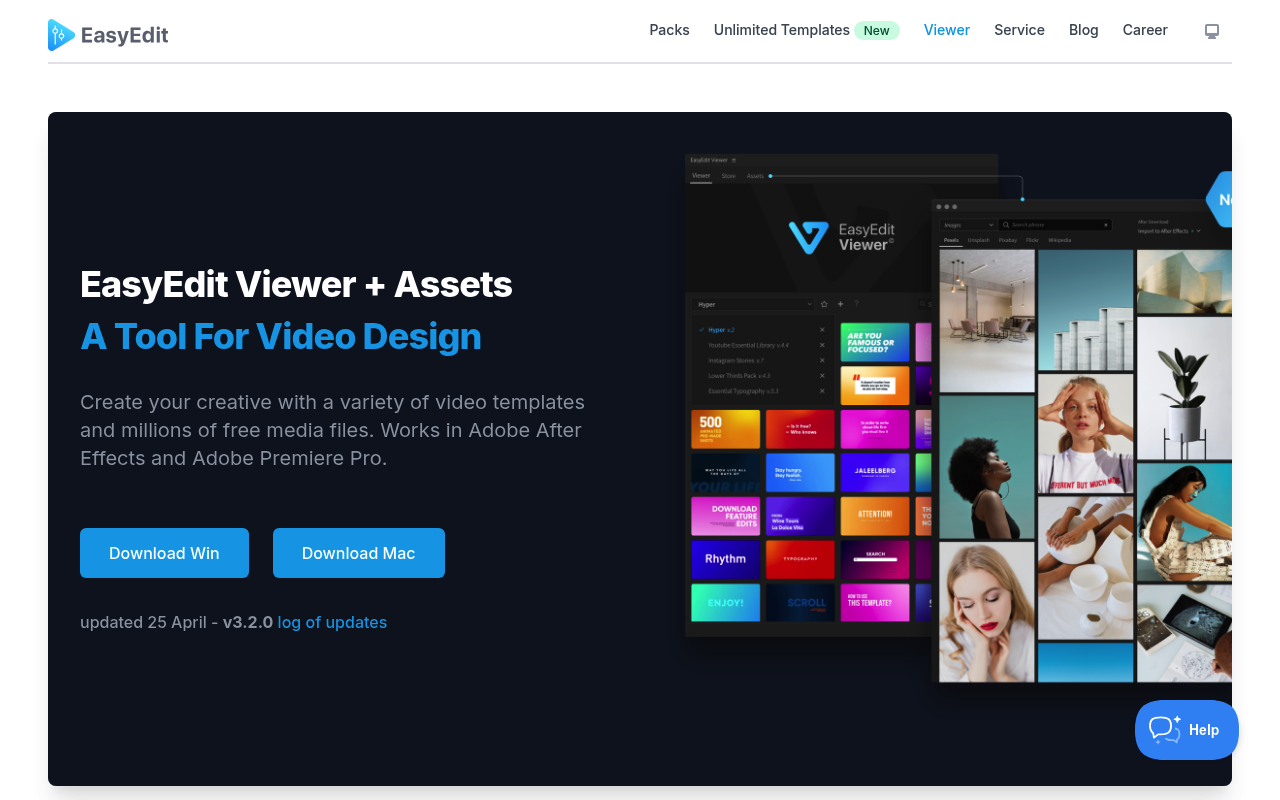
EasyEdit Viewer works as a panel inside After Effects that lets you browse, preview, and import 10,000+ templates without leaving AE. It skips the download-unzip-import loop entirely, which saves real time on client work. EasyEdit Viewer is worth pairing alongside external template sites since it covers a different part of the workflow. The Freelancer Speed Stack collection has additional tools that fit this setup.
Best for: Designers who want template access built into their AE workflow
Pricing: Freemium; free tier includes access to a large template library
Frequently Asked Questions
Are free After Effects templates safe to use for commercial projects?
It depends on the license attached to each template. Spotlight FX explicitly allows commercial use with no attribution required. Most other platforms require you to read the individual template license, which is usually listed on the download page. When in doubt, check for Creative Commons license details or a specific commercial use statement before shipping a client project.
Do free templates require specific After Effects versions?
Yes, and this is one of the most common problems. Templates built in AE 2022 or later may not open cleanly in older versions. Most reputable sites list the minimum AE version required on the download page. Spotlight FX avoids this entirely. Because templates live in the cloud and apply inside the plugin panel, version compatibility is handled automatically.
Why do some free templates require third-party plugins?
Template creators often build with plugins they already have installed, like Video Copilot’s Element 3D or optical flares, without flagging this clearly. Before committing to a template, open the .aep file and check if any effects show up as missing. Spotlight FX templates are self-contained and apply through the plugin without external dependencies.
Can I customize the fonts in free templates?
Yes, in almost all cases. Text layers in After Effects are fully editable. If the template uses a font you don’t have installed, AE will flag it as missing and substitute a placeholder. You can then replace it with any font you have. Most templates include a note listing which fonts were used so you can download them from Google Fonts or similar sources before opening the file.
What’s the difference between downloading templates from a site versus using a plugin like Spotlight FX or EasyEdit Viewer?
Downloading from sites gives you standalone .aep files you own and can archive. Plugin-based template access keeps templates in a browsable library inside your editor, which is faster for active projects. Spotlight FX goes further: templates apply as building blocks in your timeline with a dedicated effects panel for customization, no composition digging required, and downloaded assets are saved next to your project so you can archive them with the project file.
Conclusion
For the lowest-friction way to get professional templates into your timeline, Spotlight FX is the strongest starting point: the free tier is permanent, the templates drop directly into Premiere Pro or After Effects, and you get all workflow tools included. For building an ongoing library of .aep files, Motion Array and SonduckFilm are worth bookmarking. If you’re newer to After Effects and want a broader toolkit beyond templates, the Best Free & Freemium Starter Kit covers the plugins that will do more for your workflow than any single template pack.