
What It Does
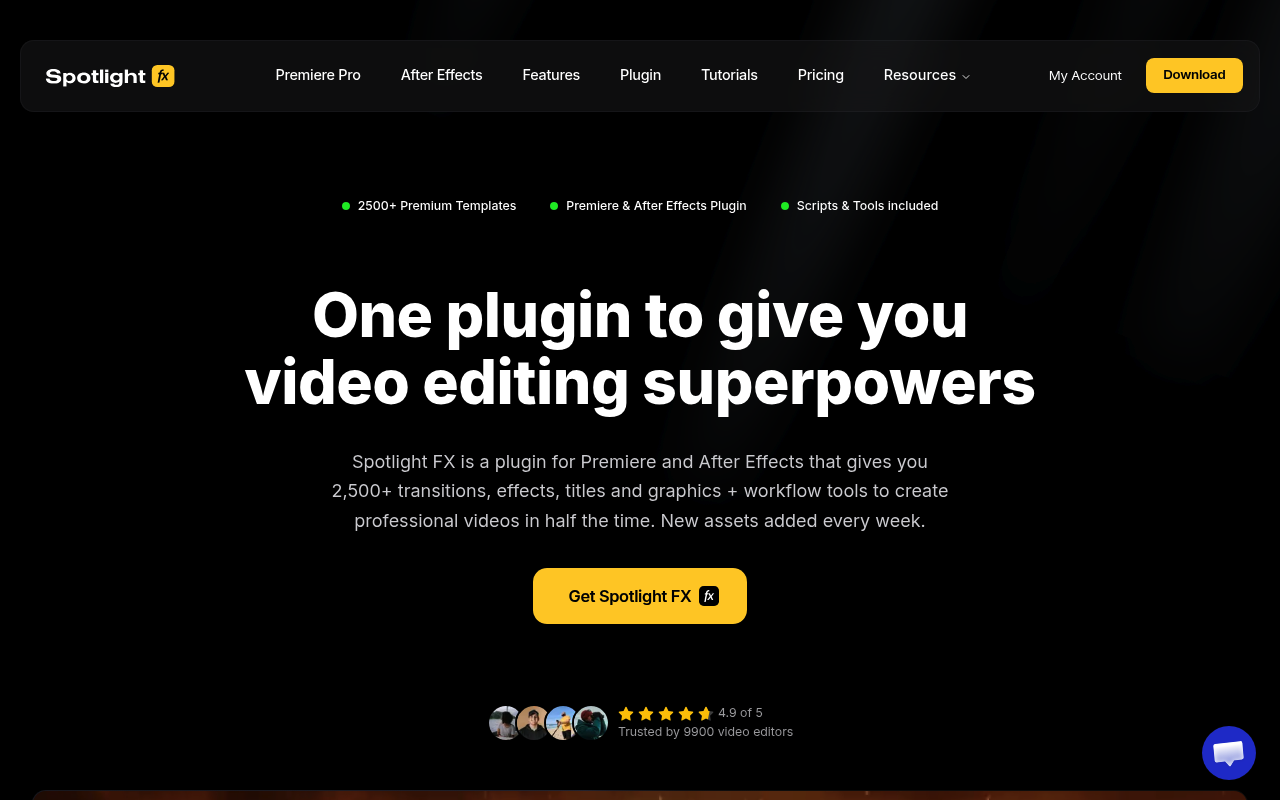
Spotlight FX is a cloud-based plugin for Adobe Premiere Pro and After Effects that puts a library of 2,300+ professional video assets directly in your editing panel. Double-click any item and it lands in your timeline, pre-configured and ready to customize. No downloading, no unzipping, no license management, no hunting across marketplaces.
The library covers every major asset type: transitions (camera moves, glitches, splits, zooms, flashes, light leaks), texts (lower thirds, headlines, captions, titles), elements (buttons, particles, backgrounds, highlighters), overlays (glitch, VHS, bloom, frames, LUTs), and genre-specific collections (True Crime, Wedding, YouTube Starter Kit, Hip Hop Music Video, and more). Because Spotlight FX is cloud-based, every asset updates automatically on your end the moment a fix or improvement ships.
Key Features
Asset library. Over 2,300 items across transitions, texts, elements, and overlays. Assets are built in-house rather than sourced from a marketplace, so quality and consistency are controlled end-to-end. Each item is stress-tested on real projects. New items are added based on user requests.
Effects panel. Customize any asset directly inside the Spotlight FX panel without opening compositions or sequences. Adjust color, timing, and animation parameters in one place.
Building-block approach. Assets work like Lego pieces. You build a scene layer by layer, adding transitions, titles, and overlays independently, with full control over each element. The plugin handles the technical side so you focus on the edit.
Workflow tools (free for all users). Anchor Point Mover, Renamer (bulk rename with search, replace, prefixes, suffixes), Looper (boomerang and seamless loops), Keyframe Copy, Keyframe Easing (preset and custom curves), Change Language (Premiere Pro only), and Blending Modes.
MOGRT-based. Assets use Motion Graphics Templates for non-destructive editing. You get full customization without digging into nested compositions.
Collect Assets. Assets are automatically saved next to your project file, so you can archive or share a project and the Spotlight FX items come with it.
Offline mode. Downloaded items work without an internet connection (new updates and downloads require a connection).
Re-create section. Real-world video results with 1:1 recreatable assets and tutorials inside the app, so you can match a specific look step-by-step.
Who It’s For
Spotlight FX is built for video editors and YouTube creators who need professional assets on demand without marketplace friction. If you spend 30 to 60 minutes building a glitch effect from scratch, searching stock sites, or wrestling with downloads and licenses for a single asset, Spotlight FX removes that entire process.
It suits editors who work across multiple styles: YouTube content, music videos, wedding films, documentary, and short films. The genre-specific collections are especially useful for editors who produce the same type of content repeatedly and want consistent styling without rebuilding from scratch each time.
Even if you never use the asset library, the free workflow tools alone make it worth installing. Anchor point adjustments, bulk renaming, keyframe easing curves, and loop creation are features missing from Premiere Pro and After Effects natively.
Pricing
Spotlight FX uses a freemium model. The free tier includes 39 templates across all asset categories plus all workflow tools from the toolbox, with no time limit.
Paid plans unlock the full library:
- Monthly: $29/month
- Yearly: $14/month, billed annually (best value for regular editors)
- Lifetime: $299 one-time, includes one year of new asset additions. After the first year, new items can be unlocked for an optional $49/year renewal. Plugin updates and existing assets remain yours regardless of renewal status.
All downloaded assets stay in your projects permanently, even after a subscription ends. Only newly added items require an active plan to download.
Billing is processed via LemonSqueezy. Subscriptions can be managed at accounts.spotlightfx.com. A 14-day refund policy applies if fewer than 10 premium assets have been downloaded and not used commercially.