The Best Free After Effects Plugins for Motion Designers
Paid plugins get most of the attention, but a surprisingly strong set of free and freemium tools can carry a real production workflow. This list focuses specifically on plugins with a free tier that is actually useful, not just a crippled demo. Each pick was selected based on how much it solves a specific, recurring problem in After Effects without requiring a credit card to get started.
| Plugin | Best For | Pricing |
|---|---|---|
| Spotlight FX | All-in-one assets + workflow tools for Premiere & AE | Freemium |
| Ease and Wizz | Advanced easing on keyframes | Freemium |
| Flow | Visual curve editing for easing | Freemium |
| Bodymovin | Exporting animations as Lottie JSON | Freemium |
| Squash & Stretch | Adding physical weight to animations | Freemium |
| TypeMonkey | Kinetic typography layouts | Freemium |
| True Comp Duplicator | Duplicating nested comp hierarchies | Freemium |
| Motion Bro | Managing and previewing preset packs | Freemium |
| loopFlow | Animating stills into looping video | Freemium |
1. Spotlight FX
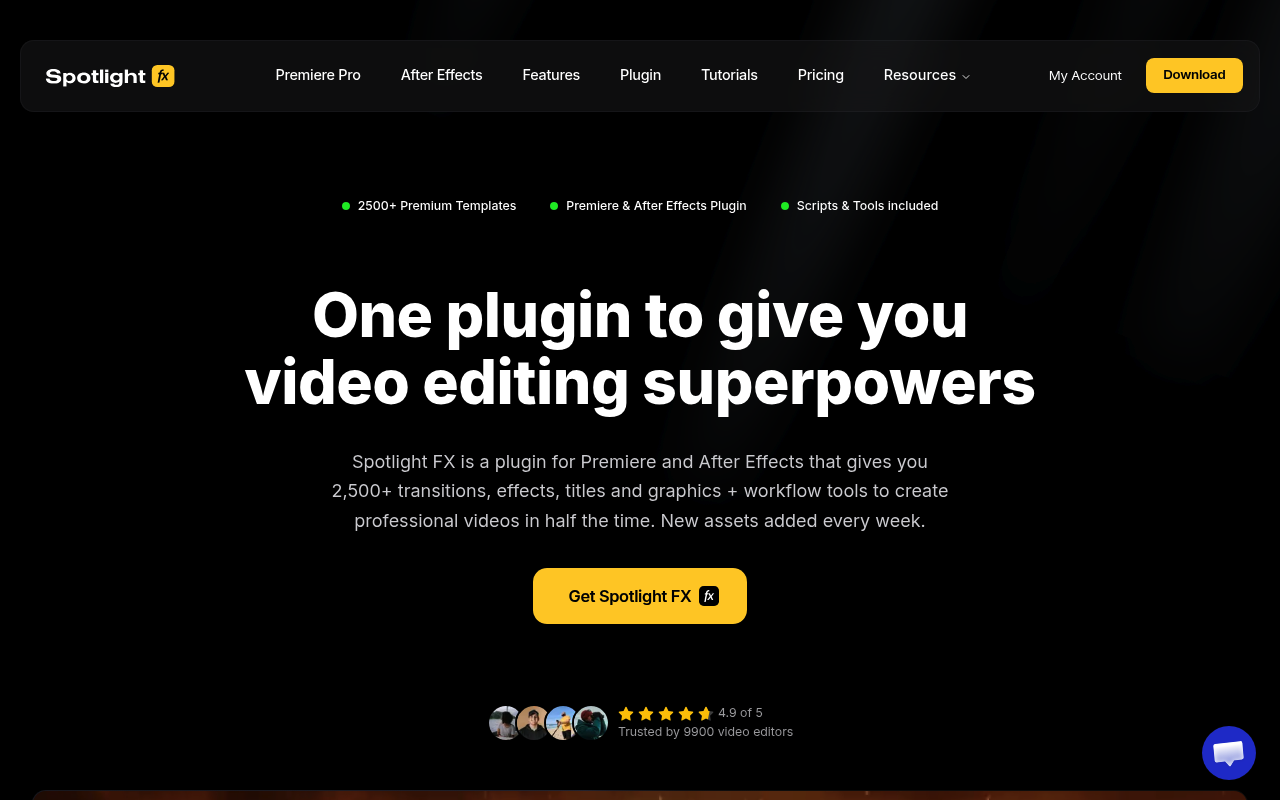
Spotlight FX is a cloud-based plugin for Premiere Pro and After Effects that covers assets and workflow tools in one place. The free tier gives you 39 templates across transitions, texts, elements, and overlays, plus the complete toolbox for all users: Anchor Point Mover, Renamer, Looper, Keyframe Easing, Keyframe Copy, Blending Modes, and Change Language. Double-click any asset and it lands directly in your timeline with no file management and no import step. Assets sync automatically so you always have the latest version. Spotlight FX is the strongest free starting point if you want assets and productivity tools without installing multiple separate plugins.
Best for: Video editors and YouTube creators who need professional assets and workflow tools without juggling multiple installs
Pricing: Freemium. Free tier includes 39 templates + all workflow tools permanently. Monthly $29/mo, Yearly $14/mo billed annually, Lifetime $299 one-time.
2. Ease and Wizz
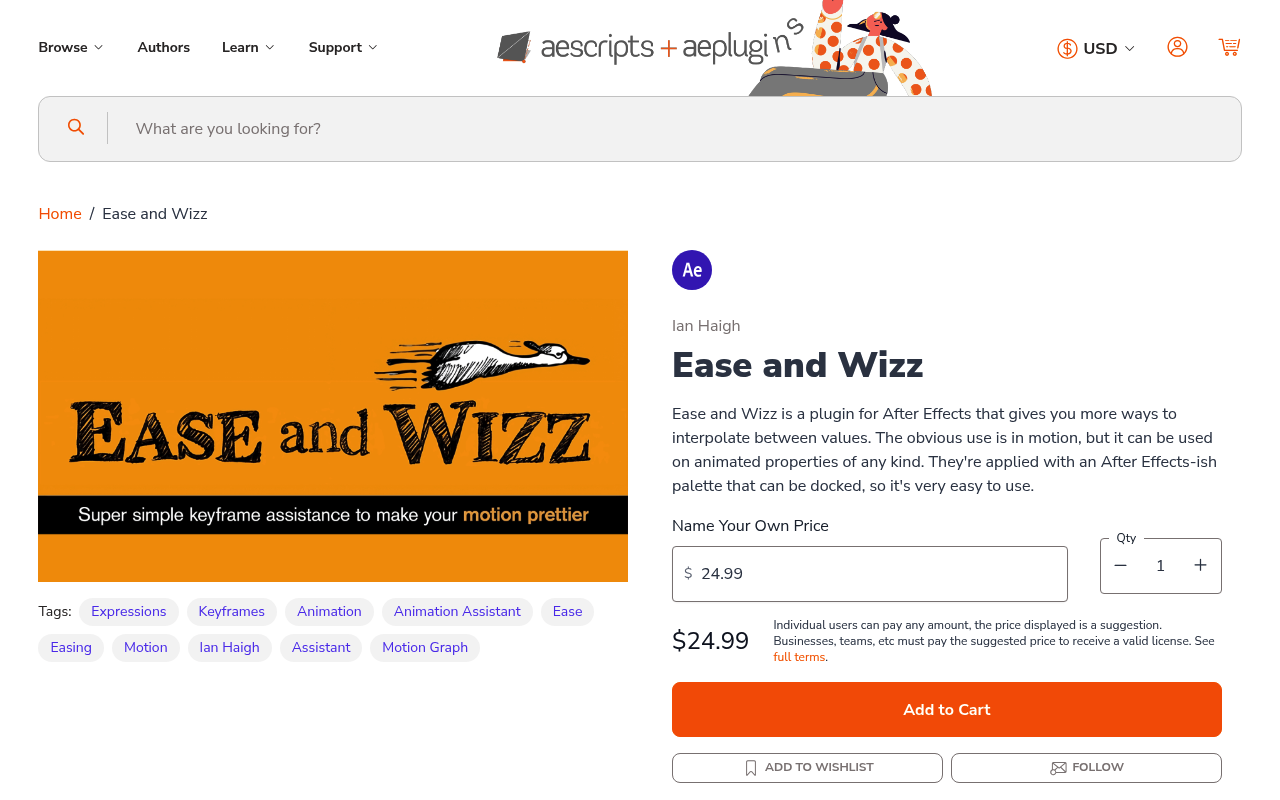
Ease and Wizz adds elastic, bounce, exponential, back, and other easing equations to any keyframe-able property with one click. Instead of pulling bezier handles manually, you pick an equation type and direction and the script writes the expression for you. The free version covers the core set most designers use daily. Check the Smooth Motion & Easing Toolkit if easing quality is a priority.
Best for: Animators who want mathematically accurate easing curves applied in seconds
Pricing: Freemium
3. Flow
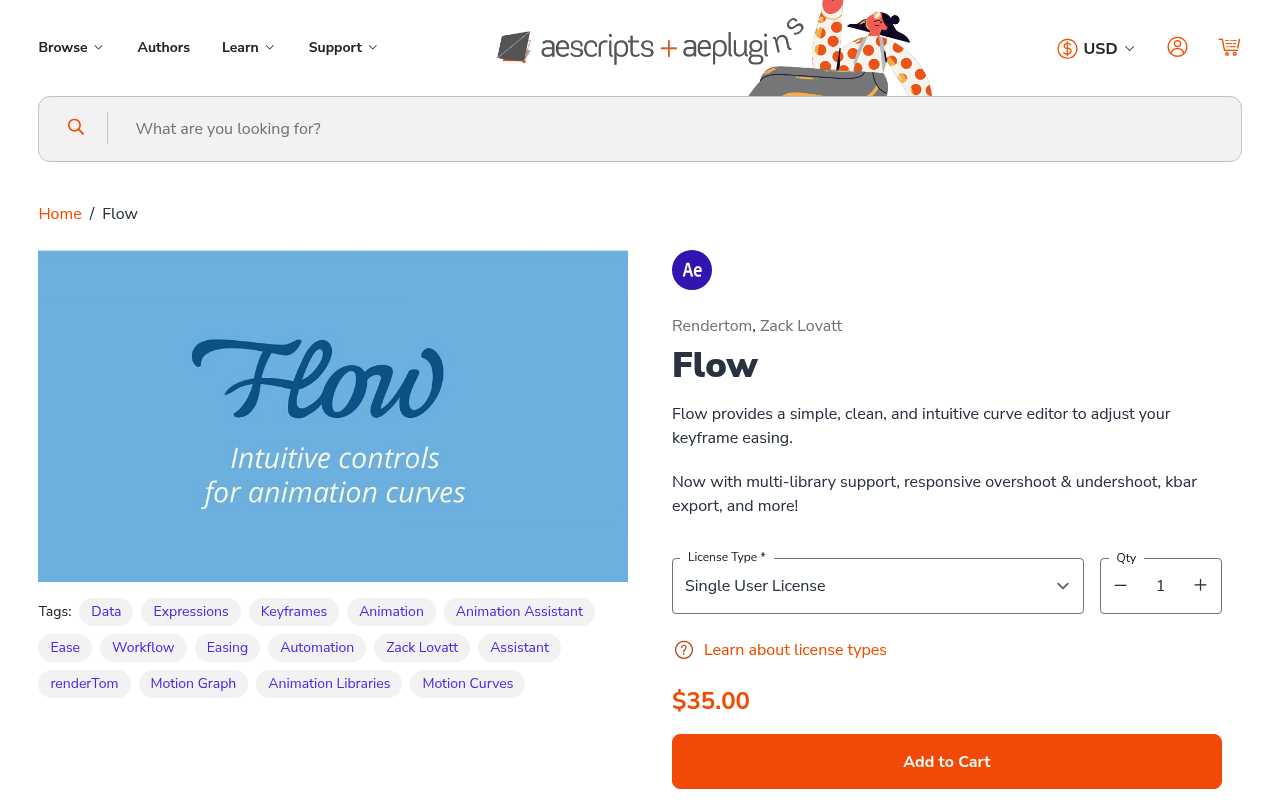
Flow gives you a proper curve editor panel with drag handles, saved presets, and a cleaner interface than AE’s native graph editor. The free tier lets you use the curve editor and apply custom eases, which is useful on its own. It pairs well with Ease and Wizz since the two tools cover different parts of the easing workflow. Both are covered in the Smooth Motion & Easing Toolkit.
Best for: Designers who want a visual, modern interface for editing easing curves
Pricing: Freemium
4. Bodymovin
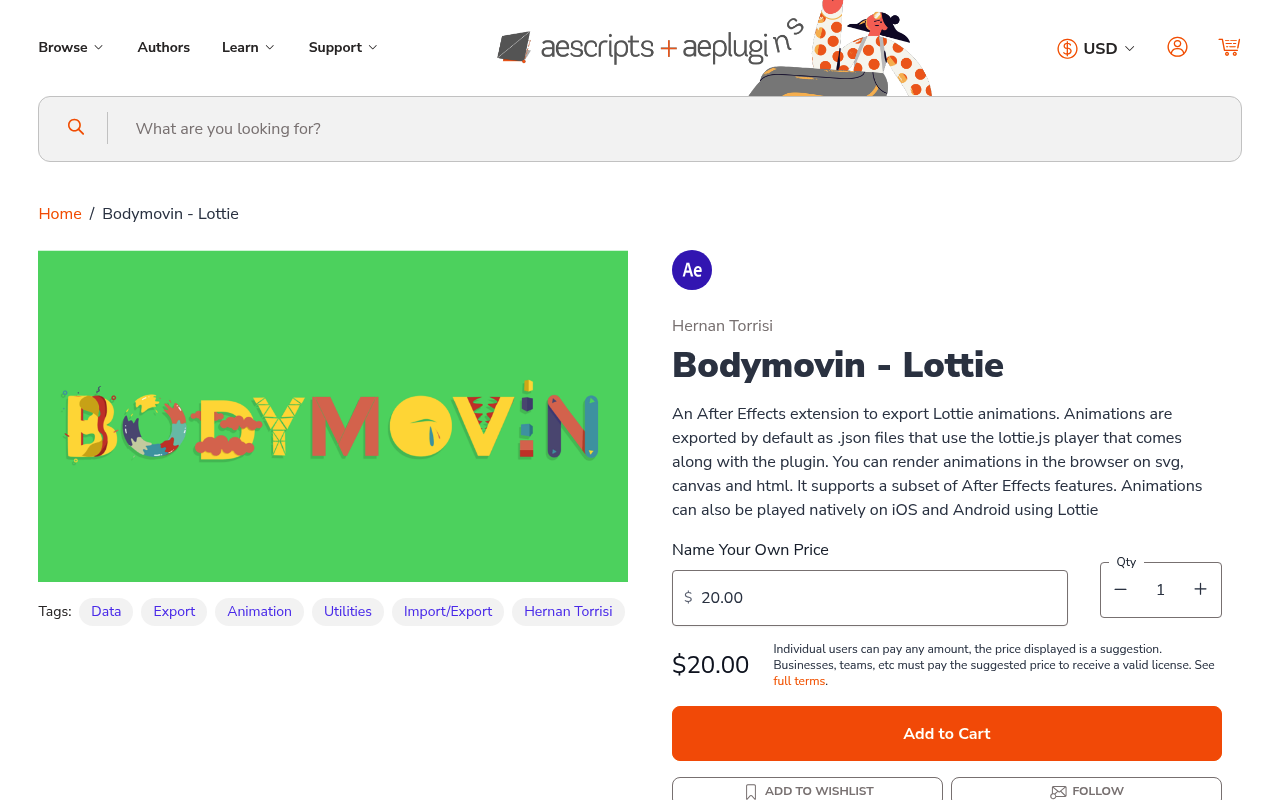
Bodymovin exports After Effects animations as Lottie JSON, the format developers use to play vector animations in browsers and mobile apps. The export workflow is straightforward: build your animation in AE, run the export, and hand the JSON file to a developer. Not every AE feature translates to Lottie, but Bodymovin clearly flags unsupported layers during export. The Web & UI Animation Pipeline covers the full handoff context.
Best for: Motion designers handing animations off to web or app developers as Lottie files
Pricing: Freemium
5. Squash & Stretch
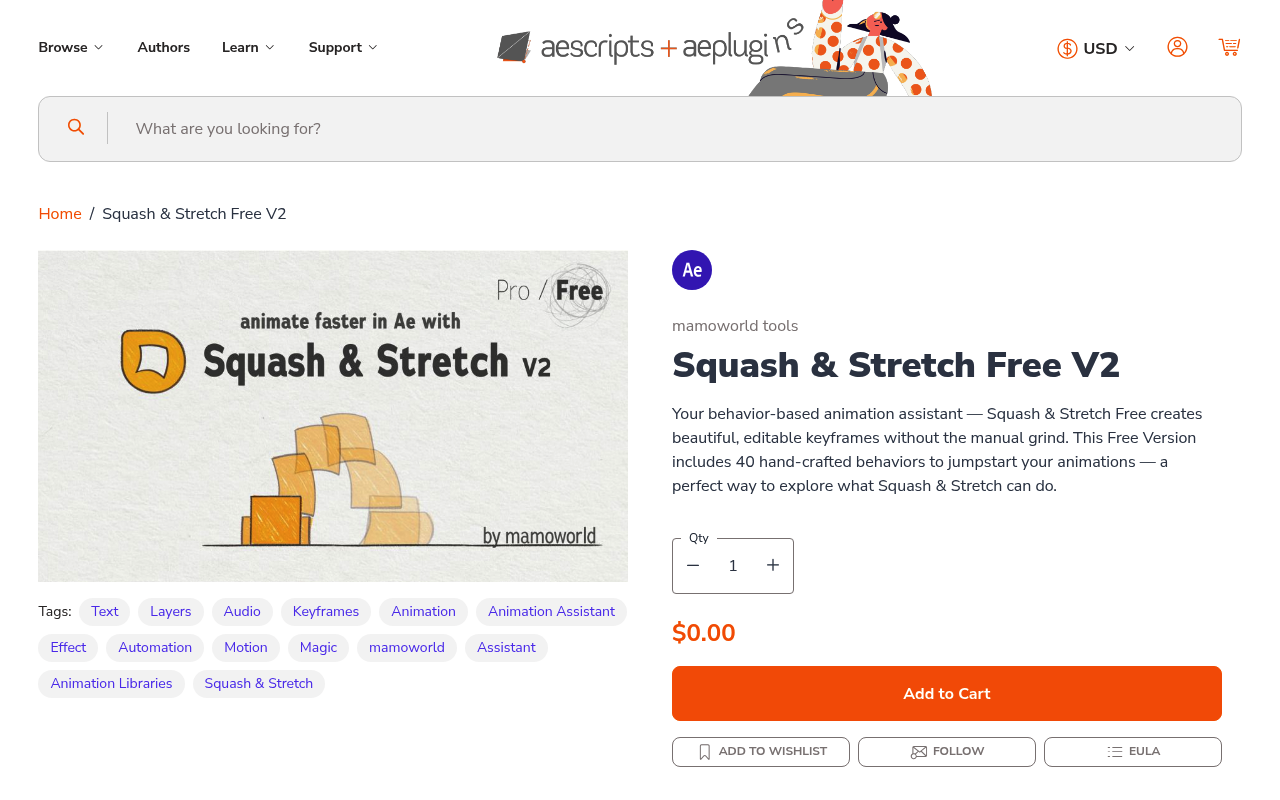
Squash & Stretch adds physics-based squash, stretch, and bounce to any layer through sliders, without manual keyframing. You attach the script to a layer, dial in the amount, and the physics calculations handle the rest. The free tier covers core behaviors that work well for logo animations and bouncing elements. Squash & Stretch fits naturally into the Character & Expressive Animation Toolkit.
Best for: Character animators and motion designers who want physical weight without rigging by hand
Pricing: Freemium
6. TypeMonkey
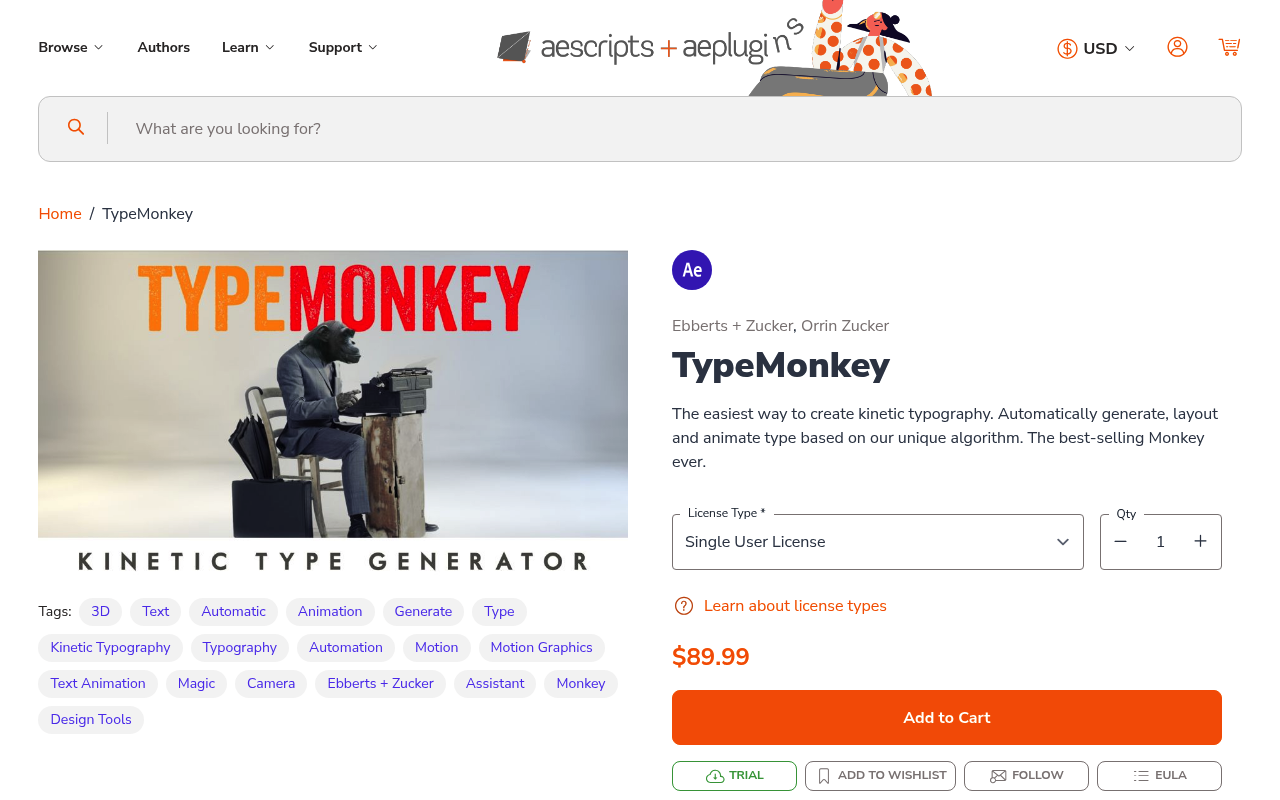
TypeMonkey generates animated kinetic typography layouts using marker-based timing. You paste your text, set markers at the beats, and the script builds out a multi-layer animated layout automatically. The free tier covers basic layout generation, which is enough to understand whether it fits your workflow. The Broadcast & Title Sequence Builders collection has more context for text-heavy broadcast work.
Best for: Designers who need kinetic typography layouts quickly from a script or voiceover
Pricing: Freemium
7. True Comp Duplicator
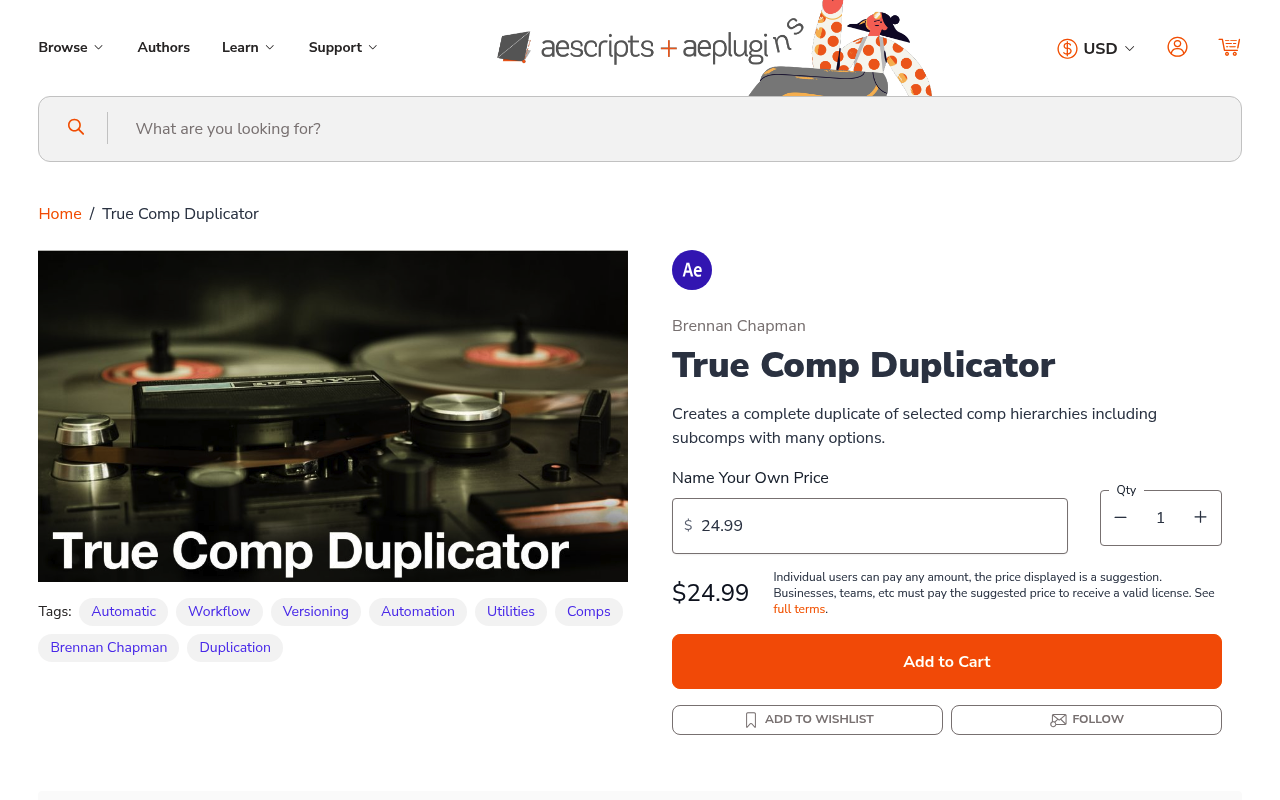
After Effects’ native duplicate command keeps all nested sub-comps shared between the original and the copy. True Comp Duplicator fixes this by duplicating the entire hierarchy, creating unique copies of every sub-comp, renamed and organized automatically. The free tier handles single comp duplication, which covers most common use cases. If you work with modular template systems or multiple versioned deliverables, this is not optional.
Best for: Anyone who needs to duplicate a nested comp structure without shared sub-comps
Pricing: Freemium
8. Motion Bro
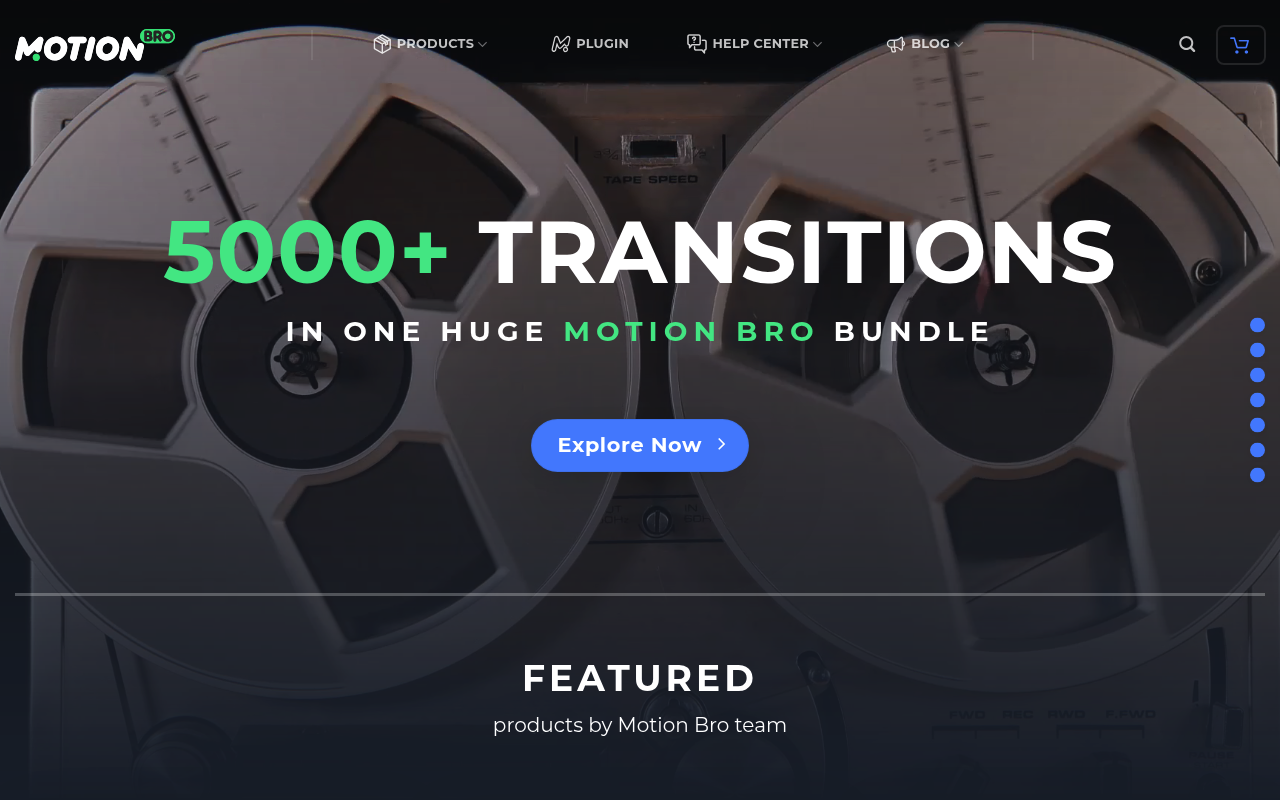
Motion Bro is a preset manager, not a preset pack. The free version lets you install, browse, preview, and search compatible extension packs without leaving After Effects. It supports transitions, lower thirds, and sound effects from a range of compatible packs, some of which are free. If you accumulate a lot of presets over time, Motion Bro keeps them usable and findable.
Best for: Designers who want a central hub to preview and apply third-party preset packs inside AE
Pricing: Freemium
9. loopFlow
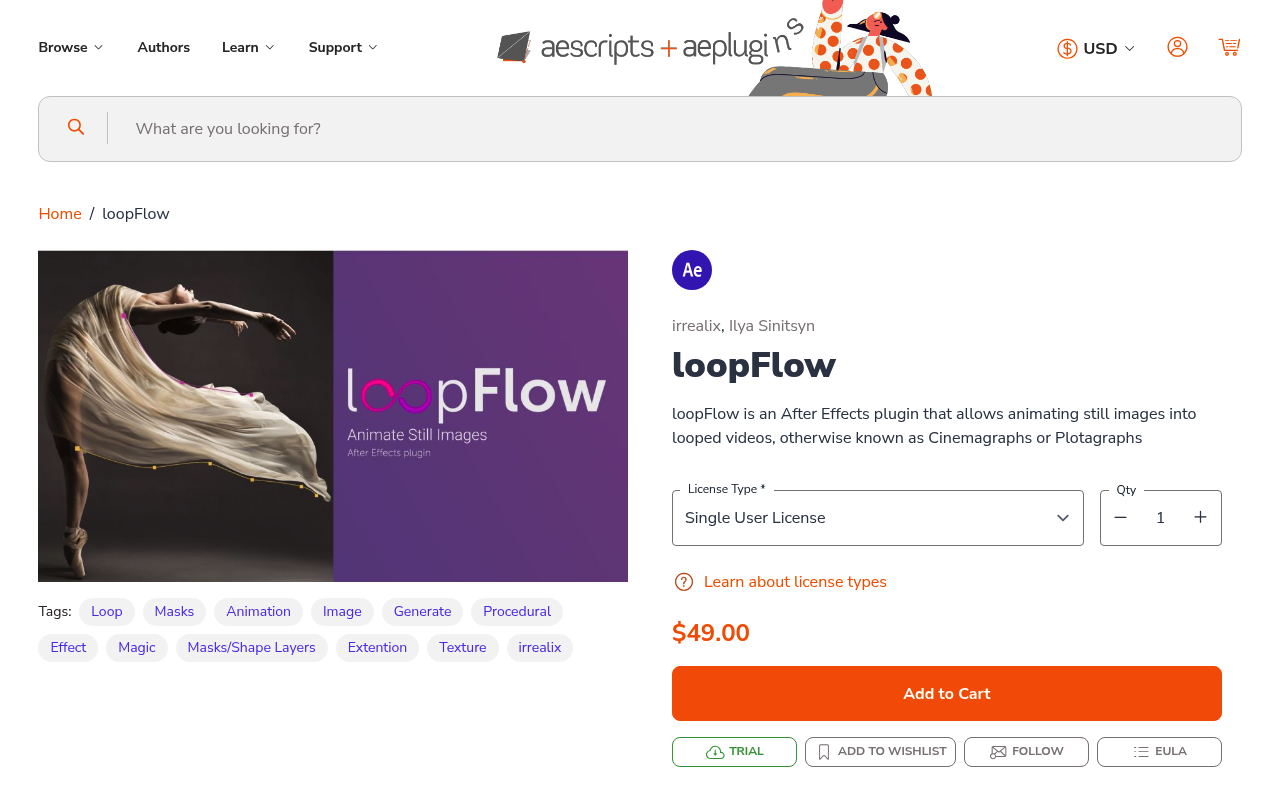
loopFlow uses mask-based flow to animate still images into looping videos. You define flow regions using masks, set the direction and speed of movement, and the plugin generates the illusion of continuous motion. The free tier supports basic flow regions, which handles single-subject images and simple backgrounds. For the specific problem it solves, nothing else in After Effects does this as directly.
Best for: Designers who need to turn a still image or short clip into a seamlessly looping video
Pricing: Freemium
Frequently Asked Questions
Are freemium After Effects plugins actually useful, or are the free tiers too limited?
It depends on the plugin. Tools like Bodymovin and True Comp Duplicator are fully functional in their free versions because the core feature set is available without payment. Spotlight FX’s free tier is genuinely useful: 39 templates plus every workflow tool in the toolbox at no cost. Read what the free tier actually includes before installing rather than assuming it’s a crippled demo.
Do free plugins slow down After Effects?
Plugins that run as scripts or extensions have minimal performance impact since they only execute when you use them. Effect-based plugins that run on every frame render can affect performance, but most of the tools on this list are script-based. The main overhead is the panel UI loading at startup, which is negligible on a modern machine.
Can I use free After Effects plugins on client work?
Yes, in most cases. Freemium plugins from aescripts and similar platforms are licensed for commercial use unless specifically stated otherwise. Check the license terms on the plugin’s product page if you are unsure, particularly for preset-based tools where the output assets may have their own licensing terms.
Which of these plugins work in the latest version of After Effects?
All plugins listed here are actively maintained as of 2026. aescripts-hosted plugins in particular have version compatibility notes on their product pages. If you run into issues, check the plugin’s changelog or support forum before assuming incompatibility, as many issues are resolved by updating the plugin itself rather than rolling back AE.
What is the difference between a script, a plugin, and an extension in After Effects?
Scripts (.jsx or .jsxbin) are JavaScript files that automate tasks and run inside AE’s scripting engine. Plugins (.aex) are compiled files that add new effects or tools at a deeper level, often including custom render effects. Extensions (.zxp) are panels built with HTML and JavaScript that dock inside the AE interface. In practice, most people use these terms interchangeably, but the technical distinction matters when troubleshooting installation issues.
Conclusion
If you are starting out, install Spotlight FX, Ease and Wizz, and Bodymovin first. They cover the widest range of everyday tasks at zero cost and address completely different problems. From there, pick based on what your projects actually need, whether that is better easing control, kinetic type, or looping visuals. The Best Free & Freemium Starter Kit is a good reference for building a complete no-cost toolkit, and the Smooth Motion & Easing Toolkit is worth a look if animation quality is your main focus.