
Flow is a solid pick for motion designers who want a normalized curve editor with CSS-compatible output and a shared preset library. Editors tend to look elsewhere when they need physics-based motion modes like elastic or bounce, want easing tools bundled inside a broader animation toolkit, or need Premiere Pro support that Flow doesn’t offer. These five alternatives cover different needs at different price points.
Best Flow Alternatives for After Effects
Discover the best Flow alternatives for keyframe easing in After Effects - with options for different budgets, physics-based motion, and Premiere Pro support.
-
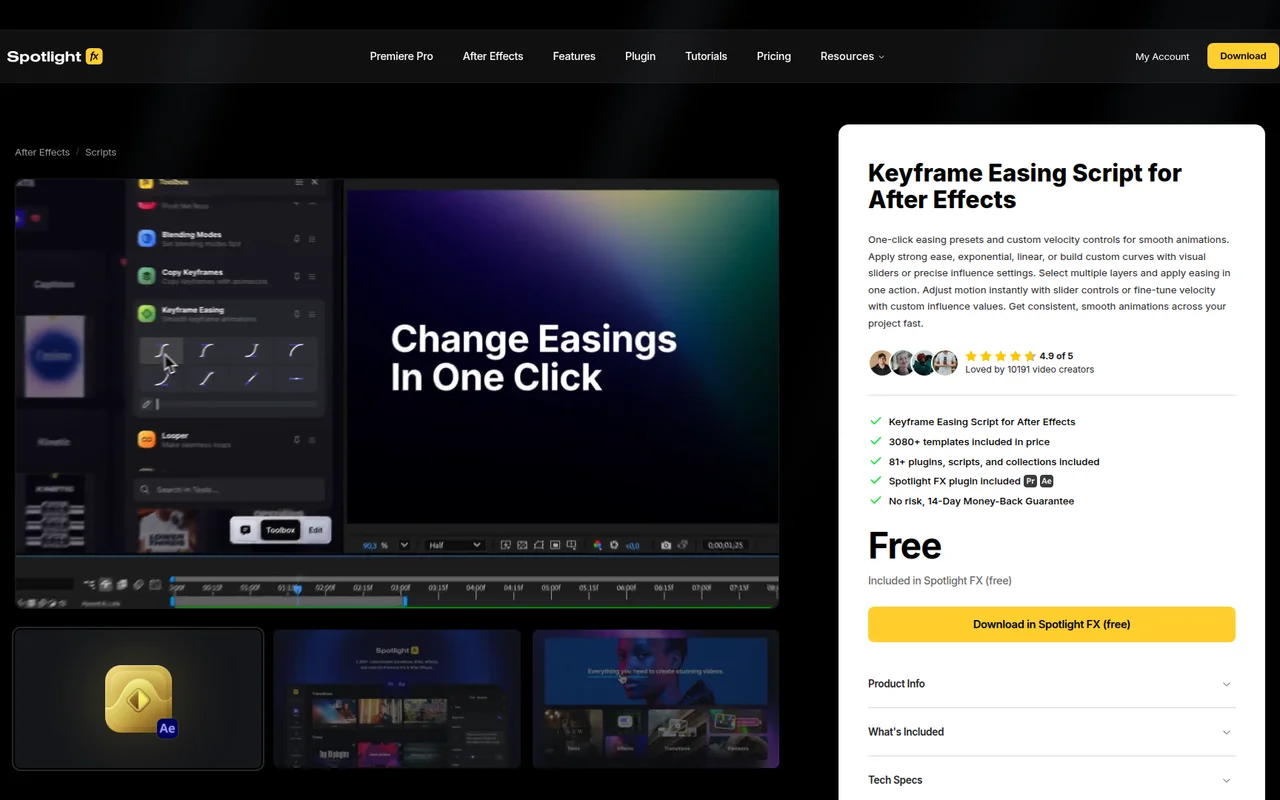
Apply smooth easing curves to multiple keyframes in one click
Keyframe Easing handles the core job Flow does - applying consistent easing across multiple keyframes at once - but skips the normalized curve interface in favor of simpler sliders and preset buttons. It's part of Spotlight FX's free-to-start library, which makes it a low-risk option if you don't need Flow's CSS output or Read Values feature. Batch application across multiple layers is the main draw here. It's not the right pick if you need to export cubic-bezier values for web handoff or want a visual curve editor you can fine-tune precisely.
-
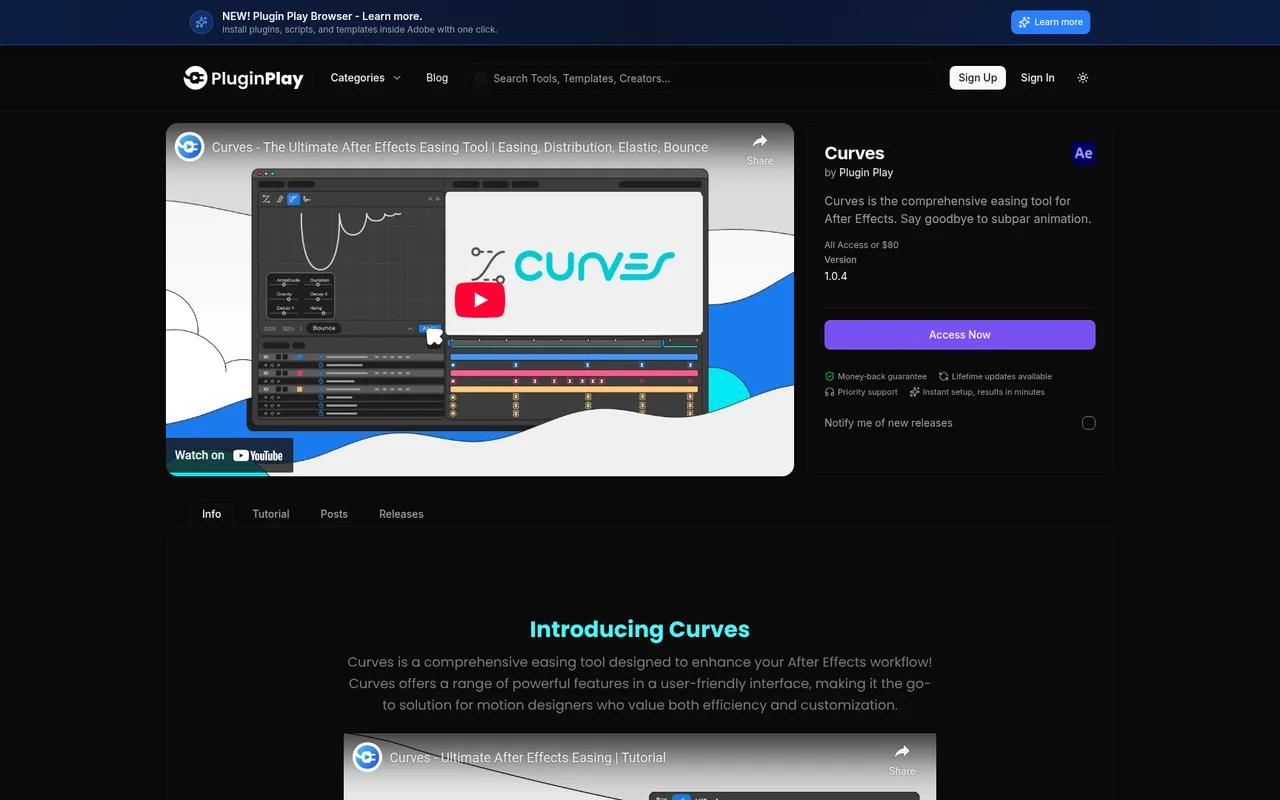
Advanced curve-based easing tool with elastic, bounce, and distribution modes
Curves goes significantly further than Flow by adding dedicated Elastic, Bounce, and Distribution modes alongside standard bezier easing - all in one $80 one-time purchase. If you animate UI elements with overshoot, objects with physical impact, or cascading sequences that need staggered timing, Curves handles those cases without requiring expressions. The Distribution mode with Synergy is something Flow doesn't have at all. It's overkill if you only need basic ease-in/ease-out control, but for motion designers who need a range of animation physics, it covers more ground.
-
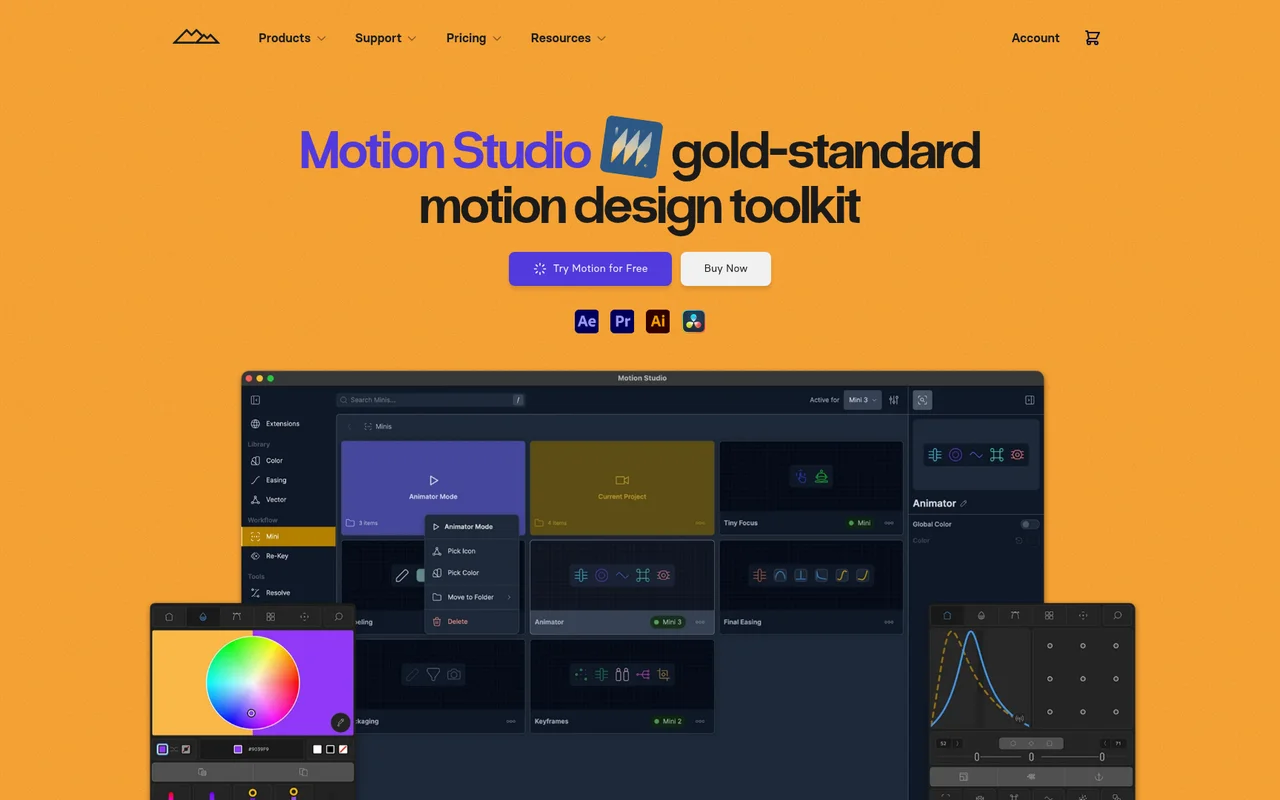
Professional animation toolkit with 80+ tools for After Effects workflows
Motion Studio includes an easing panel as one component of a much larger toolkit - 80+ tools covering anchor points, color management, layer staggering, and more. If Flow's easing features are the main thing you want but you'd also benefit from general workflow tools, the $13/month subscription gets you considerably more than a curve editor. The Re-Key system for saving and sharing keyframe sets is a direct competitor to Flow's preset library. That said, if easing control is your only need, paying monthly for a full toolkit doesn't make sense when Flow costs $35 once.
-
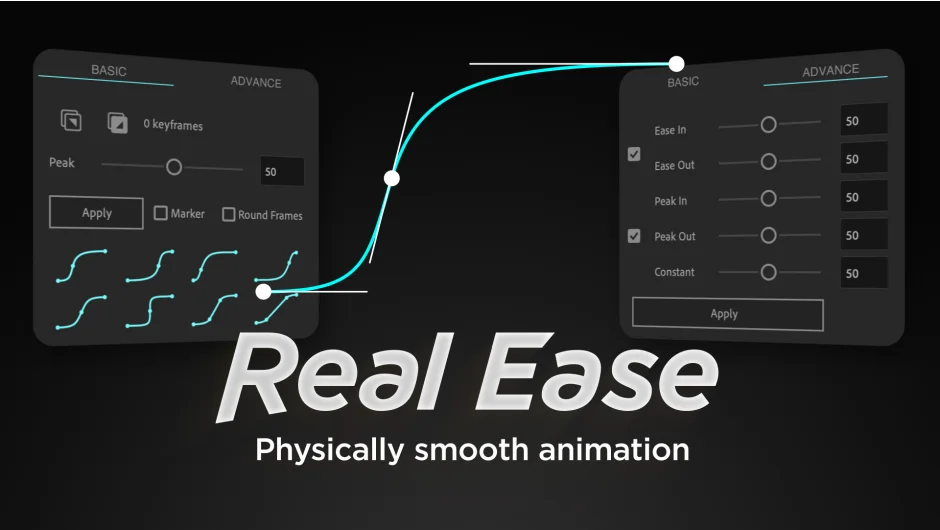
Creates physically accurate smooth animations with one click
Real Ease takes a completely different approach from Flow - instead of giving you a curve editor, it generates physically accurate motion by automatically adding an intermediate keyframe between two existing ones. You control peak velocity duration and the acceleration/deceleration forces, which produces weighted motion that's harder to replicate manually. At $20, it's cheaper than Flow's suggested price. It's not a replacement if you want a visual curve library or CSS-compatible output, but for camera moves, product animations, or anything that needs to feel physically plausible, it solves that problem more directly.
-
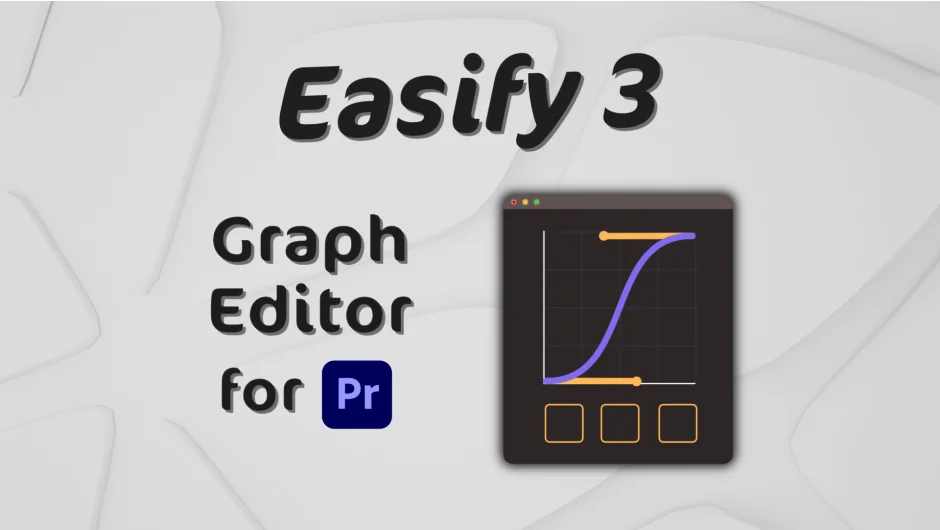
Graph editor for easing keyframe animations in Premiere Pro and After Effects
Easify 3 is the strongest direct comparison to Flow - it's a visual graph editor for easing curves with preset libraries, bezier handle controls, and copy/paste support. The key difference is Premiere Pro support, which Flow doesn't offer, making Easify 3 the better pick for editors who split time between both applications. The Pro version at $59.99 adds mathematical curve types and adjustable Elastic/Bounce/Back parameters that Flow doesn't include. The Standard version at $34.99 covers most of what Flow does, though Flow's CSS cubic-bezier output is still unique to Flow if web handoff matters.


