
What It Does
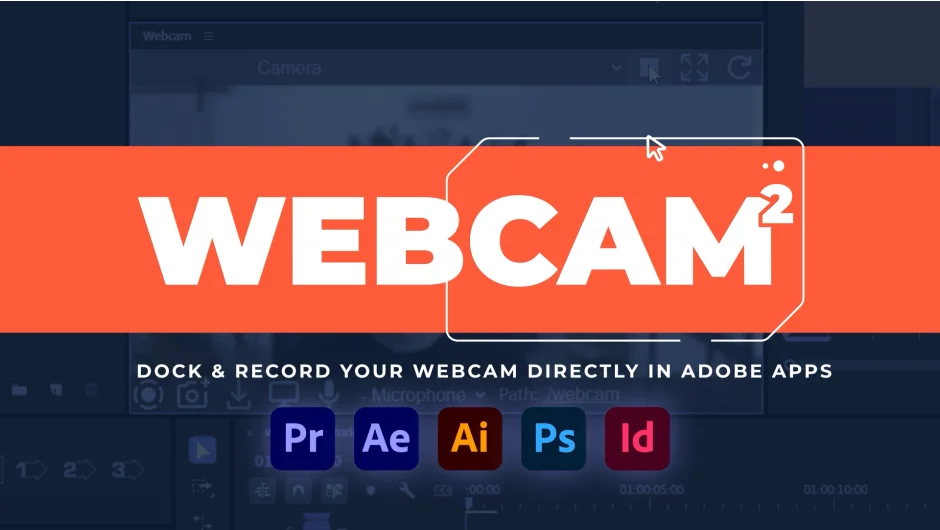
Webcam 2 puts a dockable webcam panel inside After Effects, Premiere Pro, Photoshop, Illustrator, and InDesign. You record your camera feed exactly where you’re working, skipping external screen capture tools. Version 2 adds webcam and screen recording built into the panel.
Key Features
Real webcam panel. The feed docks like any other panel in Adobe apps. You see exactly what will appear in your recording.
Dynamic resizing. Toggle between fill mode (zooms to cover the panel) and fit mode (entire feed visible). The webcam feed stays centered as you resize.
Camera selection. A dropdown menu lists all available webcams. Switch cameras without leaving the panel.
Stream control. Start and stop buttons manage the webcam stream.
Recording capabilities. Version 2 records webcam and screen footage directly. Screen recording requires Adobe 2025 or later. Due to extension limits, only the first monitor can be captured. If you’re on a laptop trying to record an external display, mirroring is currently the only workaround.
Who It’s For
Useful if you’re recording tutorials, client reviews, or reaction videos where you want your face and screen in one take. The panel approach removes the juggling act of overlaying webcam feeds in separate recording software.
On macOS, Photoshop, Illustrator, and InDesign need to launch via a shortcut to access the webcam. Photoshop on Apple Silicon Macs requires Rosetta mode. Windows has full support across all listed apps.
Pricing
This is a pay-what-you-want plugin. Name your own price, including free. Version 2 is a free upgrade for anyone who purchased Webcam 1.