
What It Does
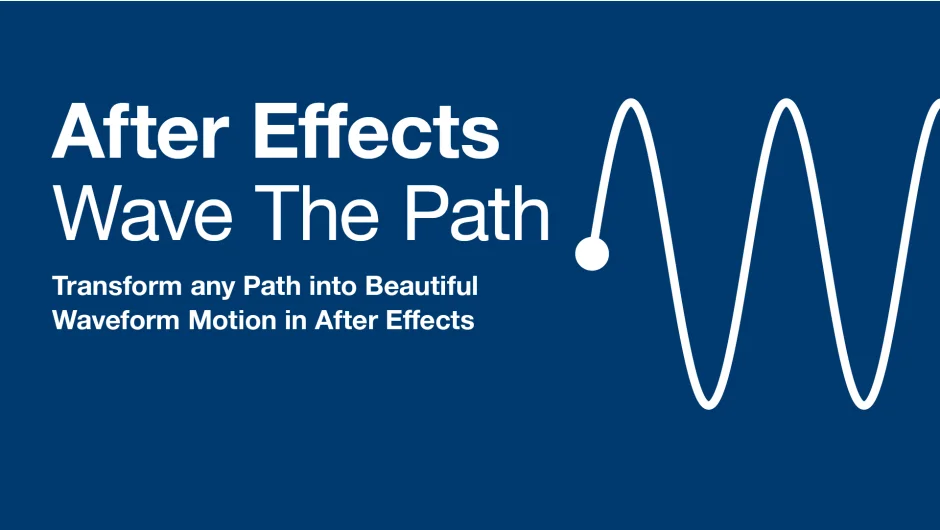
Wave The Path converts any path in After Effects into flowing waveform animations. Select a path, adjust parameters like amplitude and frequency, and watch it transform into oscillating motion. Built with GPU acceleration (Metal on macOS, Direct2D on Windows), the plugin renders waveforms in real time at 8-bit and 16-bit color depths, with CPU fallback for 32-bit float projects.
Key Features
Waveform types. Choose between sine, triangle, square, and sawtooth waves. Each produces a distinct visual character.
Amplitude and frequency controls. Amplitude adjusts the height and intensity of waves. Frequency determines how many wave cycles appear along the path. Both offer granular control over the final look.
Rotation and depth. Direct waves in any direction by adjusting the oscillation angle. Add depth to create richer visual dimension.
Effector mask control. Use any mask as a spatial effector to define where and how the wave appears. This feature opens up animations that would be tedious or impossible with traditional keyframing.
Stroke and color options. Control stroke width from thin hairlines to bold lines. Apply solid colors or gradients to both strokes and fills.
Adaptive resolution. The plugin automatically balances quality and performance, or you can set manual resolution for specific rendering needs.
All edits remain non-destructive. Your original paths stay intact while you experiment with wave settings.
Who It’s For
Motion designers working on kinetic animations, abstract backgrounds, or flowing text treatments. Also useful for anyone building looping graphics or music-driven visuals where wave motion fits the aesthetic.
Pricing
Pay-what-you-want model. The suggested price is $20, but you decide what to pay, including free if that’s what works for you.
