
What It Does
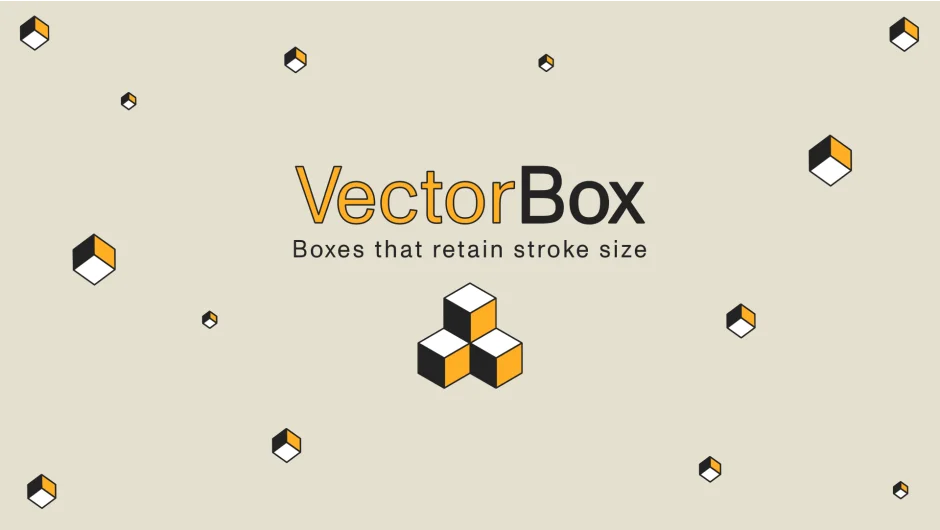
VectorBox generates 3D boxes in After Effects with a single click. The boxes maintain consistent stroke thickness regardless of their dimensions, a detail that matters when scaling or animating boxes for motion graphics work.
Click the box button in the script panel and a new box layer appears in your comp with a pseudo-effect called VectorBox attached to it. All controls live in the Effect Controls panel.
Key Features
Dimension control. Set the width, height, and depth of the box through numeric inputs. The stroke width stays constant when you change these values.
Individual face colors. Each of the six faces can be assigned its own color, useful for creating color-coded graphics or simple texture variations.
Wireframe mode. Toggle faces off to show only the strokes, which creates line-based box frames.
Squash & Stretch. Set two different sets of box dimensions and interpolate between them. This creates animated deformations without keyframing individual dimension values.
Stroke customization. Control stroke size and color independently from the box faces.
Who It’s For
Motion designers building geometric animations or isometric layouts. The consistent stroke sizing solves a common issue when scaling shape layers, where stroke thickness changes with the layer size.
Also useful for anyone creating abstract or tech-style graphics where clean lines and color-coded boxes are part of the design.
Pricing
Pay what you want (minimum pricing may apply). The developer set this up as a name-your-own-price plugin. A free trial is available from the product page.
Compatibility: After Effects CC 2014 through CC 2022. Not yet updated for After Effects 2023.