
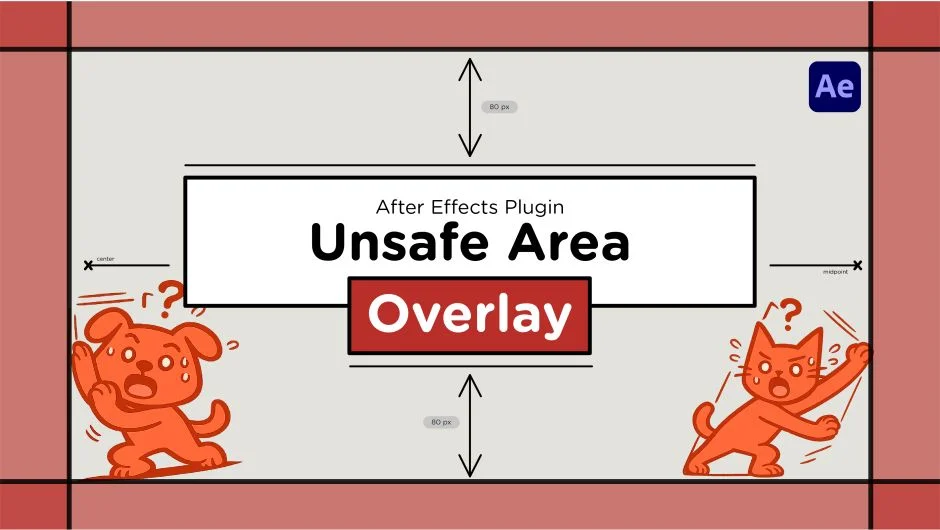
What It Does
Unsafe Area Overlay generates non-rendering guide layers that show where UI elements appear on social media platforms. Instead of guessing where text, logos, or visuals might get cropped, you see pixel-accurate margins for Instagram, TikTok, and YouTube directly in your composition.
The plugin uses aspect-locked virtual canvases. When you select Instagram Portrait 4:5, the overlay centers correctly even inside a different aspect ratio composition like Reels or YouTube. The guides appear as layers but don’t affect rendering.
Key Features
Platform presets. Includes Instagram Feed (1:1 and 4:5), Instagram Reels, TikTok, YouTube Shorts, and YouTube 16:9. Each preset applies the platform’s specific UI margins.
Aspect-ratio locking. Overlays maintain their correct proportions regardless of composition size. No stretching across different formats.
Customizable appearance. Adjust fill color, stroke color, opacity, and stroke width to match your workspace preferences.
Non-destructive workflow. Guide layers appear in the comp for reference but don’t render in your final output.
The ScriptUI panel makes generating overlays a one-click process. Useful when designing content for multiple platforms from a single composition or ensuring text stays clear of profile icons, captions, and navigation elements.
Who It’s For
Motion designers creating social media content, agencies working across multiple platforms, and video editors who need consistent safe margins. Particularly helpful when preparing templates or batch content where cropping issues are costly to fix after rendering.
Pricing
Pay what you want with a suggested minimum of $8. Individual users can choose any amount. Businesses and teams must pay the suggested price for a valid license. One-time purchase, no subscription.